
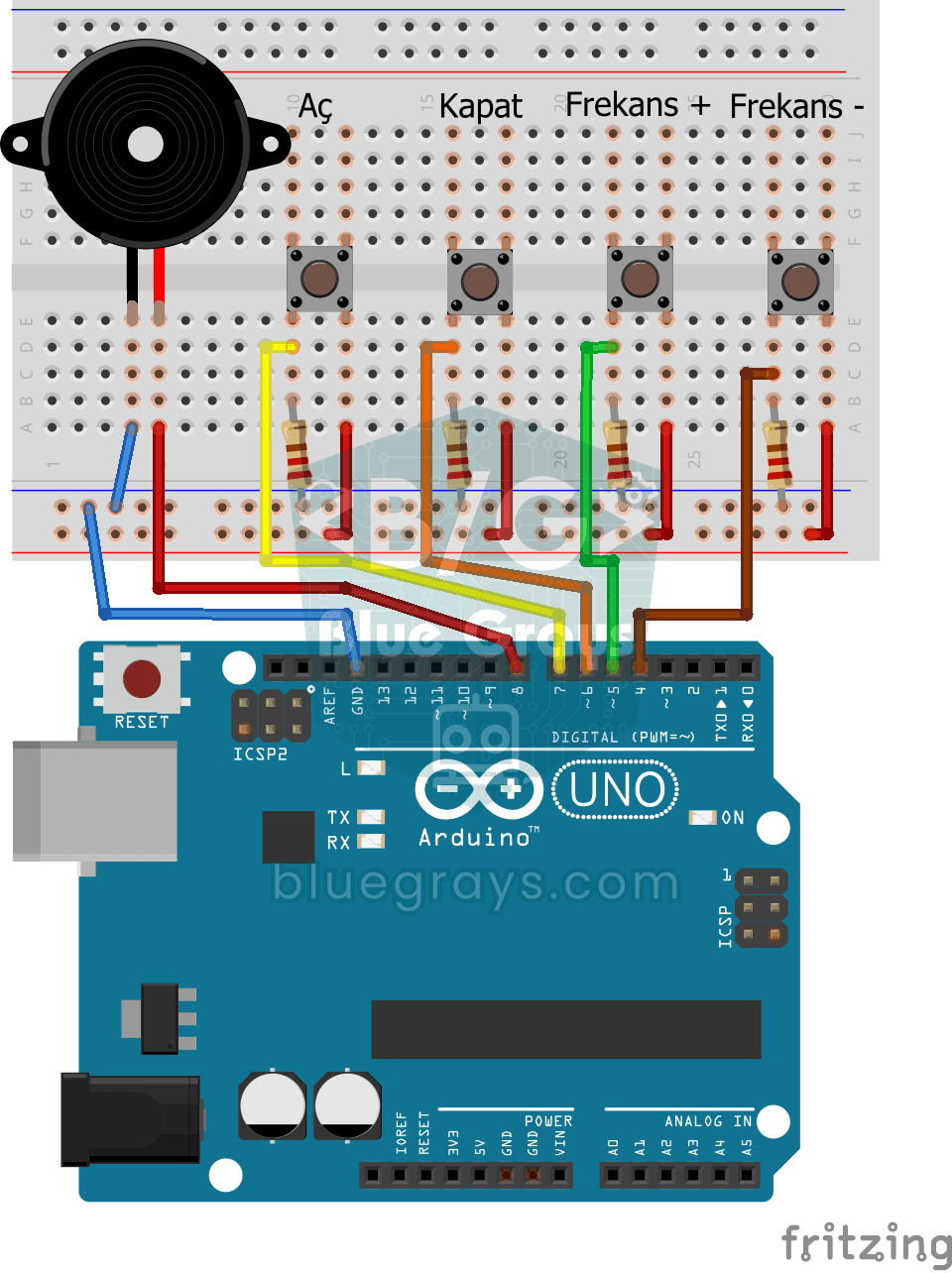
Video
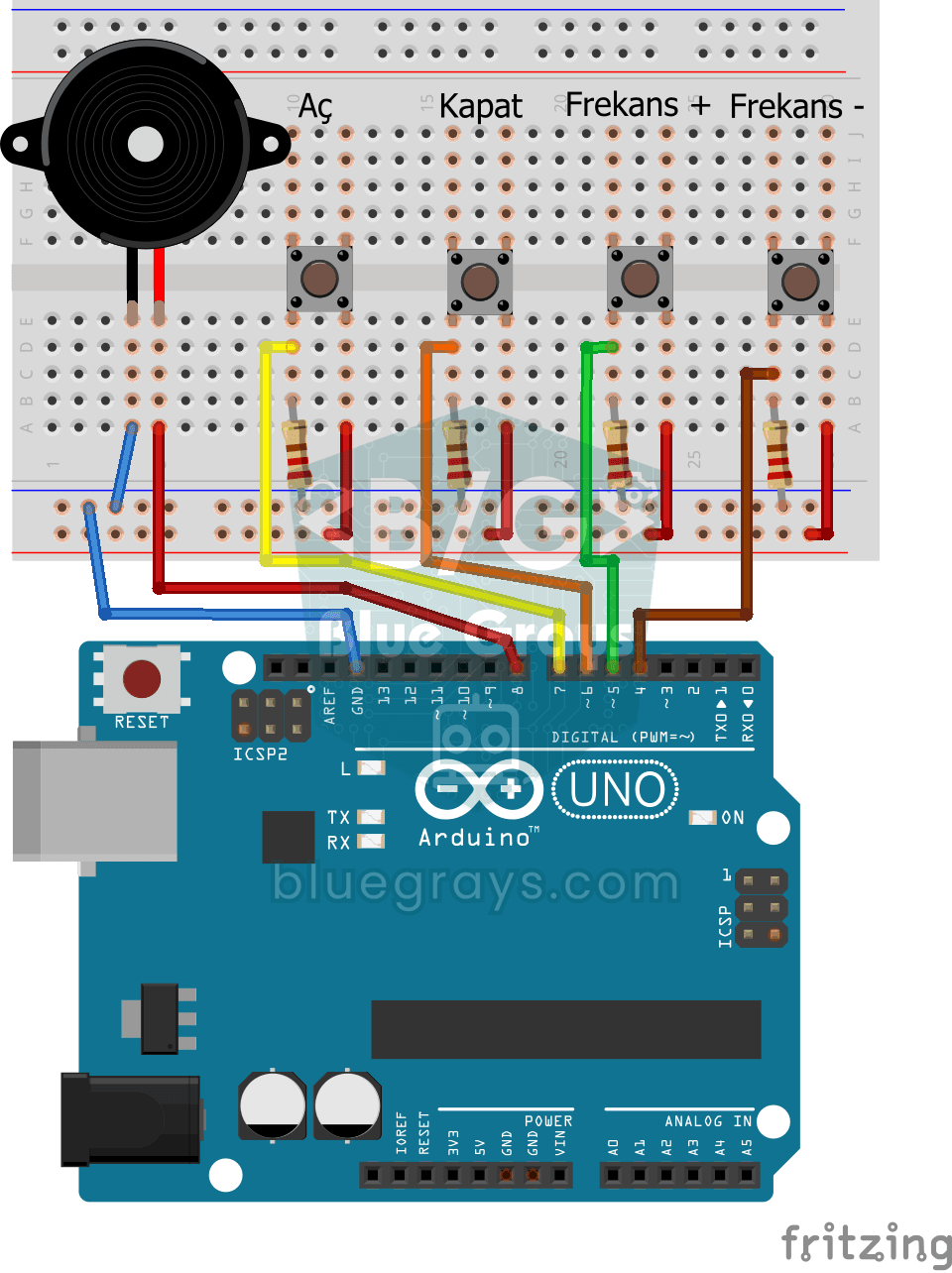
Gambar Rajah Litar
Kod Sumber
1// ─────────────────────────────────────────
2//   BlueGrays · bluegrays.com
3//   Frequency Setting with Buzzer
4// ─────────────────────────────────────────
5// Four buttons control the buzzer: On, Off, Frequency + and Frequency -.
6// Pressing On makes the buzzer play at the current frequency. The + and -
7// buttons change it by 50 Hz per press (starting at 300 Hz); the frequency
8// stays within 50-5000 Hz.
9//
10// Pins:
11//   D8 -> Buzzer + (other leg to GND)
12//   D7 -> On button
13//   D6 -> Off button
14//   D5 -> Frequency + button
15//   D4 -> Frequency - button
16//   Other leg to 5V, pin to GND via 220 ohm
17
18int buzzerPin = 8;     // Buzzer output pin
19int btnOn = 7;         // On button
20int btnOff = 6;        // Off button
21int btnIncrease = 5;   // Frequency + button
22int btnDecrease = 4;   // Frequency - button
23int frequency = 300;   // Start frequency (Hz)
24int state = 0;         // 1 = 1 = sound on, 0 = off
25
26void setup() {
27  // Buttons as inputs, with external pull-downs
28  pinMode(btnOn, INPUT);
29  pinMode(btnOff, INPUT);
30  pinMode(btnIncrease, INPUT);
31  pinMode(btnDecrease, INPUT);
32}
33
34void loop() {
35  if (digitalRead(btnOn)) {          // On: start the sound
36    state = 1;
37  }
38
39  if (digitalRead(btnOff)) {         // Off: stop the sound
40    state = 0;
41  }
42
43  if (digitalRead(btnIncrease)) {    // Raise the frequency by 50 Hz
44    frequency = frequency + 50;
45    delay(100);                      // Step slowly while held
46  }
47
48  if (digitalRead(btnDecrease)) {    // Lower the frequency by 50 Hz
49    frequency = frequency - 50;
50    delay(100);
51  }
52
53  frequency = constrain(frequency, 50, 5000);   // Keep it within 50-5000 Hz
54
55  // Play or silence the buzzer by state
56  if (state == 1) {
57    tone(buzzerPin, frequency);
58  } else {
59    noTone(buzzerPin);
60  }
61}
62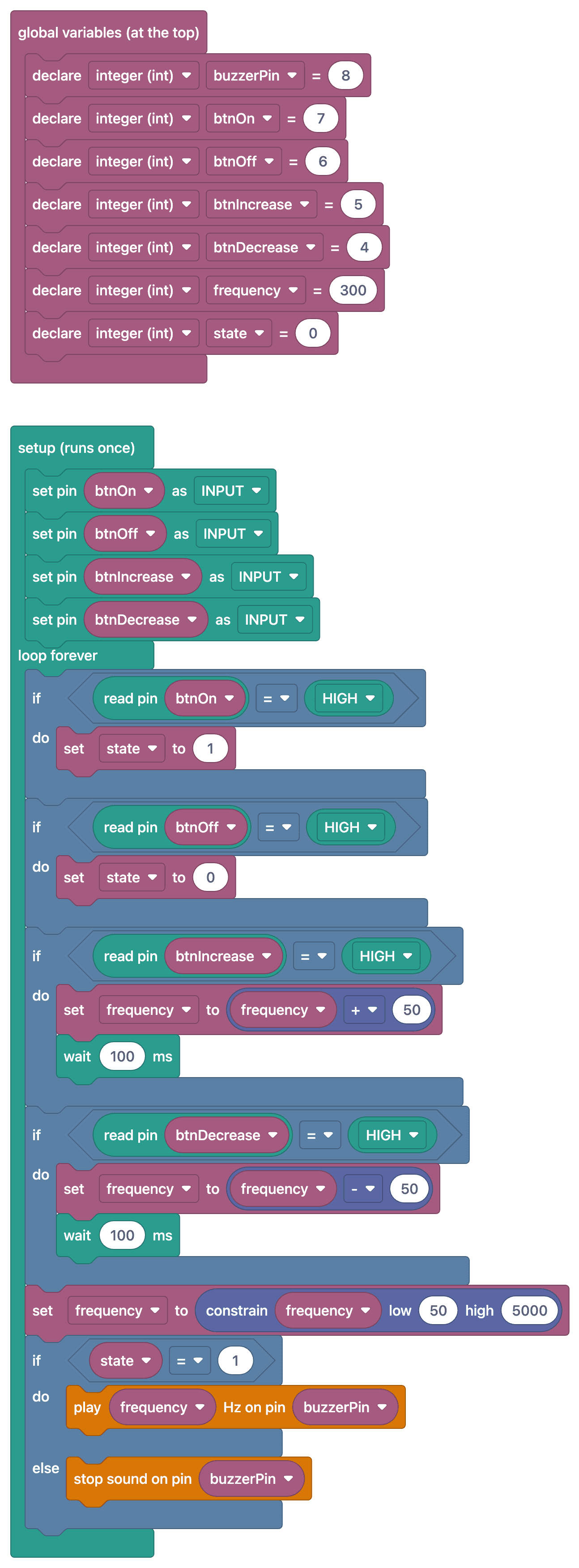
Soalan Lazim
Why are 220 Ω resistors used for the buttons?
This code reads the buttons in INPUT mode with external pull-down resistors. Each resistor connects the corresponding input to GND so that it reads LOW when the button is released. If the listed 220 Ω resistor is used for this purpose in a circuit powered at 5 V, approximately 23 mA flows through it when the button is pressed; using 10 kΩ reduces this current to approximately 0.5 mA. If the resistor value is changed, the parts list must also be updated.
In what range should the frequency be adjusted?
The human ear can hear frequencies ranging from approximately 20 Hz to 20 kHz, but small buzzers produce sound best in the 500–5,000 Hz range. Setting the increase/decrease step to 50–100 Hz makes the change audible.
When I hold down the button, the frequency changes rapidly—how can I slow it down?
If the frequency is changed on every cycle, holding down the button will cause the frequency to increase very rapidly. Either change it once per press (edge detection) or add a short delay after each change.
How can I prevent the frequency from going outside the limits?
The code already does this: the line `frequency = constrain(frequency, 50, 5000);` keeps the value between 50 and 5000 Hz. To change the range, change these two numbers; for example, setting the lower limit to 100 keeps it away from very deep, buzzy sounds.