
Projects using this component
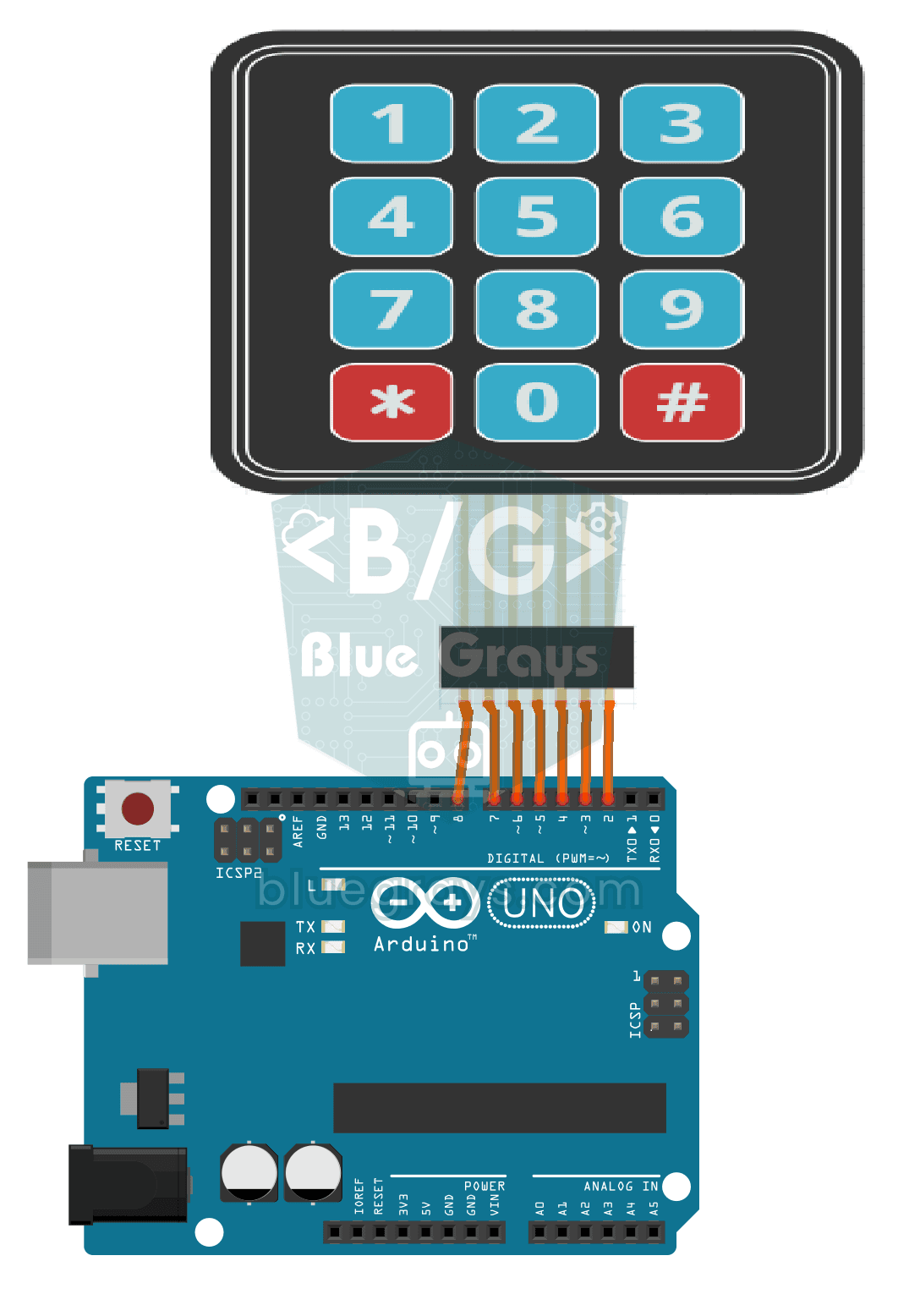
3x4 Keypad Operation
Basic project that reads the key pressed from the 3x4 keypad keypad and displays it on the Serial Monitor. Teaches the use of keypad library and matrix keypad.
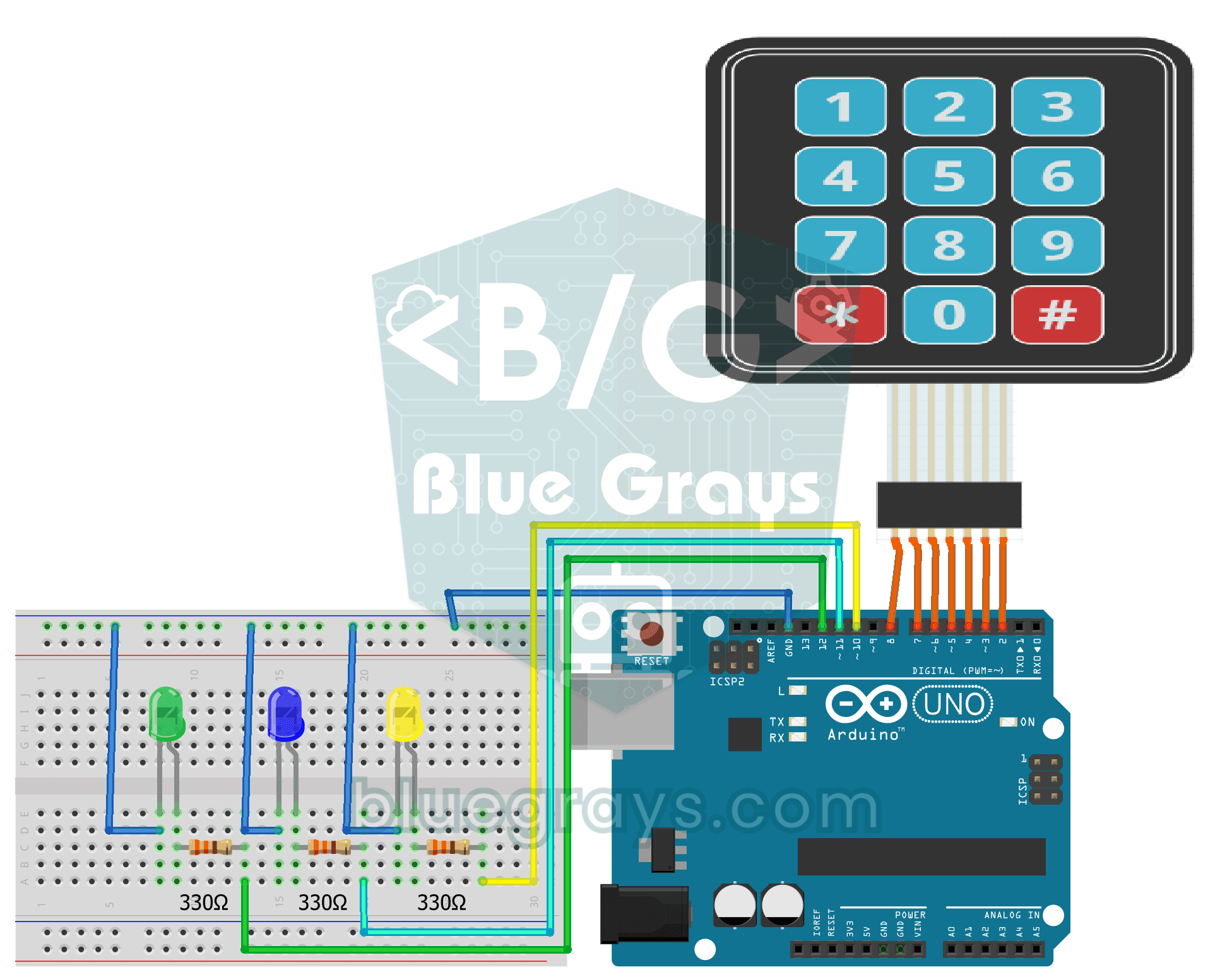
3x4 Keypad Led Application
Project that can turn 3 LEDs on and off independently with 3x4 keypad keys and perform batch control. Teaches multiple output control with keypad.
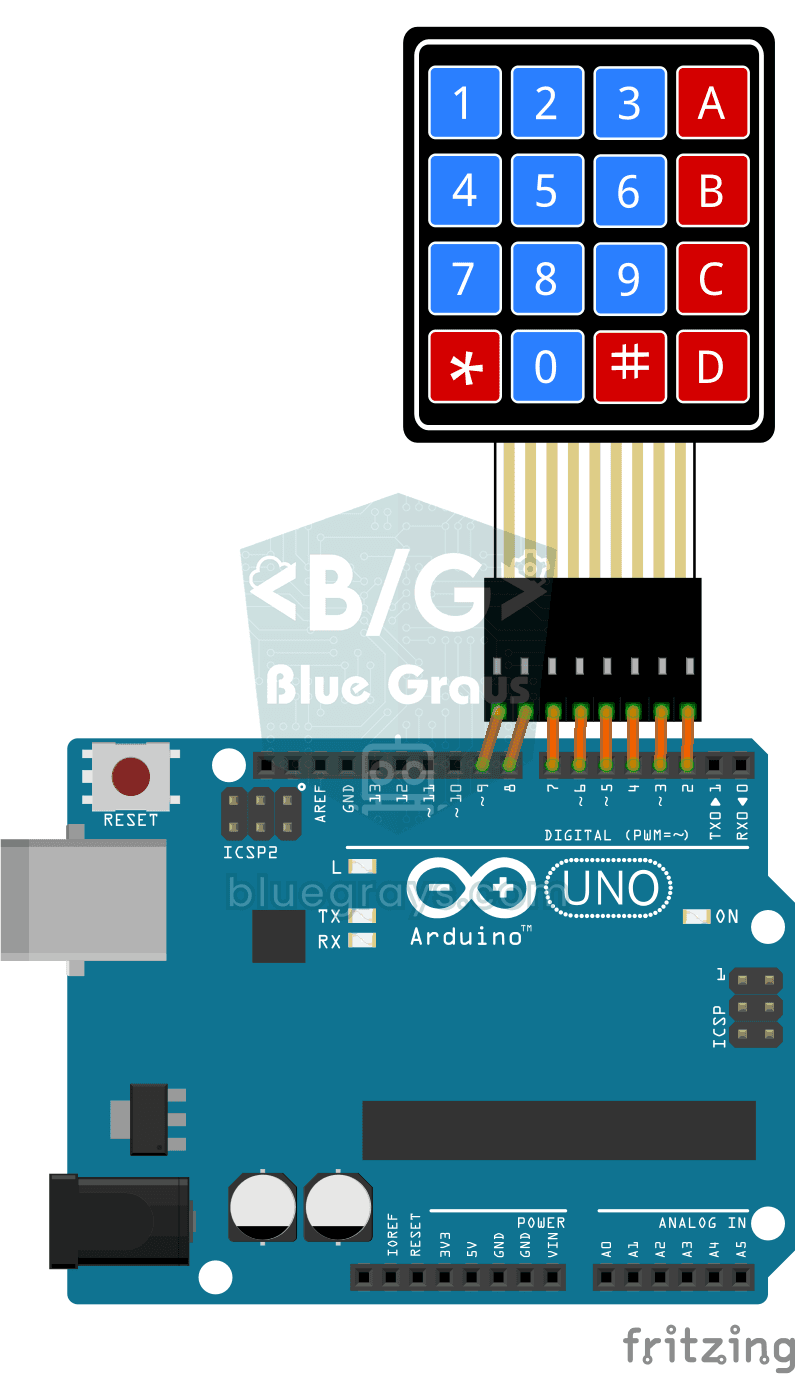
4x4 Keypad Operation
Basic project that reads the key pressed from a 4x4 keypad keypad and displays it on the Serial Monitor. Teaches 4-column extended keypad configuration.
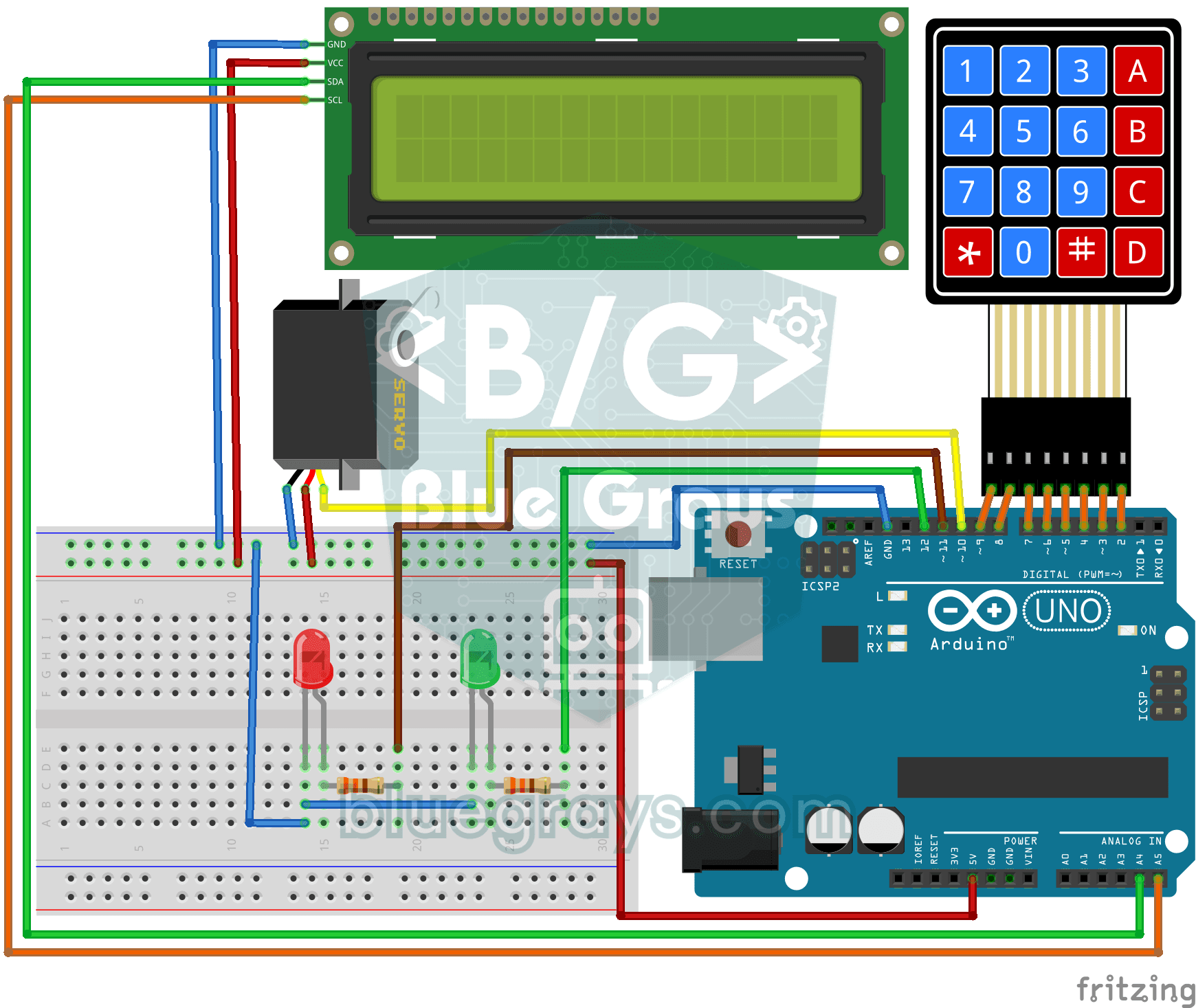
4x4 Keypad LCD Display Password App
Security project that opens the door with servo if it is correct by entering a password with a 4x4 keypad and turns on a red LED if it is wrong. Teaches password comparison and servo-LCD-keypad integr
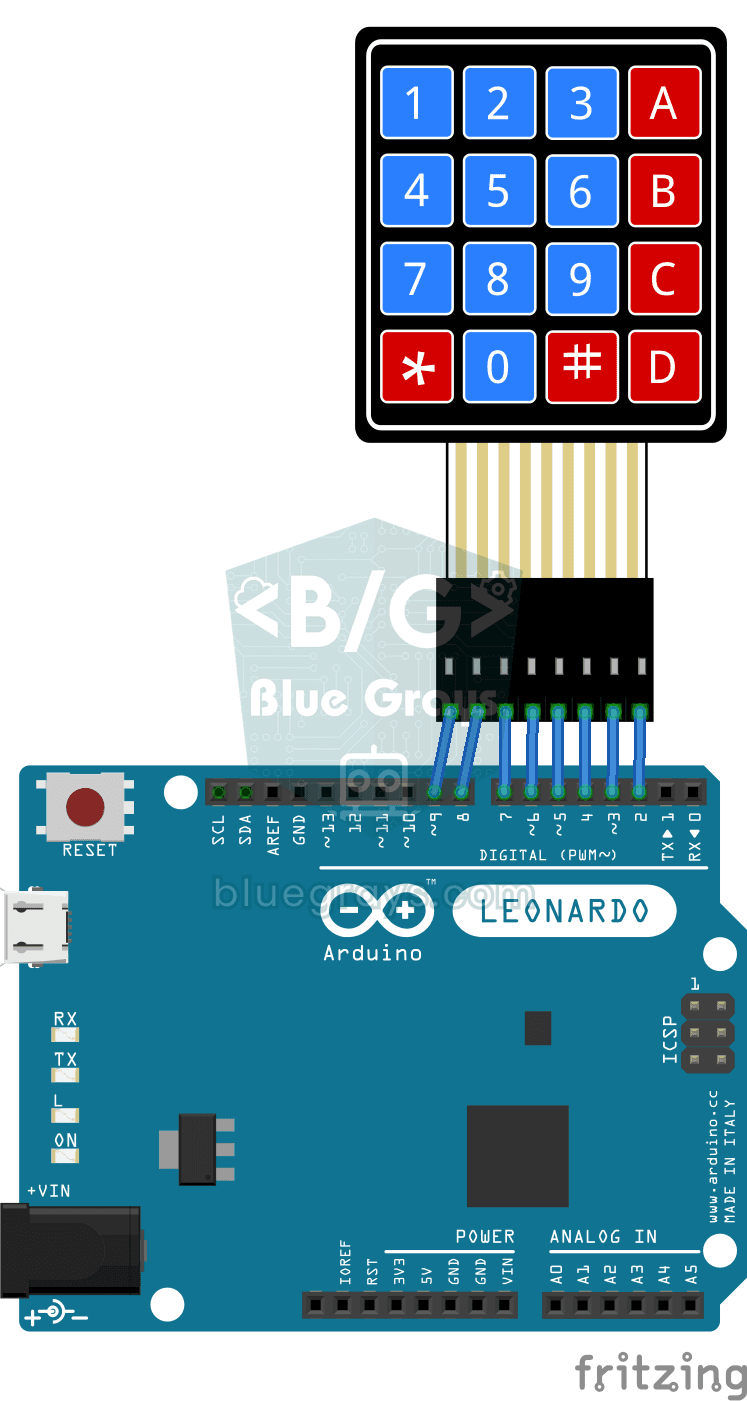
Arduino Developer Keyboard
Programmer keyboard project with Arduino Leonardo and 4x4 keypad that writes Arduino code blocks such as if, for, digitalWrite to the computer with a single key. Teaches HID keyboard emulation.
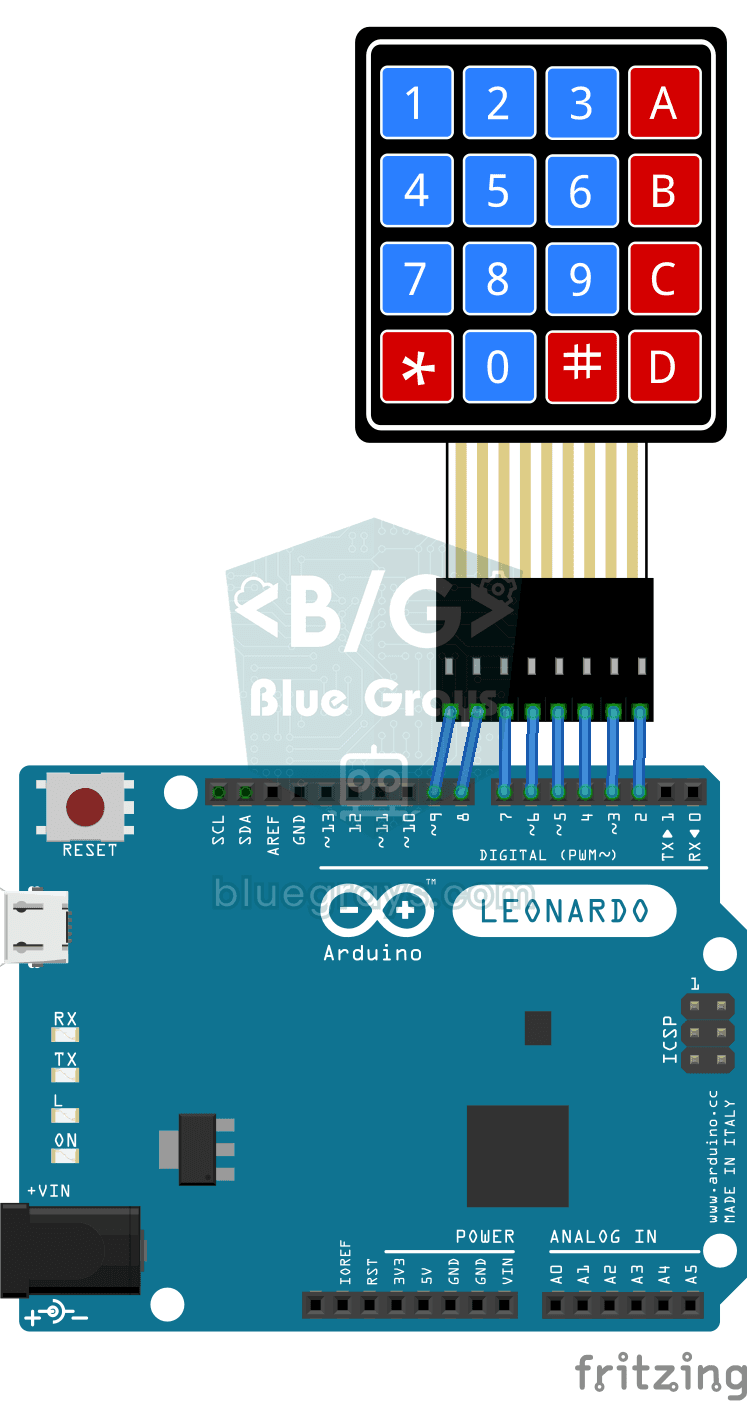
Python Developer Keyboard
Programmer keyboard project that writes Python code blocks such as if, for, print to the computer with Arduino Leonardo and 4x4 keypad with one button. Teaches HID keyboard emulation.

Smart Electronic Safe
Smart Electronic Safe is an Arduino based password protected security system. It opens and closes the servo motor controlled lock mechanism with a 4-digit password entered via the 4x4 keypad and trans

Arduino I2C Calculator
It is an Arduino-based calculator project that performs addition, subtraction, multiplication and division operations using a 4x4 membrane keypad and a 16x2 I2C LCD display. Thanks to I2C, the display connection is provided with only 2 cables, thus reducing cable clutter and keeping more pins open for use. There is also decimal number input and negative number support.

RGB Led Control with Keypad
This project allows you to manage the RGB LED between modes and colors via the 4x4 Keypad. Thanks to the millis() structure, commands are processed without delay. 🎮 User Guide: Key A: Fixed speed Fade effect. B Key: Smooth transition with adjustable speed. C / D: Increases / Decreases the effect speed. 1 - 9: Quick Master Color selection. * / #: Special Intermediate Colors (Pink, Light Green, etc.). 0 Key: Turns off the system.