
PIR Motion Sensor (HC-SR501): Motion Detection with Arduino, ESP32 and Pico
How does a PIR motion sensor work? HC-SR501 wiring, sensitivity and time adjustment, H/L trigger modes, Arduino, ESP32 and Pico code, a motion-activated light and how to avoid false triggers.
A PIR (Passive InfraRed) sensor is a cheap, very low-power sensor that detects when a person or animal moves within its field of view. Stair lights that switch on by themselves, alarm systems and automatic doorbells usually rely on a PIR. The word "passive" means the sensor doesn't emit anything itself: it only listens to the infrared radiation given off by warm objects around it. The most popular model in Arduino projects is the HC-SR501.
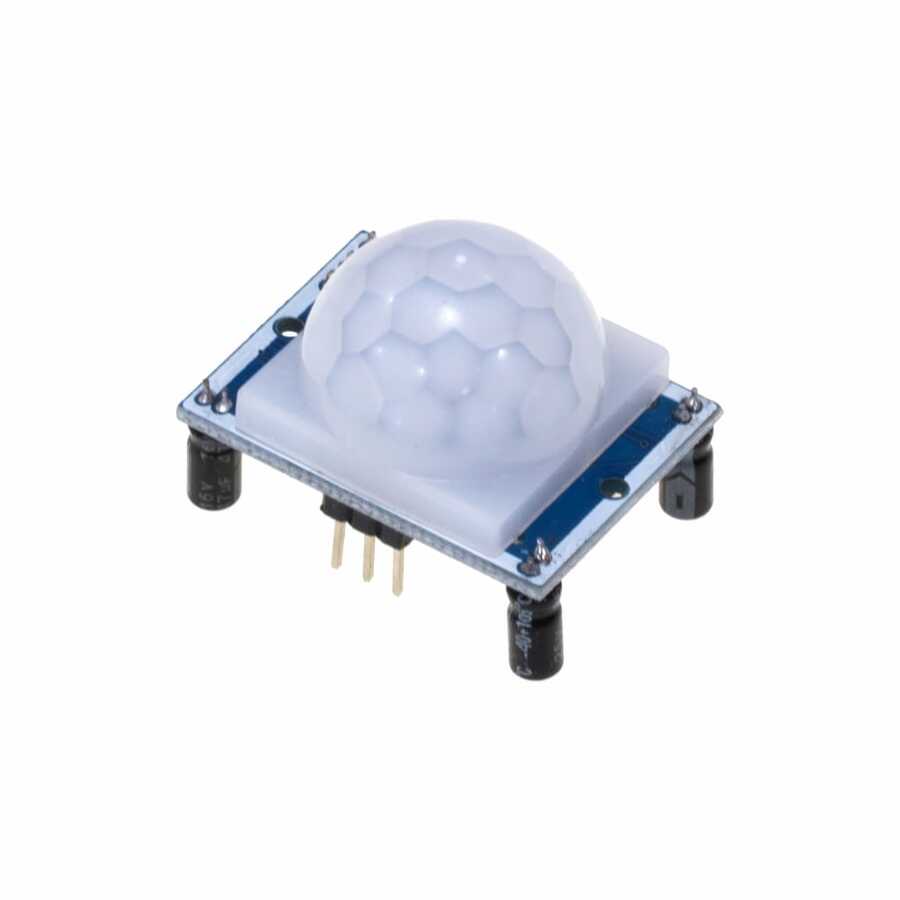
How does a PIR sensor work?
Every object warmer than absolute zero emits infrared radiation, and the human body emits most strongly at a wavelength of 9–10 micrometres. At the heart of the sensor is a pyroelectric element that reacts to this radiation, and it's split into two halves. When nothing moves, both halves see the same amount of radiation, their signals cancel out and the output stays quiet. When someone crosses the field of view, first one half and then the other receives more radiation; the module's circuit picks up this difference and the OUT pin goes HIGH.
The white dome on top is a Fresnel lens. It divides the field of view into dozens of small zones and focuses the radiation from each zone onto the element. As a person moves from one zone to the next, the signal changes; that's why a PIR sensor is great at detecting movement but can't detect someone standing perfectly still.
HC-SR501 specifications
| Feature | Value |
|---|---|
| Supply voltage | 4.5–20 V (5 V recommended) |
| Standby current | About 50 µA |
| Output | Digital: 3.3 V with motion, 0 V without |
| Detection range | 3–7 m (adjustable) |
| Detection angle | About 110° |
| Output time | About 3 seconds – 5 minutes (adjustable) |
| Blocking time | About 2.5 seconds after the output turns off |
| Warm-up time | 30–60 seconds at power-up |
Settings on the module
- Sx (sensitivity) pot: sets the detection range. Turning it clockwise increases the range from about 3 to 7 metres.
- Tx (time) pot: sets how long the output stays HIGH after motion is detected. Turning it clockwise makes it longer.
- Trigger jumper H (repeatable): the timer restarts every time while motion continues; ideal for controlling lights.
- Trigger jumper L (single): the output goes LOW when the time runs out, even if motion continues; a new trigger is then needed.
- Blocking time: for about 2.5 seconds after the output goes LOW, new motion isn't detected; this can't be adjusted.
HC-SR501 pinout and wiring
| Pin | Function | Arduino Uno | ESP32 | Raspberry Pi Pico |
|---|---|---|---|---|
| VCC | Power | 5V | VIN (5V) | VBUS (5V) |
| OUT | Digital output (3.3 V) | D2 | GPIO 27 | GP16 |
| GND | Ground | GND | GND | GND |
Detecting motion with Arduino
The code below waits for the sensor to warm up, then prints a message to the Serial Monitor once when motion starts and once when it ends, switching the Arduino's built-in LED on and off. Watching only for changes of state, rather than printing the output over and over, is also the approach you'll use in real projects.
1const int PIR_PIN = 2;
2const int LED_PIN = 13;        // dahili LED / built-in LED
3
4bool motion = false;
5
6void setup() {
7  pinMode(PIR_PIN, INPUT);
8  pinMode(LED_PIN, OUTPUT);
9  Serial.begin(9600);
10  Serial.println("Sensör ısınıyor / warming up...");
11  delay(30000);                  // ilk 30 sn kararsız / unstable for ~30 s
12  Serial.println("Hazır / ready");
13}
14
15void loop() {
16  bool now = digitalRead(PIR_PIN);
17  if (now && !motion) {
18    Serial.println("Hareket algılandı / motion detected");
19    digitalWrite(LED_PIN, HIGH);
20    motion = true;
21  } else if (!now && motion) {
22    Serial.println("Hareket bitti / motion ended");
23    digitalWrite(LED_PIN, LOW);
24    motion = false;
25  }
26}Motion-activated light: timing with millis()
Keeping the on-time in your code instead of on the module's Tx pot is much more flexible. The code below records the time whenever motion is detected and switches the light off 20 seconds after the last movement, so the light stays on as long as someone is moving in the room. You can connect an LED to LIGHT_PIN, or a relay module for a mains lamp; if you use an active-LOW relay, swap HIGH and LOW on the last line. Relay wiring is covered in What Is a Relay Module?
1const int PIR_PIN = 2;
2const int LIGHT_PIN = 7;               // LED ya da röle / LED or relay
3const unsigned long ON_TIME = 20000;   // son hareketten sonra 20 sn / 20 s after last motion
4
5unsigned long lastMotion = 0;
6
7void setup() {
8  pinMode(PIR_PIN, INPUT);
9  pinMode(LIGHT_PIN, OUTPUT);
10}
11
12void loop() {
13  if (digitalRead(PIR_PIN) == HIGH) {
14    lastMotion = millis();             // her harekette süreyi yenile / refresh on every motion
15  }
16  bool on = (lastMotion != 0) && (millis() - lastMotion < ON_TIME);
17  digitalWrite(LIGHT_PIN, on ? HIGH : LOW);
18}
PIR with the ESP32 and Raspberry Pi Pico
The HC-SR501's output is already 3.3 V, so it can connect directly to the ESP32 and Pico without a voltage divider. Power the module itself from 5 V, though, because its on-board regulator is unstable below 4.5 V. The same Arduino code runs on the ESP32; in battery projects, putting the ESP32 into deep sleep and waking it with the PIR output (ext0 wakeup) extends battery life by weeks. On the Pico with MicroPython, you can use an interrupt to catch motion without missing it:
1from machine import Pin
2import time
3
4pir = Pin(16, Pin.IN)            # GP16
5led = Pin(25, Pin.OUT)           # dahili LED; Pico W'de Pin("LED") / onboard LED; Pin("LED") on Pico W
6
7def on_motion(pin):
8    led.value(pin.value())       # hareket varken yanar / on while there is motion
9    print("Hareket / motion" if pin.value() else "Bitti / ended")
10
11pir.irq(trigger=Pin.IRQ_RISING | Pin.IRQ_FALLING, handler=on_motion)
12
13while True:
14    time.sleep(1)
Avoiding false triggers
- Don't point it at heat sources: radiators, air-conditioner vents, sunny windows and hot lamps trigger the sensor with sudden temperature changes.
- Keep it away from moving objects: curtains, plants or branches swaying in the wind look like movement if they've warmed up in the sun.
- Clean up the power supply: relays and Wi-Fi modules add noise to the supply; put a 100 µF capacitor between the sensor's VCC and GND.
- Keep it a little away from the ESP32: an HC-SR501 right next to the Wi-Fi antenna can trigger now and then by itself; a few centimetres of distance and a short wire usually fix it.
- For pets: lower the sensitivity and mount the sensor high up, angled slightly downwards.
- Don't put it behind glass: ordinary glass blocks infrared radiation, so a sensor behind a window can't see movement outside.
PIR, microwave radar or ultrasonic?
| Feature | PIR (HC-SR501) | Microwave radar (RCWL-0516) | Ultrasonic (HC-SR04) |
|---|---|---|---|
| What it detects | Warm, moving objects | Any kind of movement | Distance to an object in front |
| Through a thin wall or enclosure | No | Yes | No |
| A person standing still | No | No | Measured as a distance |
| Power consumption | Very low (~50 µA) | Low (~3 mA) | Medium (~15 mA) |
| Typical use | Lights, alarms | Hidden sensors, door openers | Obstacle detection, level measurement |
If you want to know whether someone is moving, rather than whether someone is in the room, PIR is the most economical solution. If you need to measure how far away an object is, take a look at HC-SR04 Distance Sensor.
PIR sensor project ideas
- Automatic hallway light: switch a lamp on with a relay when motion is detected and off after 30 seconds without movement.
- Burglar alarm: sound a buzzer if motion is detected in night mode; for the sound part see What Is a Buzzer?
- Smart night light: combine the PIR with an LDR Light Sensor for a lamp that turns on only when it's dark and someone moves.
- Phone notifications: send a Telegram message from an ESP32 when motion is detected.
- Power-saving display: turn an LCD's backlight on when someone approaches and off when they leave.
- Visitor counter: count each movement through a doorway and show it on a display.
Common mistakes and how to fix them
- The output stays HIGH all the time: the Tx time is too long, or there's constant motion in H mode; turn the pot down and make sure the sensor isn't facing a heat source.
- It never triggers: VCC may not be 5 V, the sensor may still be warming up, or the OUT wire may be on a different pin from the one in your code.
- It triggers by itself every few seconds: the supply is noisy; add a capacitor and move it away from relays and Wi-Fi modules.
- It doesn't detect again right after motion ends: the blocking time of about 2.5 seconds is normal; the sensor isn't faulty.
- Mounting it the wrong way round: a PIR detects best when movement crosses its field of view sideways; it notices someone walking straight towards it later.
A PIR sensor is one of the best starting points for your first smart home project: it connects with three wires and you see the result straight away. In the BlueGrays app you'll find motion-sensor light, doorbell and alarm projects step by step with circuit diagrams and code.
Frequently asked questions
How far can a PIR sensor detect?
The HC-SR501 detects between 3 and 7 metres over an angle of about 110 degrees. You set the range with the Sx (sensitivity) pot on the module; turning it clockwise increases it.
Does a PIR sensor detect a person who is standing still?
No. A PIR only detects changes in infrared radiation, in other words movement. It won't notice someone sitting perfectly still. To tell whether someone is in a room, mmWave presence radars such as the LD2410 are used.
Does a PIR sensor work through glass?
No. Ordinary window glass doesn't let through the infrared radiation the human body emits, so a sensor behind glass can't see movement outside. For outdoor use, mount the sensor outside in a spot sheltered from rain.
Does the HC-SR501 work at 3.3 V?
Its regulator is unstable below 4.5 V, so it needs a 5 V supply. The output is already 3.3 V, so it can connect directly to an ESP32 or Pico. If you want a fully 3.3 V system, use the small AM312 PIR module, which runs from 2.7–12 V.
Why does my PIR sensor trigger by itself?
The most common causes are the warm-up period, heat sources the sensor is facing (radiators, sun, air conditioning) and noise on the power supply. Ignore the first 60 seconds, turn the sensor away from heat sources, add a capacitor between VCC and GND and keep it away from Wi-Fi modules.
What's the difference between H and L mode on the HC-SR501?
In H (repeatable) mode the output timer restarts with every detection while motion continues, so a light stays on as long as there's movement. In L (single) mode the output turns off when the set time runs out, even if motion continues; a new trigger comes after the blocking time.
Projects to build after reading this
See all projects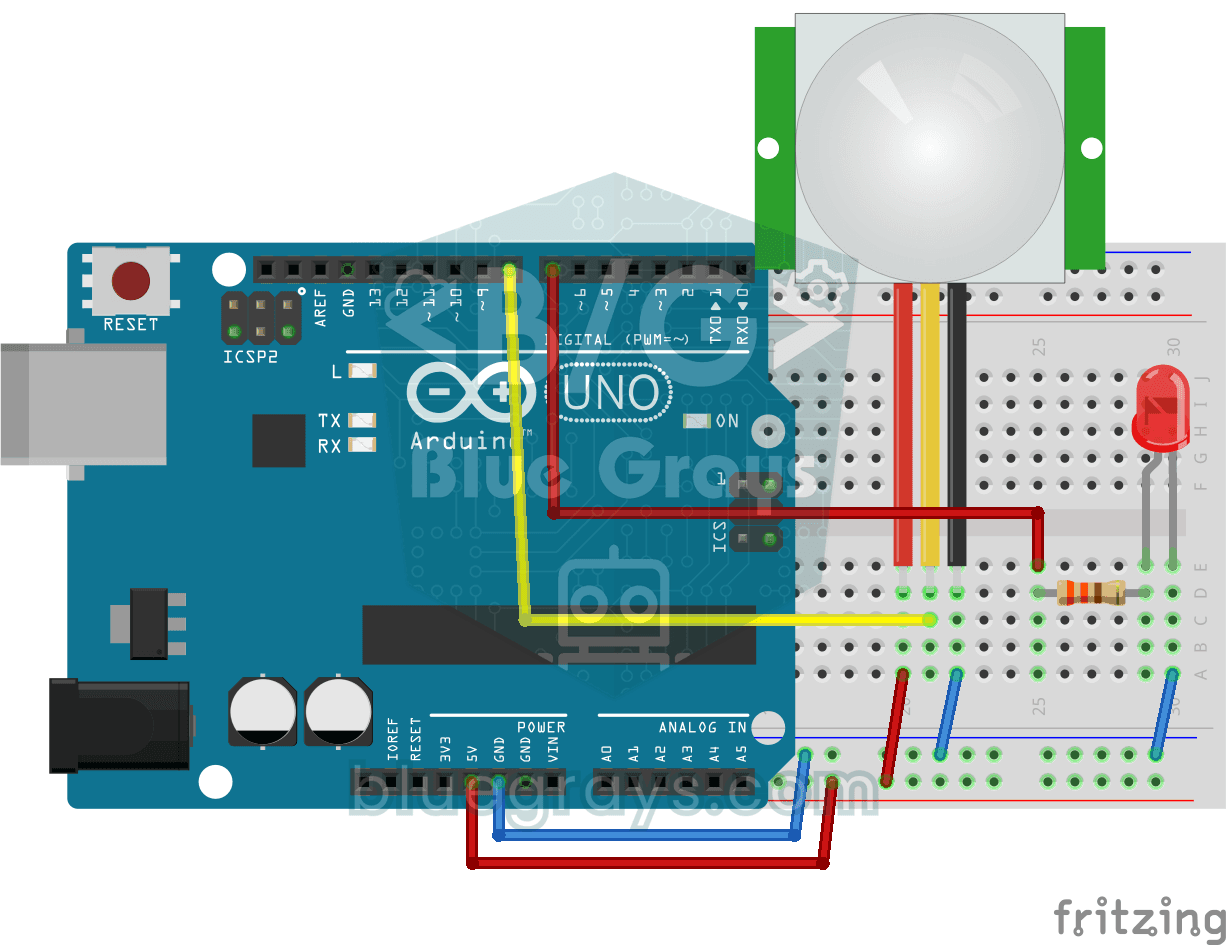
Motion Detector with Motion Sensor
Basic project that detects motion in the environment with PIR motion sensor and lights LEDs. Teaches digital sensor reading and motion detection logic.
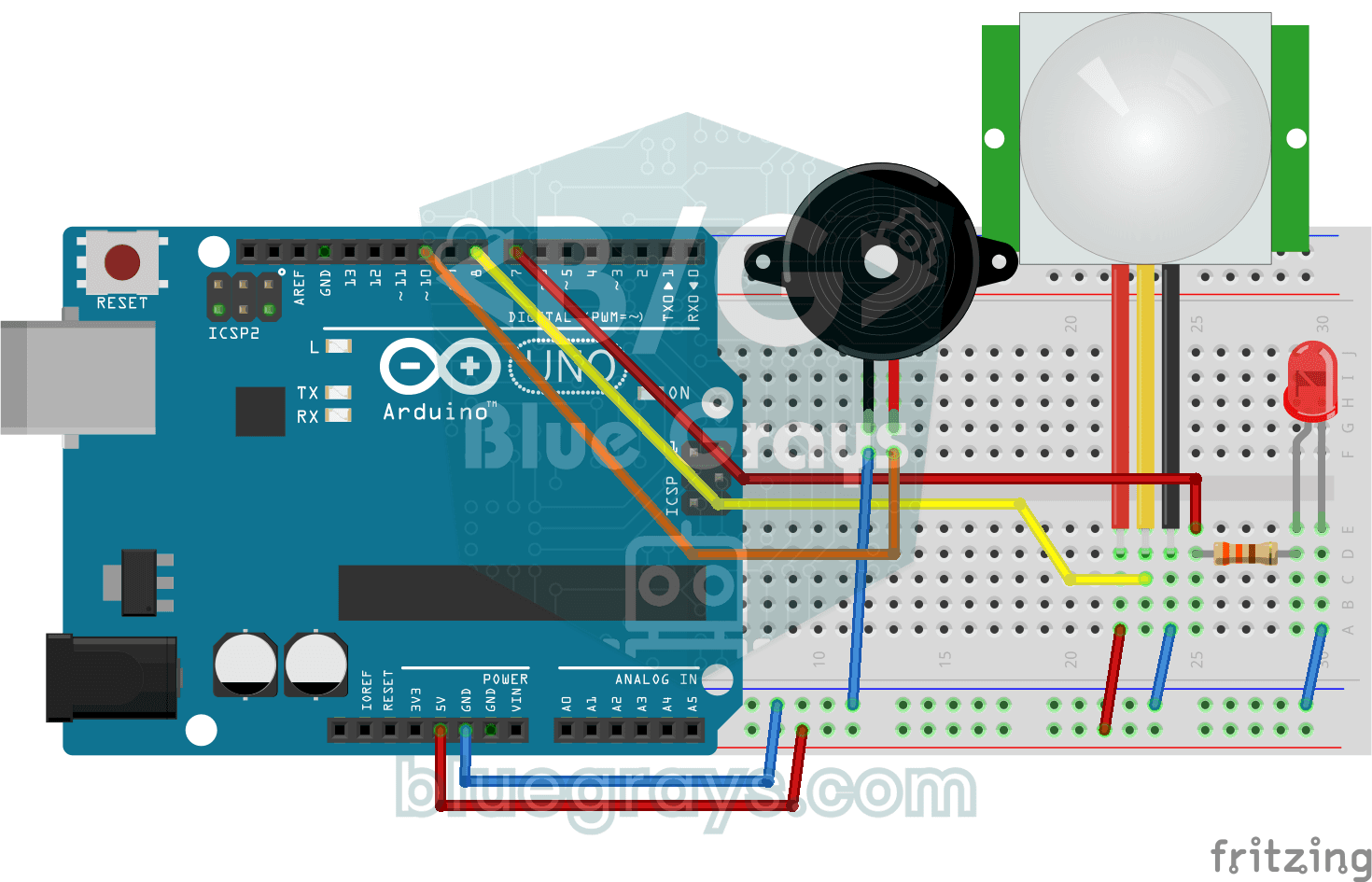
Doorbell and Light with Motion Sensor
A project that lights the LED and plays the doorbell melody with a buzzer when the PIR sensor detects motion. Combines motion detection with sound and light notification.

Automatic Lighting with the ESP32 PIR Motion Sensor
In this project, we will use the HC-SR501 PIR motion sensor to detect when someone enters the room and automatically turn on the LED. When motion is detected, the LED will stay on for a set period of time, and we will manage the timing using the `millis()` function and a counter, without needing to use `delay()`. This way, we’ll create a motion-sensor-based lighting system that doesn’t tie up the ESP32, allowing it to perform other tasks as well. In real-life applications, it can be used for sta

ESP32 Motion Detection Alarm
In this project, which uses an ESP32 and a PIR sensor, a buzzer sounds an audible alarm when motion is detected. It is a simple and low-cost security system application. (The images are for illustrative purposes only; please refer to the text for details.)

ESP32 Smart Lighting (PIR + LDR + Relay + OLED)
Turn your hallway, bathroom, or pantry into smart lighting with ESP32! Using a PIR motion sensor, LDR light sensor, and a relay module, we build the classic "light turns on when motion is detected in the dark" scenario — if the environment is already bright, motion does NOT trigger the light, saving energy during the day. The light stays on for 30 seconds; if motion continues, the timer resets and the light stays on longer. The SSD1306 OLED shows large-font status (ON / DAYTIME / WAITING), a cou
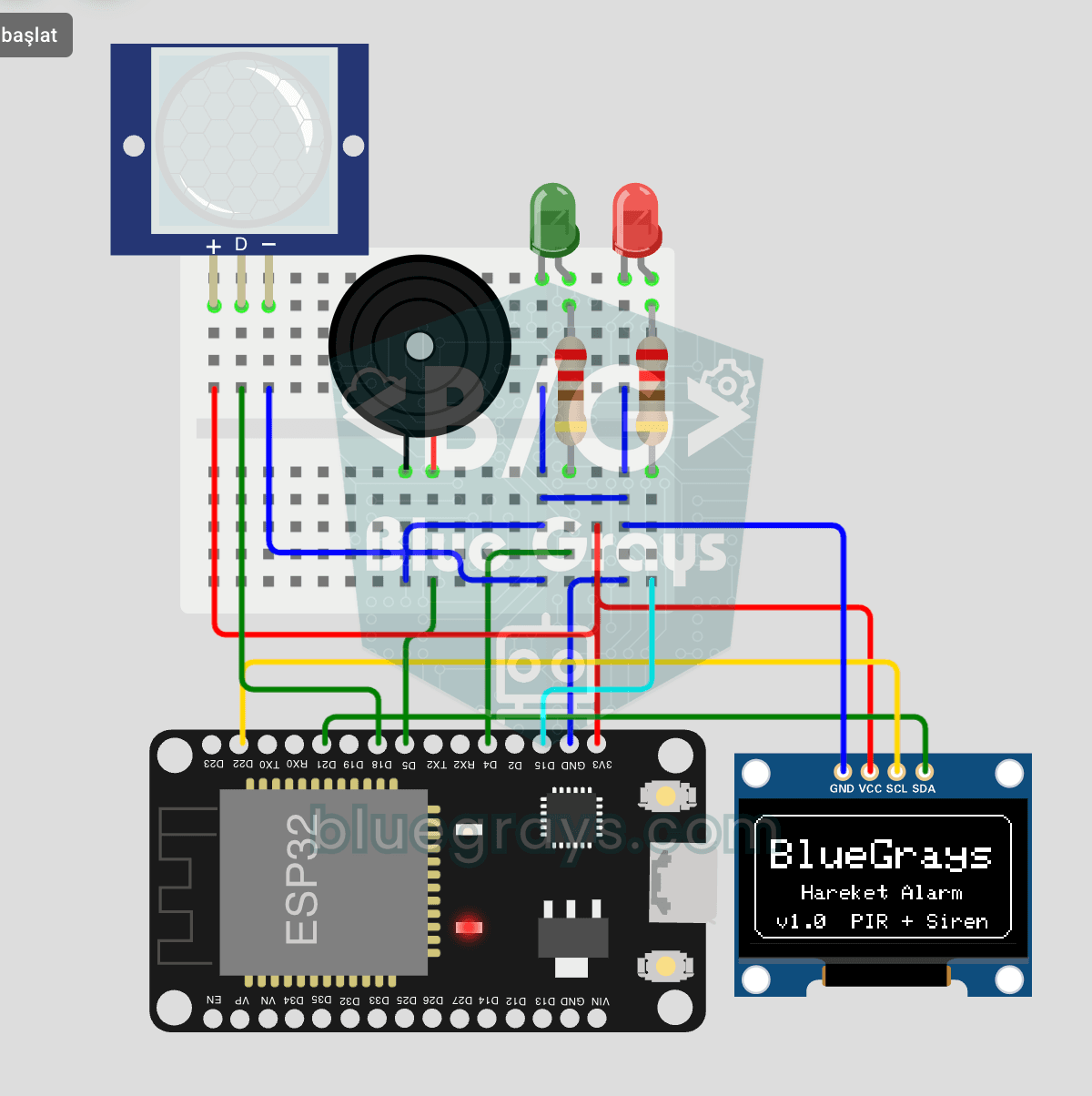
ESP32 Motion Alarm System (PIR + Buzzer + LED + Telegram)
A smart security alarm system that activates the buzzer and LED when the PIR sensor detects motion, while simultaneously sending an instant notification to the owner via Telegram. It includes a 30-second cooldown to prevent false alarms. Suitable for home security, garage monitoring, warehouses, or workrooms. With ESP32-CAM, photo notifications can be added; with the classic ESP32 DevKit V1, text notifications are sent.
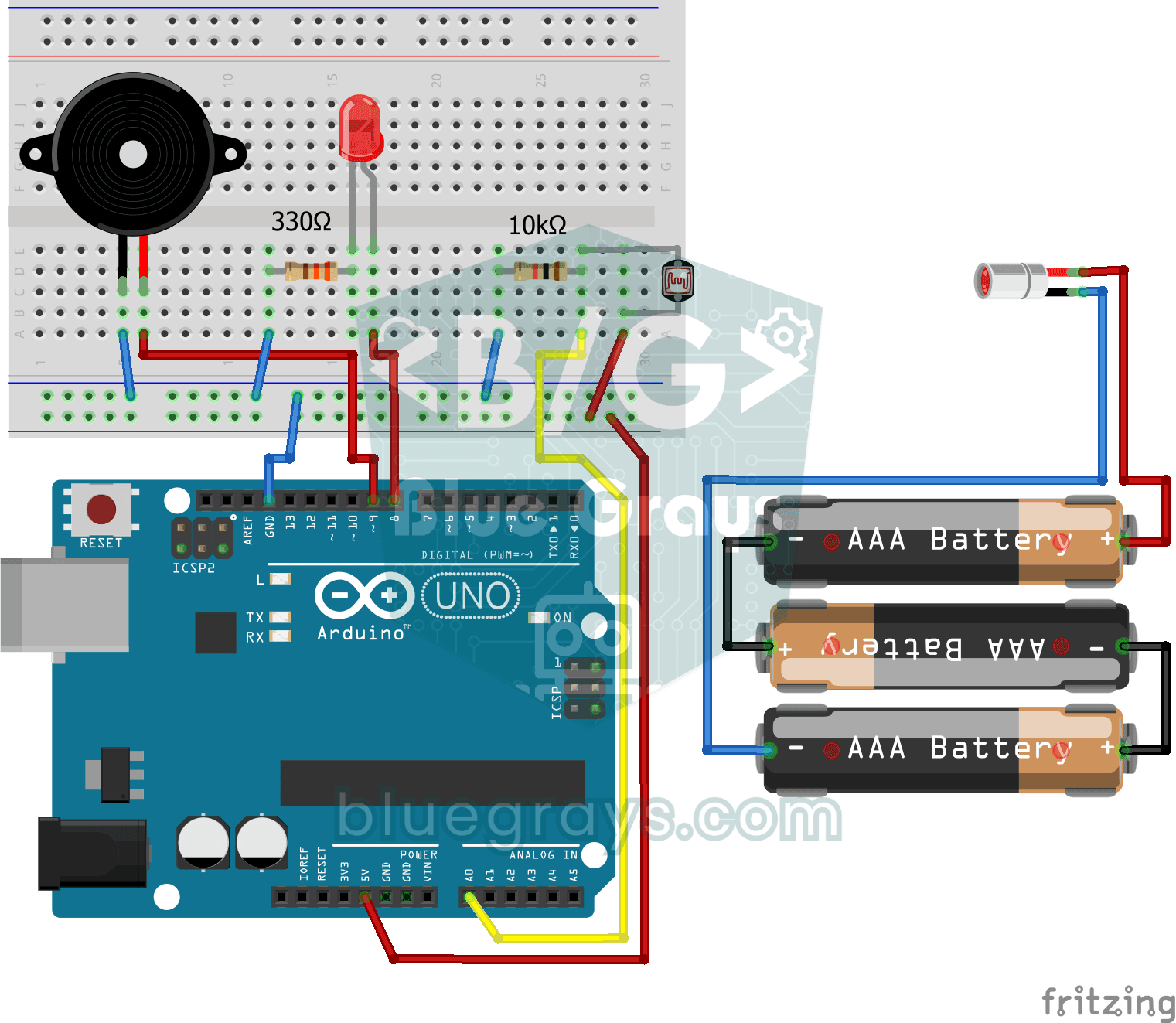
Laser Warning System
Security project that detects when the laser beam is interrupted via LDR and warns with buzzer and LED. Teaches the logic of light interruption detection with laser-LDR pair.
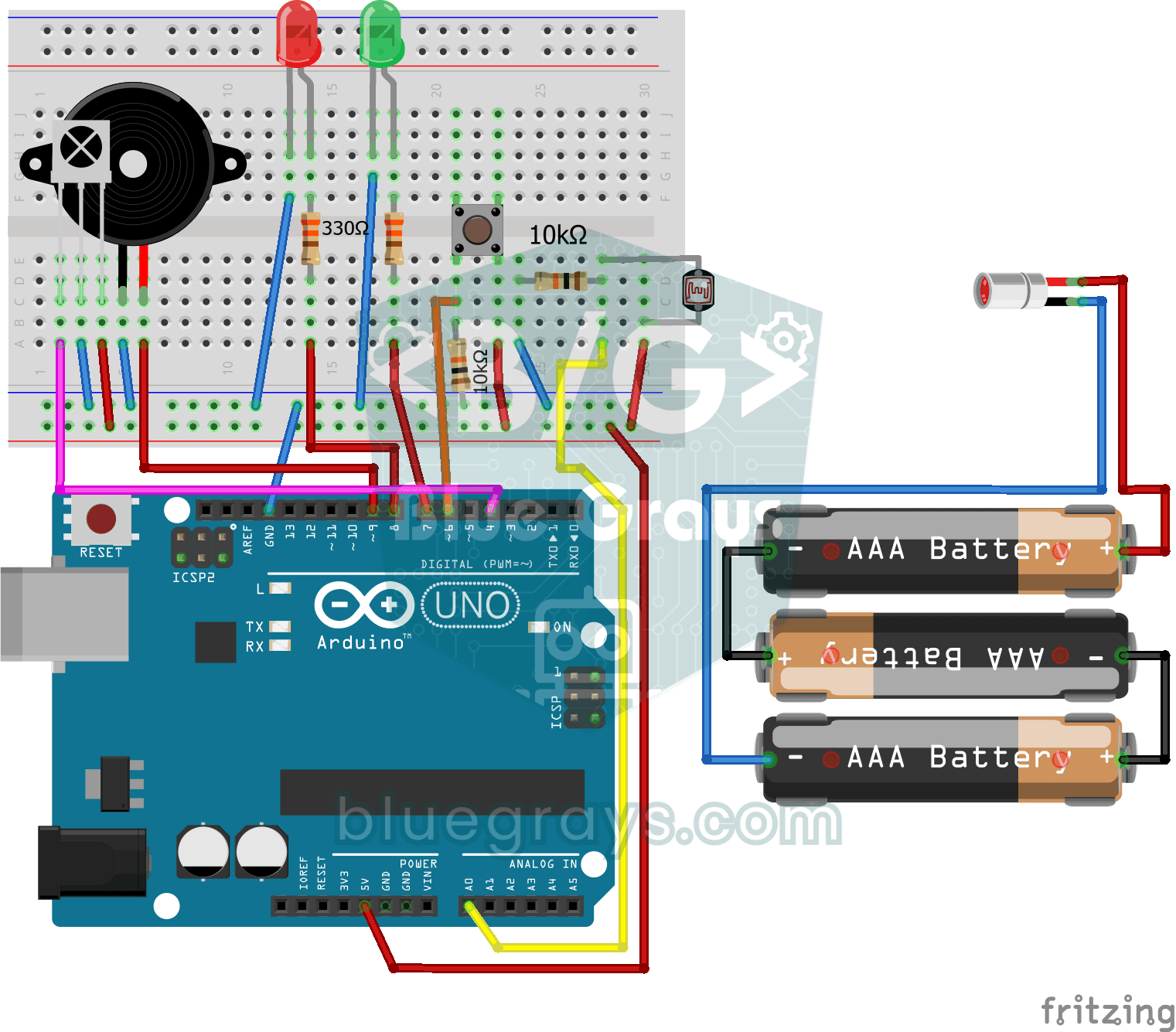
Laser Security System
Advanced security system that activates the alarm when the laser beam is interrupted and can be reset by push button or IR control. Teaches multiple input source and state management.
More articles
Learn how a PIR sensor detects human movement, how to set up the HC-SR501, connect it to Arduino, build a motion-activated light and prevent false alarms.