
Soil Moisture Sensor: Automatic Plant Watering with Arduino
How does a soil moisture sensor work? Resistive vs capacitive sensors, Arduino wiring, calibrating with dry and wet readings, preventing corrosion, automatic watering with a relay and pump, and ESP32 and Pico usage.
A soil moisture sensor is a simple sensor that measures how wet the soil is in a pot or garden. It's the basis of many projects, from a warning light that tells you when a plant is thirsty to a system that waters your flowers while you're on holiday. It's cheap, connects to Arduino with three wires, and once you add a relay and a small pump you have an automation that's genuinely useful.
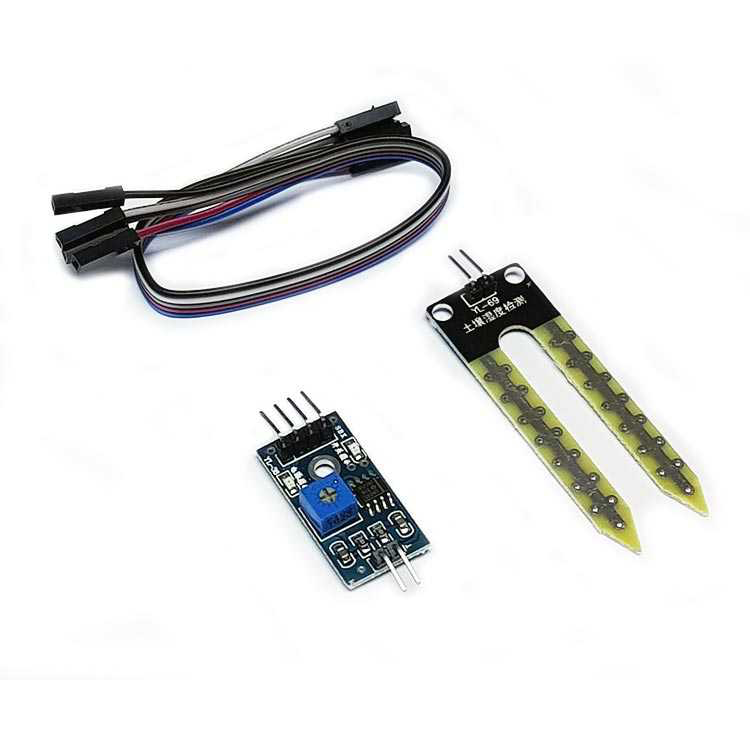
How does a soil moisture sensor work?
Water in the soil changes how well the soil conducts electricity and stores charge. Resistive sensors measure the resistance between two metal prongs pushed into the soil: as the soil gets wetter, the resistance drops. Capacitive sensors measure the capacitance around a coated electrode; the metal never touches the soil. On most modules the reading is high when the soil is dry and low when it's wet.
| Feature | Resistive (YL-69, FC-28) | Capacitive (v1.2) |
|---|---|---|
| What it measures | Resistance between two metal prongs | Capacitance around an electrode |
| Exposed metal | Yes | No (coated) |
| Corrosion | Wears away in a few weeks if powered continuously | Very durable |
| Output | Analog (AO) and digital (DO) | Analog |
| Price | Very cheap | A little more expensive |
| Best for | Short experiments | Permanent pot and garden projects |
Wiring
| Sensor pin | Arduino Uno | ESP32 | Raspberry Pi Pico |
|---|---|---|---|
| VCC | D7 (to power it only while measuring) or 5V | GPIO 25 or 3V3 | GP15 or 3V3 |
| GND | GND | GND | GND |
| AO (AOUT) | A0 | GPIO 34 | GP26 |
| DO | D2 (optional) | Optional | Optional |
Reading moisture with Arduino and calibrating
Every sensor and every soil gives different values, so calibrate your own sensor first: note the reading with the sensor in the air (completely dry) and dipped in a glass of water (completely wet). Then use map() to turn that range into a percentage from 0 to 100. Replace DRY and WET in the code with your own readings:
1const int SENSOR_PIN = A0;
2const int POWER_PIN = 7;       // sensörü yalnızca ölçerken besle / power only while measuring
3const int DRY = 850;           // havadayken okunan / reading in air (kendin ölç / measure yours)
4const int WET = 380;           // sudayken okunan / reading in water (kendin ölç / measure yours)
5
6void setup() {
7  pinMode(POWER_PIN, OUTPUT);
8  Serial.begin(9600);
9}
10
11int readMoisture() {
12  digitalWrite(POWER_PIN, HIGH);
13  delay(10);                                              // değerin oturmasını bekle / let it settle
14  int raw = analogRead(SENSOR_PIN);
15  digitalWrite(POWER_PIN, LOW);
16  return constrain(map(raw, DRY, WET, 0, 100), 0, 100);   // % nem / % moisture
17}
18
19void loop() {
20  int moisture = readMoisture();
21  Serial.print("Toprak nemi / Soil moisture: %");
22  Serial.println(moisture);
23  delay(2000);
24}Automatic watering: relay and pump
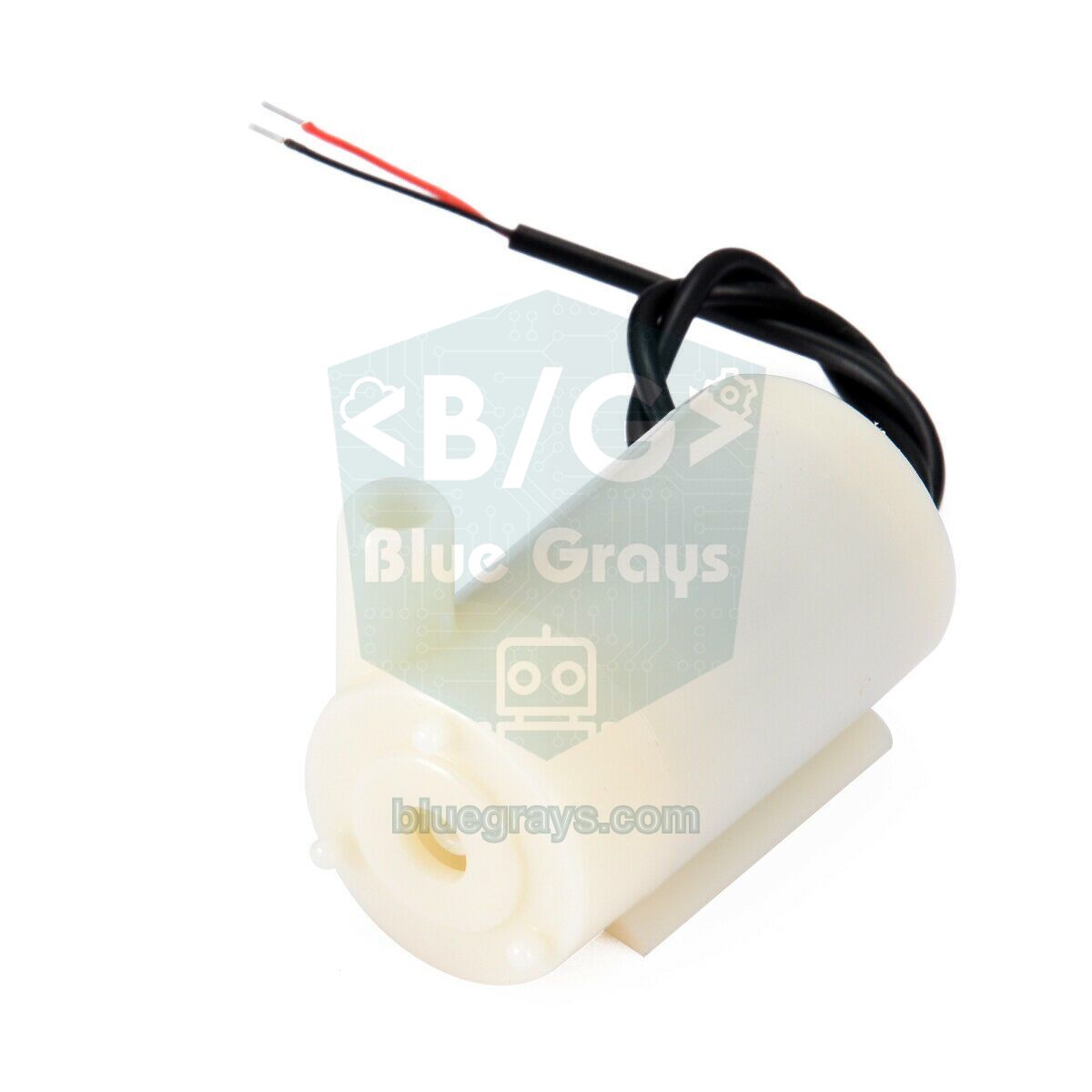
Now let's turn the reading into real action: when soil moisture drops below 30%, run the pump for 4 seconds, then wait 1 minute for the water to spread through the soil before measuring again. This wait stops the pump from running non-stop and flooding the pot because the sensor hasn't got wet yet. The pump can't be powered straight from an Arduino pin; drive it through a relay or a MOSFET. For relay wiring, see What Is a Relay Module?
1const int SENSOR_PIN = A0, POWER_PIN = 7, PUMP_PIN = 8;   // PUMP_PIN → röle IN / relay IN
2const int DRY = 850, WET = 380;
3const int START_BELOW = 30;          // %30'un altında sula / water below 30%
4const unsigned long PUMP_MS = 4000;  // her seferde 4 sn / 4 s per run
5const unsigned long SOAK_MS = 60000; // suyun yayılması için bekle / wait for the water to soak in
6
7int readMoisture() {
8  digitalWrite(POWER_PIN, HIGH);
9  delay(10);
10  int raw = analogRead(SENSOR_PIN);
11  digitalWrite(POWER_PIN, LOW);
12  return constrain(map(raw, DRY, WET, 0, 100), 0, 100);
13}
14
15void setup() {
16  pinMode(POWER_PIN, OUTPUT);
17  pinMode(PUMP_PIN, OUTPUT);
18  digitalWrite(PUMP_PIN, HIGH);      // aktif LOW röle: kapalı başla / active-LOW relay: start off
19}
20
21void loop() {
22  if (readMoisture() < START_BELOW) {
23    digitalWrite(PUMP_PIN, LOW);     // pompayı çalıştır / pump on
24    delay(PUMP_MS);
25    digitalWrite(PUMP_PIN, HIGH);    // pompayı durdur / pump off
26    delay(SOAK_MS);                  // tekrar ölçmeden önce bekle / wait before measuring again
27  }
28  delay(5000);
29}Soil moisture with the ESP32 and Raspberry Pi Pico
On the ESP32, connect the sensor to one of the ADC1 pins (GPIO 32–39), which still work while Wi-Fi is on; values range from 0 to 4095, so calibrate again. With an ESP32 you can send the moisture level to your phone as a notification, or build a pot sensor that measures once an hour in deep sleep and runs on batteries for months. Reading it on the Pico with MicroPython looks like this:
1from machine import ADC, Pin
2import time
3
4sensor = ADC(26)               # GP26 → AOUT
5power = Pin(15, Pin.OUT)       # sensörü yalnızca ölçerken besle / power only while measuring
6DRY, WET = 52000, 24000        # kendi değerlerinle değiştir / replace with your readings
7
8def moisture():
9    power.value(1)
10    time.sleep_ms(10)
11    raw = sensor.read_u16()
12    power.value(0)
13    pct = (DRY - raw) * 100 // (DRY - WET)
14    return max(0, min(100, pct))
15
16while True:
17    print("Toprak nemi / Soil moisture: %", moisture())
18    time.sleep(2)
What should soil moisture be?
| Plant type | Approximate target moisture |
|---|---|
| Cacti and succulents | 10–30% |
| Most houseplants | 40–60% |
| Tomatoes, peppers and vegetables | 60–80% |
| Ferns and moisture-loving plants | 70–90% |
These percentages are relative to your sensor's own dry-to-wet range; they're not the scientific water content of the soil. The best threshold is found by watching for a few days what the sensor reads when your plant actually needs watering.
Soil moisture sensor project ideas
- Automatic pot watering: a system that waters your flowers by itself, even when you're on holiday.
- "I'm thirsty" alert: an LED that lights or a buzzer that beeps when the soil dries out.
- Phone notification: send a Telegram message from an ESP32 when moisture drops.
- Multi-pot watering: water plants individually by giving each pot its own sensor and a small valve.
- Mini greenhouse station: also measure air humidity with a DHT11 and light with an LDR, and show everything on one display.
- Smart garden: automatically skip watering when a rain sensor detects rainfall.
Common mistakes and how to fix them
- The value is always 1023 or always 0: the DO pin is being read instead of AO, there's no power, or the wire to the sensor board is broken.
- The prongs have corroded and the readings make no sense: the resistive sensor was powered continuously; power it from a pin or switch to a capacitive model.
- Readings drift over time: conductivity changes as the soil compacts or is fertilised; recalibrate now and then.
- The pump won't stop: the relay is active LOW and HIGH/LOW are swapped in the code, or it measures again before the water has soaked in; add a wait between readings.
- The capacitive sensor gives strange values: the electronics at the top have got wet; make the board waterproof.
- Readings go wrong when Wi-Fi starts on the ESP32: the sensor is on an ADC2 pin; move it to a pin between GPIO 32 and 39.
A soil moisture sensor can be your first project that goes beyond measuring and actually changes something in the real world. In the BlueGrays app you'll find a smart watering station and an ESP32 smart plant watering system, step by step with circuit diagrams and code.
Frequently asked questions
Should I buy a capacitive or a resistive soil moisture sensor?
For experiments lasting a few days, a resistive sensor is enough. For a project that will sit in a pot for months, choose a capacitive sensor; with no exposed metal it doesn't corrode and its readings drift less over time.
How long does a soil moisture sensor last?
The prongs of a continuously powered resistive sensor wear away noticeably within a few weeks. Powered only while measuring, it can last for months. Capacitive sensors can work for years as long as their electronics are kept away from water.
Why is the reading high when the soil is dry and low when it's wet?
Most modules connect the sensor as part of a voltage divider; as the soil gets wetter its resistance or capacitance changes and the voltage on the analog pin drops. That's why the code flips the range with map(raw, DRY, WET, 0, 100) to get a percentage.
How deep should a soil moisture sensor be buried?
Place the sensor in the root zone of the plant, away from the edge of the pot. With capacitive sensors, burying them up to the line marked on them is enough; the electronics must not touch soil or water.
Can a water pump be connected straight to an Arduino?
No. Even small pumps draw 100–300 mA, which an Arduino pin can't supply. Drive the pump through a relay module, or a MOSFET with a flyback diode; power it from a separate supply and connect the grounds together.
How many pots can I monitor with one Arduino?
The Arduino Uno has 6 analog inputs, so 6 sensors can be read directly. For more, use a 16-channel analog multiplexer such as the CD74HC4067 or an extra ADC module such as the ADS1115.
Projects to build after reading this
See all projects
Smart Irrigation Station
Autonomous plant irrigation system that works 24/7 with two 18650 batteries and LM2596 regulator without tiring Arduino. It automatically manages the water motor by continuously measuring soil moistur

ESP 32 Smart Plant Watering System
In this project, an automatic plant watering system was developed using an ESP32 and a soil moisture sensor. The sensor continuously measures the soil’s moisture level. When the moisture level drops below a specified threshold, the ESP32 activates the relay to turn on the water pump and water the plant. When the soil is sufficiently moist, the pump automatically stops. Thanks to this project, plants can be watered regularly, and water can be conserved. _______________________________ Connections
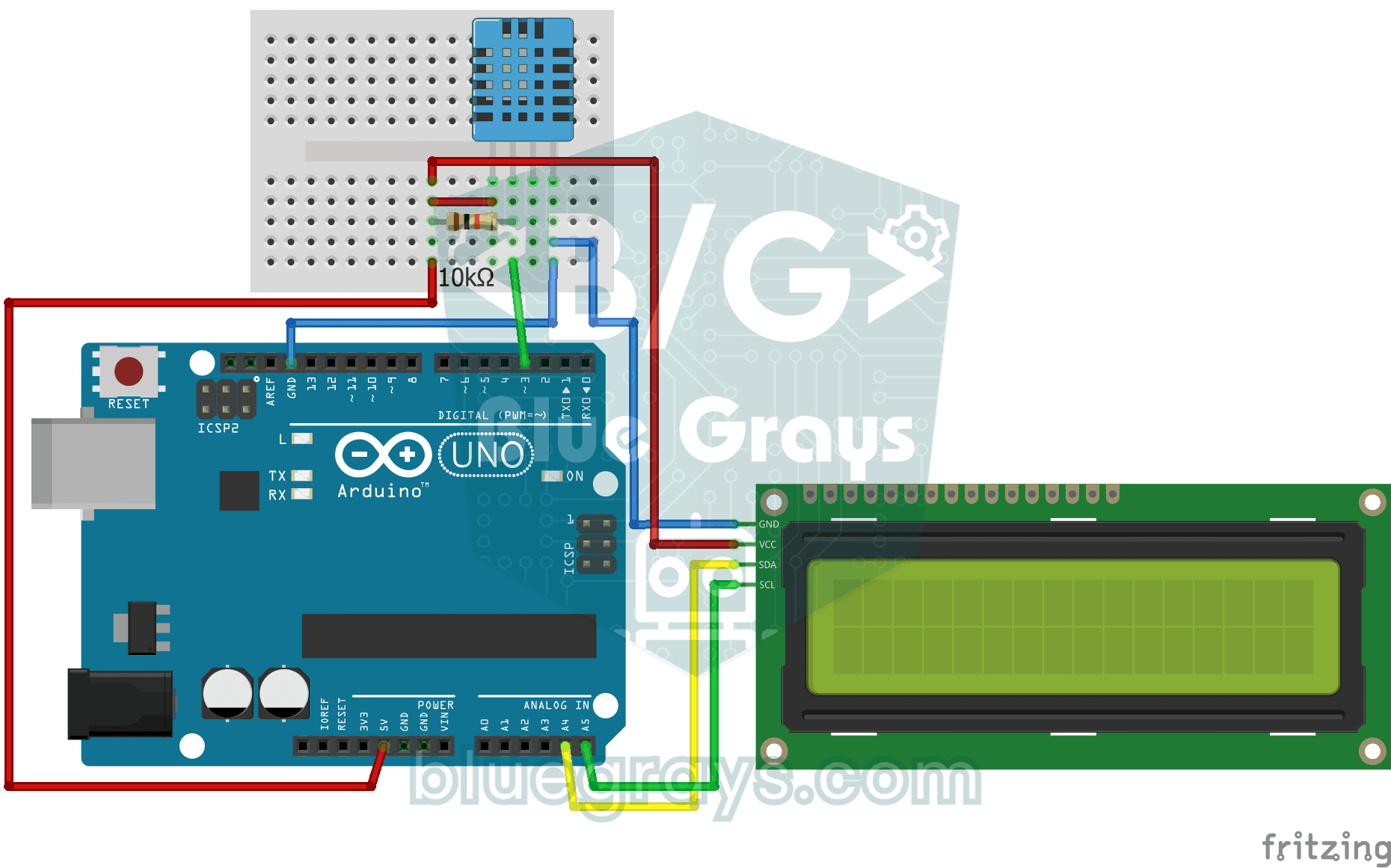
Temperature and Humidity with DHT11
Project that measures the ambient temperature and humidity value with the DHT11 sensor and displays it on the I2C LCD screen. Teaches the use of digital temperature/humidity sensor.

ESP32 DHT22 Temperature and Humidity (with LCD Display)
This project measures ambient temperature and humidity using a DHT22 sensor and displays the data in real time on a 16x2 I2C LCD. Data is read from the sensor using the one-wire protocol via the Adafruit DHT library. This project serves as the foundation for IoT weather stations, smart home automation, or environmental monitoring systems in greenhouses. Communication with the DHT22 is established via the ESP32's GPIO 4 pin.
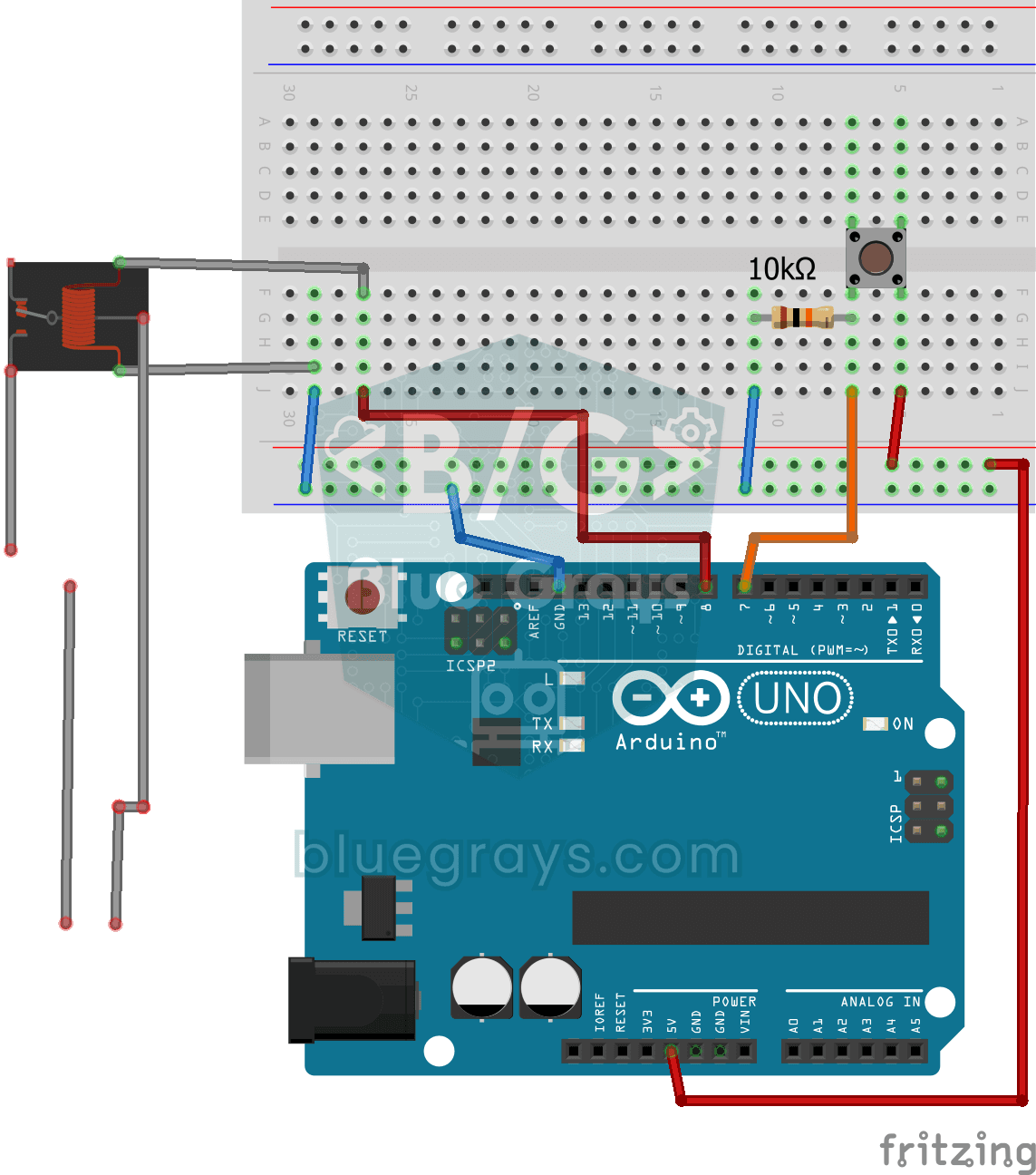
Lighting 220V Bulb with Push Button
Project that controls a 220V light bulb with a push button using a relay module. Teaches the basics of high voltage switching with relay.

ESP32 Smart Lighting (PIR + LDR + Relay + OLED)
Turn your hallway, bathroom, or pantry into smart lighting with ESP32! Using a PIR motion sensor, LDR light sensor, and a relay module, we build the classic "light turns on when motion is detected in the dark" scenario — if the environment is already bright, motion does NOT trigger the light, saving energy during the day. The light stays on for 30 seconds; if motion continues, the timer resets and the light stays on longer. The SSD1306 OLED shows large-font status (ON / DAYTIME / WAITING), a cou
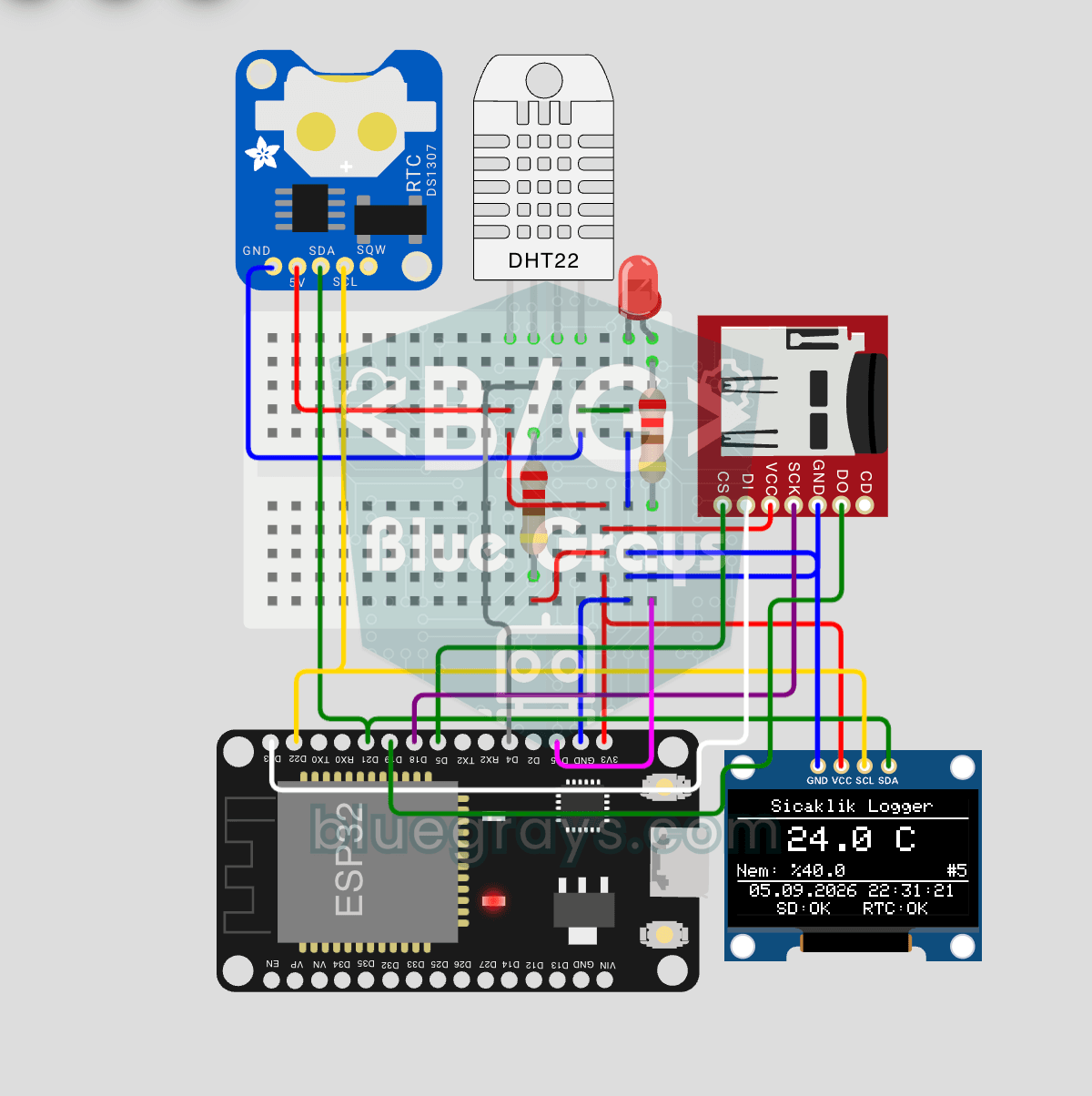
ESP32 Temperature Data Logger (DHT22 + DS1307 RTC + microSD + OLED)
Build a timestamped temperature logger with ESP32! Read DHT22 temperature/humidity every 10 seconds, get real-world time from DS1307 RTC, and log to microSD card as CSV. The OLED displays live temperature (large font), humidity percentage, timestamp, and log counter. The `/temp_log.csv` file on the SD card opens in Excel, Google Sheets, or Python pandas for analysis — perfect for greenhouse monitoring, home/room temperature tracking, laboratory data collection, food storage conditions, or beehiv

ESP32 HTTPClient + Weather API (with LCD Screen)
In this project, we use the ESP32 to make a REST API call to a weather API (wttr.in) over the internet using `HTTPClient.h`. We parse the returned JSON response using ArduinoJson v7 and display the city, temperature, humidity, weather, and wind information on an I2C LCD screen in both Turkish and English. wttr.in is free and does not require an API key—you can simply enter any city name to retrieve that city’s current weather conditions. It automatically updates every 30 minutes, provides differ
More articles
Learn the types of soil moisture sensor, how to connect one to Arduino, turn readings into a percentage, prevent corrosion and build a system that waters your plants by itself, step by step.