
43 projects
ESP32 Projects
The ESP32 is a dual-core microcontroller from Espressif with built-in Wi-Fi and Bluetooth. It runs at up to 240 MHz, offers far more memory and pins than an Arduino Uno and is still inexpensive. You program it in the Arduino IDE after adding the ESP32 board package, so most of what you learned on Arduino carries over with small changes.
These ESP32 projects are for anyone who wants to control devices from a phone, pull data from the internet or build a smart home system. Each IoT project, from a web server and Telegram alerts to a weather station, an NTP clock and sensor logging, includes a circuit diagram, commented code and a parts list.
How to get started: an ESP32 DevKit board, a USB cable that carries data and a breadboard are all you need. Get to know the board with the LED and Wi-Fi connection projects, then move on to web servers and sensors. Remember that ESP32 pins run at 3.3 V, so use a voltage divider or a level shifter when connecting modules that output 5 V.
The first 10 projects for beginners
Follow them in this order and each project adds one new skill on top of the last.
- 1
 LED Blink with ESP32Teaches basic GPIO output usage with ESP32. We achieve a blinking effect by turning an LED on and off from a digital pin. ESP32 version of the classic blink project on Arduino UNO; the pin map and syntax remain the same, the only difference is in the pin numbers.Beginner
 - 2
 ESP32 LED Control with Push Button (Push)The LED lights up when the button is pressed and turns off when released. Shows how the ESP32's digital input pin and internal pull-up resistor are used. The INPUT_PULLUP mode eliminates the need for an external resistor.Beginner
 - 3
 ESP32 LED Control with Pushbutton (Toggle)Each time the button is pressed the state of the LED changes: if it is on it turns off, if it is off it turns on. Classic toggle pattern. With debounce we clean up the mechanical noise of the pushbutton to ensure a single toggle with a single press.Beginner
 - 4
 ESP32 Built-in LED BlinkBlinking the built-in blue LED on the ESP32 DevKit V1. No external components required! The first project you should try when you buy an ESP32. GPIO 2 is connected to the built-in LED.Beginner
 - 5
 ESP32 Traffic LightReal traffic light simulation with 3 LEDs red-yellow-green. Timings close to real traffic logic: red long, yellow short, green long. Classic example of sequential GPIO control.Beginner
 - 6
 ESP32 Knight Rider LED6 LEDs moving sequentially from left to right and right to left (Knight Rider style). A basic example of using for loops and arrays. Teaches the logic of direction change.Beginner
 - 7
 ESP32 Police Strobe Light EffectSimulate the strobe lights of a police car by rapidly flashing red and blue LED groups. Using 2 LEDs in each group makes the effect more dramatic. A classic example of fast toggle pattern and group control.Beginner
 - 8
 ESP32 LED Fade with PWMSmoothly changing the brightness of the LED from 0 to max, from max to 0. We control PWM with analogWrite() as in Arduino - the same syntax as ESP32 Arduino Core 3.0+ works without problems. Pin definition + pinMode + analogWrite is enough.Beginner
 - 9
 ESP32 RGB LED ControlUnlimited color generation with a single RGB LED instead of 3 separate LEDs. As in Arduino, we make a rainbow transition by setting the R/G/B values with analogWrite(). Color theory (such as red+green=yellow) is seen practically.Beginner
 - 10
 ESP32 Night Light with LDRNight light where the LED automatically turns on in the dark and off in the light. The D0 (digital out) pin of the LDR Sensor Module is used - the dark threshold is set with the small potentiometer on the module, the module itself generates the HIGH/LOW output. ESP32 just reads this signal with digitalRead(), the code is very simple.Beginner
Projects by difficulty
Beginner12 projects
LED Blink with ESP32
Teaches basic GPIO output usage with ESP32. We achieve a blinking effect by turning an LED on and off from a digital pin. ESP32 version of the classic blink project on Arduino UNO; the pin map and syntax remain the same, the only difference is in the pin numbers.
ESP32 LED Control with Push Button (Push)
The LED lights up when the button is pressed and turns off when released. Shows how the ESP32's digital input pin and internal pull-up resistor are used. The INPUT_PULLUP mode eliminates the need for an external resistor.
ESP32 LED Control with Pushbutton (Toggle)
Each time the button is pressed the state of the LED changes: if it is on it turns off, if it is off it turns on. Classic toggle pattern. With debounce we clean up the mechanical noise of the pushbutton to ensure a single toggle with a single press.
ESP32 Built-in LED Blink
Blinking the built-in blue LED on the ESP32 DevKit V1. No external components required! The first project you should try when you buy an ESP32. GPIO 2 is connected to the built-in LED.
ESP32 Traffic Light
Real traffic light simulation with 3 LEDs red-yellow-green. Timings close to real traffic logic: red long, yellow short, green long. Classic example of sequential GPIO control.
ESP32 Knight Rider LED
6 LEDs moving sequentially from left to right and right to left (Knight Rider style). A basic example of using for loops and arrays. Teaches the logic of direction change.
ESP32 Police Strobe Light Effect
Simulate the strobe lights of a police car by rapidly flashing red and blue LED groups. Using 2 LEDs in each group makes the effect more dramatic. A classic example of fast toggle pattern and group control.
ESP32 LED Fade with PWM
Smoothly changing the brightness of the LED from 0 to max, from max to 0. We control PWM with analogWrite() as in Arduino - the same syntax as ESP32 Arduino Core 3.0+ works without problems. Pin definition + pinMode + analogWrite is enough.
ESP32 RGB LED Control
Unlimited color generation with a single RGB LED instead of 3 separate LEDs. As in Arduino, we make a rainbow transition by setting the R/G/B values with analogWrite(). Color theory (such as red+green=yellow) is seen practically.
ESP32 Night Light with LDR
Night light where the LED automatically turns on in the dark and off in the light. The D0 (digital out) pin of the LDR Sensor Module is used - the dark threshold is set with the small potentiometer on the module, the module itself generates the HIGH/LOW output. ESP32 just reads this signal with digitalRead(), the code is very simple.

Reading Light Intensity with the ESP32 LDR Module
Real-time monitoring of the light value measured by the LDR module in the Serial Monitor + approximate lux value. Teaches the module’s calibration logic. It is ideal to complete this before Project 10, as it is used to determine the threshold value.

ESP32 Melody Playback with Buzzer
Playing a simple melody (Twinkle Twinkle Little Star) with a passive buzzer. We play notes with tone() and noTone() functions like in Arduino - ESP32 works with the same syntax as Arduino Core 3.0+. Passive buzzer must be used (active buzzer does not play melody).
Intermediate13 projects

ESP32 LED Brightness Control with a Potentiometer (Analog → PWM)
In this project, we control the brightness of an LED analogically using a potentiometer. The ESP32's ADC pin reads the 0-3.3V voltage from the potentiometer, and this value is then converted into a PWM (Pulse Width Modulation) signal and sent to the LED. As a result, as you turn the potentiometer, the LED gradually brightens and dims. With Arduino Core 3.0+, `analogWrite()` can be used directly; on the ESP32-S2/S3, the ADC resolution is fixed at 12-bit.

ESP32 HC-SR04 Ultrasonic Distance Sensor
The HC-SR04 ultrasonic sensor calculates distance by measuring the time it takes for the sound wave it emits to bounce off an object and return (Time of Flight). In this project, we will send a 10-microsecond pulse to the TRIG pin of the ESP32 and read the echo duration from the ECHO pin using `pulseIn()`. We will display the calculated distance in centimeters on the Serial Monitor. Since the HC-SR04 operates at 5V, a **voltage divider** is required on the ECHO pin—otherwise, the ESP32’s 3.3V GP

ESP32 DHT22 Temperature and Humidity (with LCD Display)
This project measures ambient temperature and humidity using a DHT22 sensor and displays the data in real time on a 16x2 I2C LCD. Data is read from the sensor using the one-wire protocol via the Adafruit DHT library. This project serves as the foundation for IoT weather stations, smart home automation, or environmental monitoring systems in greenhouses. Communication with the DHT22 is established via the ESP32's GPIO 4 pin.

ESP32 Servo Motor (Potentiometer Control)
In this project, we control an SG90 servo motor using a potentiometer. We adjust the servo angle by mapping the analog value read from the potentiometer to the 0–180-degree range. Thanks to the ESP32Servo library, any GPIO pin on the ESP32 can generate a PWM signal. This is a fundamental control method for robotic arms, camera gimbals, and automatic door mechanisms.

ESP32 I2C LCD Display (16x2)
In this project, we display text by connecting a 16x2 character LCD screen to the ESP32 via the I2C protocol. Thanks to I2C, we can control the screen using just two data pins (SDA and SCL), eliminating the waste of 6+ pins associated with a classic parallel connection. The code prints a fixed message on the first line and a counter that increments every second on the second line. Additionally, we run an I2C scanner at the start to print the display’s address to the Serial Monitor (typically 0x2

Digital Clock with ESP32 and DS1307 RTC (I2C + LCD)
In this project, we display the time and date on a 16x2 I2C LCD screen using the DS1307 real-time clock (RTC) module. The DS1307 is a battery-backed RTC that maintains the time even if the ESP32 is powered off. Both modules share the same I2C bus (SDA/SCL), allowing us to learn how to control multiple devices using just two signal wires. Through this project, you will gain practical knowledge of the I2C communication protocol, RTC module operation, and dynamic data display on an LCD screen.

Automatic Lighting with the ESP32 PIR Motion Sensor
In this project, we will use the HC-SR501 PIR motion sensor to detect when someone enters the room and automatically turn on the LED. When motion is detected, the LED will stay on for a set period of time, and we will manage the timing using the `millis()` function and a counter, without needing to use `delay()`. This way, we’ll create a motion-sensor-based lighting system that doesn’t tie up the ESP32, allowing it to perform other tasks as well. In real-life applications, it can be used for sta

ESP32 MQ-2 Gas/Smoke Detector Alarm
In this project, combustible gas (LPG, methane, propane) and smoke detection is performed using an MQ-2 gas sensor module, and a siren-like alarm is played through a passive buzzer upon detection. The sensor's digital threshold output (DO) is connected to GPIO 4 on the ESP32; when gas or smoke exceeds the threshold, DO goes LOW and the alarm is triggered. Sensitivity is adjusted via the module's potentiometer. The passive buzzer is driven using `tone()` to produce a two-frequency siren effect.

ESP32 RFID RC522 Card Reader (with LCD)
In this project, we will connect the MFRC522-based RC522 RFID module to the ESP32 via SPI and read the card/tag UID. This forms the basis for applications such as door locks, membership systems, and access control. We will display the read UID on an LCD screen and provide an example of comparing it with an authorized card list. **WARNING:** The RC522 operates only at **3.3V**; supplying 5V will burn out the module!

Remote Control with ESP32 IR Receiver (with LCD Screen)
In this project, we use the TSOP4838 IR receiver module to capture signals from a TV, air conditioner, or any other infrared remote control using the ESP32. With the IRremote v4 library, we display and log the unique code for each button on the I2C LCD screen. We then use these codes to turn an LED on and off with the remote and adjust its brightness. This is a great starting point for converting old remotes into smart home controls.

ESP32 TM1637 4-Digit 7-Segment Display
We are controlling a 4-digit 7-segment display module with a TM1637 driver using an ESP32. Using just 2 GPIO pins (CLK and DIO), we run a counter from 0 to 9999, adjust the brightness level, and display the colon (`:`) character in clock format. Thanks to the TM1637Display library, controlling numbers, hex values, segments, and strings is very easy.

ESP32 WS2812B NeoPixel Strip Control
WS2812B (NeoPixel) addressable LEDs are smart RGB LEDs that can be controlled in a daisy-chain configuration via a single data pin. In this project, we will control an 8-LED WS2812B strip using the Adafruit_NeoPixel library to create a smooth rainbow animation. While the ESP32’s 3.3V logic level works seamlessly with most WS2812B components, we’ll demonstrate a solution using a 470Ω series resistor and a 1000µF capacitor in case of instability. The animation is achieved by shifting the hue value

ESP32 Motion Detection Alarm
In this project, which uses an ESP32 and a PIR sensor, a buzzer sounds an audible alarm when motion is detected. It is a simple and low-cost security system application. (The images are for illustrative purposes only; please refer to the text for details.)
Advanced18 projects

ESP32 Wi-Fi STA Connection (with LCD Screen)
In this project, we connect the ESP32 to the home Wi-Fi network in Station (STA) mode in a secure, fault-tolerant manner. We store the SSID and password in a separate `secrets.h` file to prevent leaking to Git, set up an auto-reconnect mechanism, and display the RSSI signal level and IP address on an I2C LCD screen. The internal LED works as a status indicator. It is a production-grade connection manager.

Real-Time Clock from the Internet via ESP32 NTP
The ESP32 connects to Wi-Fi and retrieves real time with millisecond precision from NTP (Network Time Protocol) servers. Thanks to the `configTzTime()` function, the Turkey time zone (TRT, UTC+3) is automatically applied, and DST transitions in countries that observe daylight saving time are automatically managed using a POSIX TZ string. The time is displayed both on the Serial Monitor and on an optional I2C LCD. It synchronizes once at startup, then the internal RTC continues counting.

ESP32 Asynchronous Web Server (with IP Display on LCD)
In this project, we’re turning the ESP32 into an **asynchronous web server** that you can control from your phone or computer on the same Wi-Fi network. Thanks to the ESPAsyncWebServer library, the server can process multiple requests simultaneously (unlike the classic `WebServer.h`, which blocks on a single request). You’ll be able to open the ESP32’s IP address in a browser and click the ON/OFF buttons (the `/on` and `/off` routes) to turn the LED connected to GPIO 5 on and off.

ESP32 WebSocket Counter (2 Buttons + LCD + Real-Time Web)
In this project, two buttons wired to the ESP32 (GPIO 5 counts up, GPIO 4 counts down) change a counter. The value updates instantly both on a 16x2 I2C LCD and, through the WebSocket support of ESPAsyncWebServer, in every connected browser without reloading the page. Instead of HTTP polling a single persistent connection is used, and the ESP32 sends the new value to everyone with ws.textAll().

ESP32 mDNS: Accessing the Device via bluegrays-esp.local (with LCD Screen)
In this project, we add an mDNS (Multicast DNS) service to the ESP32, allowing us to access the device using a human-readable hostname like `bluegrays-esp.local` instead of an IP address. Even if the IP address assigned by DHCP changes, you can always reach the device using the same name. We also run a small web server on the device to send LED control commands via a browser using the address `http://bluegrays-esp.local/`. The I2C LCD screen displays the hostname, IP address, and LED status in b

ESP32 OTA Update — Wireless Firmware Installation (With LCD Screen)
In this project, you’ll learn how to upload new firmware to the ESP32 over Wi-Fi without a USB cable. Using the `ArduinoOTA` library, the ESP32 becomes visible on the network and is automatically listed as `bluegrays-ota` in the "Network port" tab of the Arduino IDE. The initial upload is done via USB, and all subsequent updates are wireless—a critical feature for field devices. The I2C LCD screen displays the Wi-Fi status, IP address, hostname, OTA upload percentage, and error messages in both

ESP32 HTTPClient + Weather API (with LCD Screen)
In this project, we use the ESP32 to make a REST API call to a weather API (wttr.in) over the internet using `HTTPClient.h`. We parse the returned JSON response using ArduinoJson v7 and display the city, temperature, humidity, weather, and wind information on an I2C LCD screen in both Turkish and English. wttr.in is free and does not require an API key—you can simply enter any city name to retrieve that city’s current weather conditions. It automatically updates every 30 minutes, provides differ

ESP32 HTTPClient + Weather API (with SSD1306 OLED Display)
In this project, we use the ESP32 to make a REST API call to a weather API (wttr.in) over the internet using `HTTPClient.h`. Unlike the previous I2C LCD version, we’re using an SSD1306 OLED (128×64) display here—which allows for large fonts, vector icons, and rich visual presentation on a single screen. Seven different vector icons for weather conditions (sunny, partly cloudy, cloudy, rainy, snowy, stormy, foggy) are drawn at runtime (no bitmap files required). The temperature is displayed in th

ESP32 Deep Sleep — Battery Saving (OLED + RTC RAM Counter)
The ESP32's Deep Sleep mode reduces current consumption to ~10 µA by shutting down the CPU and most peripherals, making it critical for battery-powered IoT devices. In this project, we use three different wake-up sources: a timer (15 seconds), an external pin (EXT0 — button GPIO 33), and touch (T0/GPIO 4). Variables marked with `RTC_DATA_ATTR` are preserved during deep sleep—the boot counter, timer wake counter, and button wake counter are continuously tracked. On each wake-up, the SSD1306 OLED

ESP32 Prayer Rakat Counter (HC-SR04 + SSD1306 OLED + 2 Buttons)
Do you sometimes forget how many rak’ahs you’ve prayed while performing salat? This project creates a rak’ah counter that is placed next to your prayer mat and counts your prostrations when you bring your hand close to it. The HC-SR04 ultrasonic distance sensor detects hand proximity, the SSD1306 OLED display shows the rak’ah count, and you can select 2, 3, or 4 rak’ahs and reset the count using two buttons. It features a smart state machine with a 2.5-second debounce and a “hand-away” algorithm

ESP32 RFID Door Lock (RC522 + Servo + OLED + Buzzer + LED)
We’re building a smart door lock using an ESP32, an RC522 RFID module, an SG90 servo motor, an SSD1306 OLED display, an active buzzer, and 2 LEDs. When a card is scanned, its UID is compared to the list of authorized cards stored in the code—if authorized, the servo motor rotates to unlock the door (green LED + 2 short beeps), and the door automatically locks again after 5 seconds. For an unauthorized card, the red LED lights up, a warning is given with 3 rapid beeps, and the captured UID is dis

ESP32 Color Mixer Light (3 Potentiometers + RGB LED + OLED)
A smart color-mixing lamp that lets you mix any color you want by turning three potentiometers with the ESP32! As you turn the red, green, and blue potentiometers, the common-cathode RGB LED changes color in real time. The SSD1306 OLED display shows real-time values for each color in the 0–255 range, visual fill bars, and the HEX web color code (such as #FF8040). A mini professional color studio—teaches RGB color theory, ADC analog reading, brightness control via PWM, and I2C display design all

ESP 32 Smart Plant Watering System
In this project, an automatic plant watering system was developed using an ESP32 and a soil moisture sensor. The sensor continuously measures the soil’s moisture level. When the moisture level drops below a specified threshold, the ESP32 activates the relay to turn on the water pump and water the plant. When the soil is sufficiently moist, the pump automatically stops. Thanks to this project, plants can be watered regularly, and water can be conserved. _______________________________ Connections

ESP32 Smart Lighting (PIR + LDR + Relay + OLED)
Turn your hallway, bathroom, or pantry into smart lighting with ESP32! Using a PIR motion sensor, LDR light sensor, and a relay module, we build the classic "light turns on when motion is detected in the dark" scenario — if the environment is already bright, motion does NOT trigger the light, saving energy during the day. The light stays on for 30 seconds; if motion continues, the timer resets and the light stays on longer. The SSD1306 OLED shows large-font status (ON / DAYTIME / WAITING), a cou

ESP32 Parking Sensor (HC-SR04 + 5-LED Bar + Buzzer + OLED)
The ESP32 version of the car parking sensor! We use the HC-SR04 ultrasonic sensor to measure the distance to the object in front of it. As the distance decreases, the 5-LED bar fills up (green → yellow → red) and the buzzer beep interval shortens. When the object gets very close (under 10 cm), a continuous alarm sounds and all LEDs light up. The SSD1306 OLED display shows the current distance in cm in large font, a status message (STOP / CAUTION / CLOSE / STOP! / DANGER), and a simulation of the

ESP32 IR Universal Remote (IR Receiver + Remote Control + 3 LEDs + Buzzer + OLED)
With the ESP32, you can read a standard IR remote control and use it to control your own device! In this project, we use an infrared receiver (NEC protocol, 38 kHz) to capture the signals from a 20-button IR remote. We’ve defined different actions for each button: buttons 1, 2, and 3 toggle three separate LEDs; the PWR button turns them all off; and the numbers 4–9 display special characters on the OLED. The SSD1306 OLED display shows the last button pressed in large font, along with a descripti
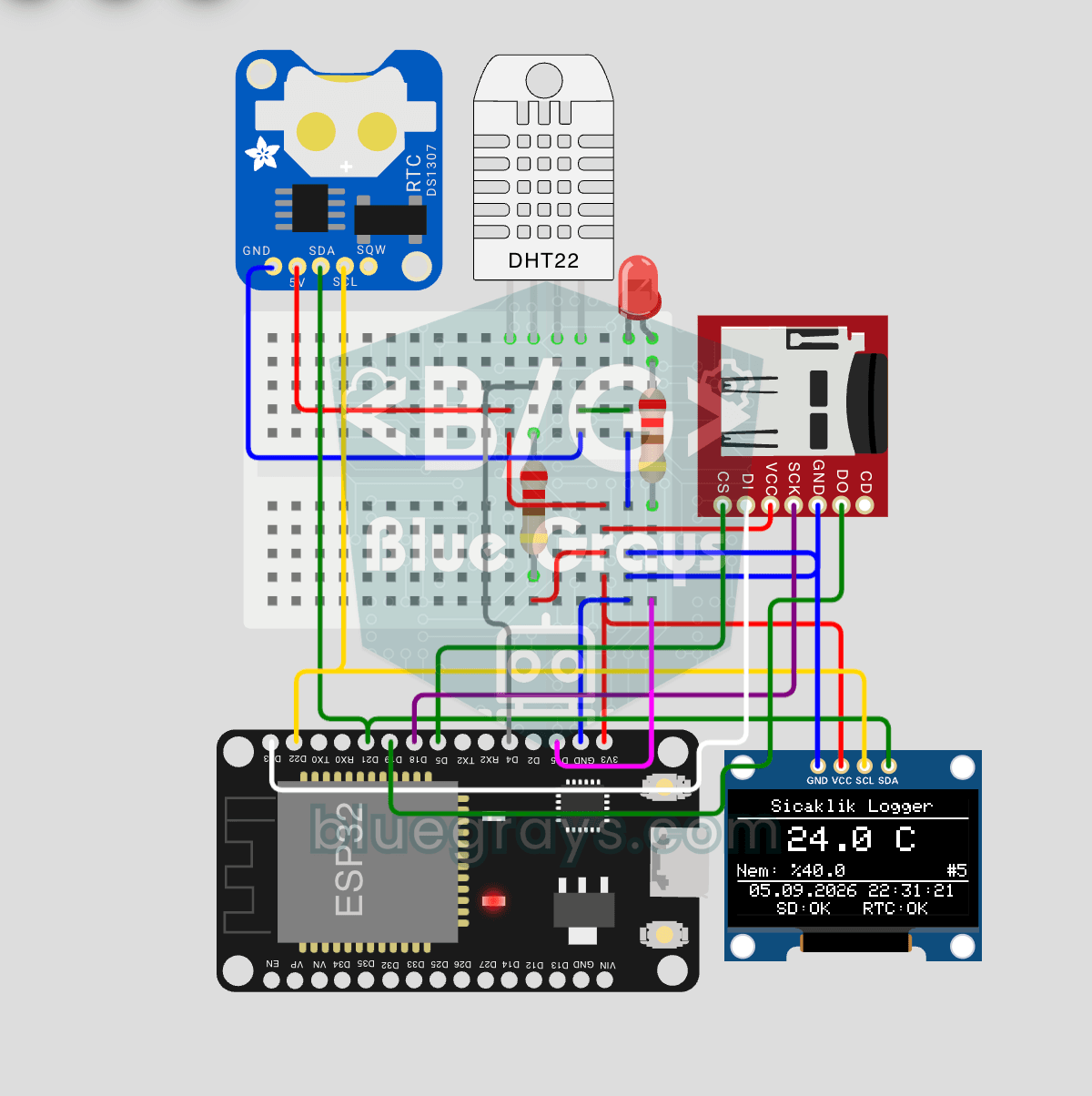
ESP32 Temperature Data Logger (DHT22 + DS1307 RTC + microSD + OLED)
Build a timestamped temperature logger with ESP32! Read DHT22 temperature/humidity every 10 seconds, get real-world time from DS1307 RTC, and log to microSD card as CSV. The OLED displays live temperature (large font), humidity percentage, timestamp, and log counter. The `/temp_log.csv` file on the SD card opens in Excel, Google Sheets, or Python pandas for analysis — perfect for greenhouse monitoring, home/room temperature tracking, laboratory data collection, food storage conditions, or beehiv
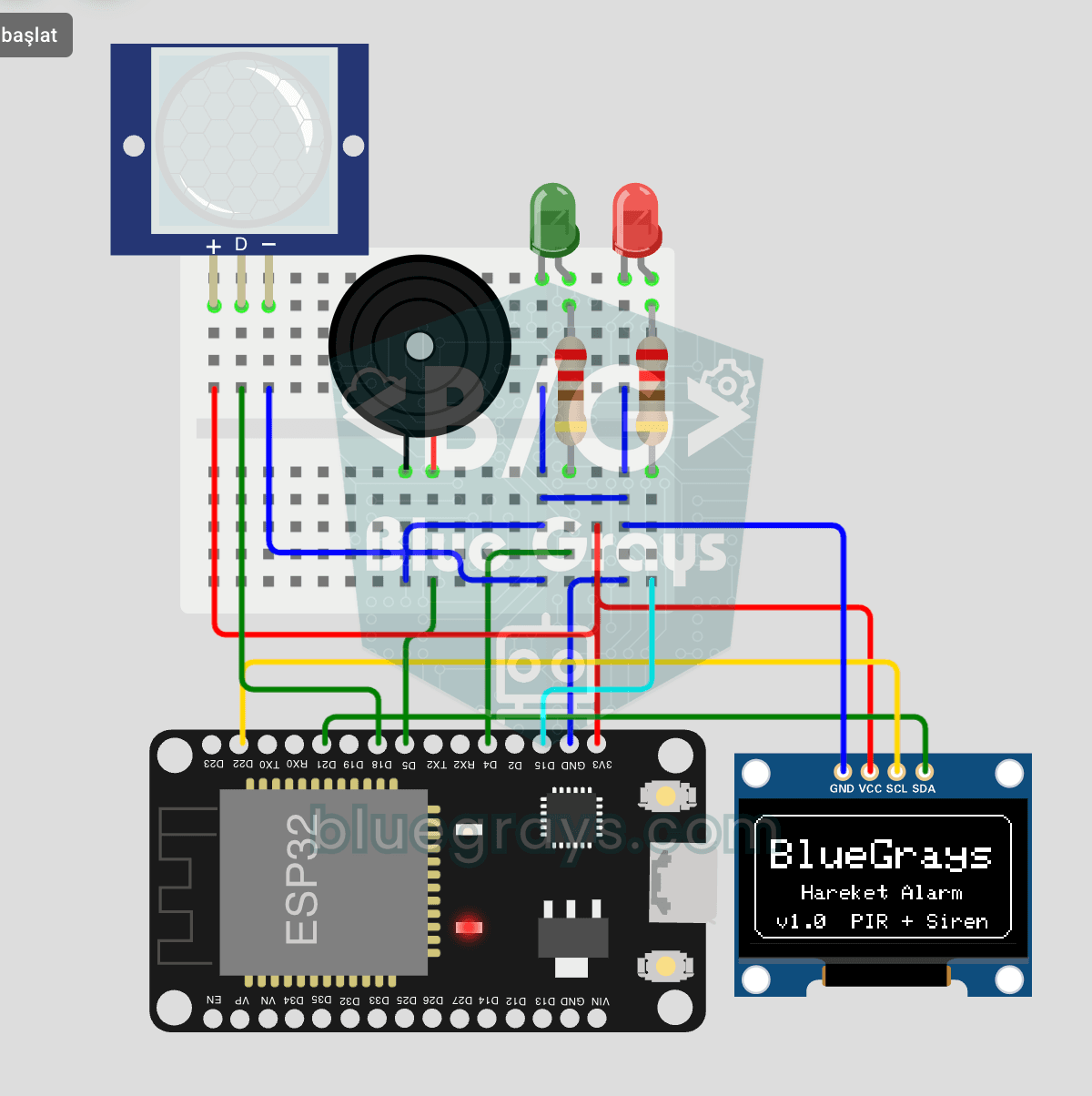
ESP32 Motion Alarm System (PIR + Buzzer + LED + Telegram)
A smart security alarm system that activates the buzzer and LED when the PIR sensor detects motion, while simultaneously sending an instant notification to the owner via Telegram. It includes a 30-second cooldown to prevent false alarms. Suitable for home security, garage monitoring, warehouses, or workrooms. With ESP32-CAM, photo notifications can be added; with the classic ESP32 DevKit V1, text notifications are sent.
Projects by category
LED and light projects(18)
- LED Blink with ESP32
- ESP32 LED Control with Push Button (Push)
- ESP32 LED Control with Pushbutton (Toggle)
- ESP32 Built-in LED Blink
- ESP32 Traffic Light
- ESP32 Knight Rider LED
- ESP32 Police Strobe Light Effect
- ESP32 LED Fade with PWM
- ESP32 RGB LED Control
- ESP32 Night Light with LDR
- Reading Light Intensity with the ESP32 LDR Module
- ESP32 LED Brightness Control with a Potentiometer (Analog → PWM)
- Automatic Lighting with the ESP32 PIR Motion Sensor
- ESP32 WS2812B NeoPixel Strip Control
- ESP32 Asynchronous Web Server (with IP Display on LCD)
- ESP32 Color Mixer Light (3 Potentiometers + RGB LED + OLED)
- ESP32 Smart Lighting (PIR + LDR + Relay + OLED)
- ESP32 IR Universal Remote (IR Receiver + Remote Control + 3 LEDs + Buzzer + OLED)
Display and clock projects(15)
- ESP32 HC-SR04 Ultrasonic Distance Sensor
- ESP32 DHT22 Temperature and Humidity (with LCD Display)
- ESP32 I2C LCD Display (16x2)
- Digital Clock with ESP32 and DS1307 RTC (I2C + LCD)
- ESP32 RFID RC522 Card Reader (with LCD)
- Remote Control with ESP32 IR Receiver (with LCD Screen)
- ESP32 TM1637 4-Digit 7-Segment Display
- Real-Time Clock from the Internet via ESP32 NTP
- ESP32 WebSocket Counter (2 Buttons + LCD + Real-Time Web)
- ESP32 HTTPClient + Weather API (with LCD Screen)
- ESP32 HTTPClient + Weather API (with SSD1306 OLED Display)
- ESP32 Deep Sleep — Battery Saving (OLED + RTC RAM Counter)
- ESP32 Prayer Rakat Counter (HC-SR04 + SSD1306 OLED + 2 Buttons)
- ESP32 Color Mixer Light (3 Potentiometers + RGB LED + OLED)
- ESP32 Temperature Data Logger (DHT22 + DS1307 RTC + microSD + OLED)
Phone and internet control projects(11)
- Remote Control with ESP32 IR Receiver (with LCD Screen)
- ESP32 Wi-Fi STA Connection (with LCD Screen)
- Real-Time Clock from the Internet via ESP32 NTP
- ESP32 Asynchronous Web Server (with IP Display on LCD)
- ESP32 WebSocket Counter (2 Buttons + LCD + Real-Time Web)
- ESP32 mDNS: Accessing the Device via bluegrays-esp.local (with LCD Screen)
- ESP32 OTA Update — Wireless Firmware Installation (With LCD Screen)
- ESP32 HTTPClient + Weather API (with LCD Screen)
- ESP32 HTTPClient + Weather API (with SSD1306 OLED Display)
- ESP32 IR Universal Remote (IR Receiver + Remote Control + 3 LEDs + Buzzer + OLED)
- ESP32 Motion Alarm System (PIR + Buzzer + LED + Telegram)
Sensor projects(10)
- ESP32 Night Light with LDR
- Reading Light Intensity with the ESP32 LDR Module
- ESP32 HC-SR04 Ultrasonic Distance Sensor
- ESP32 DHT22 Temperature and Humidity (with LCD Display)
- ESP32 MQ-2 Gas/Smoke Detector Alarm
- ESP32 Prayer Rakat Counter (HC-SR04 + SSD1306 OLED + 2 Buttons)
- ESP 32 Smart Plant Watering System
- ESP32 Motion Detection Alarm
- ESP32 Parking Sensor (HC-SR04 + 5-LED Bar + Buzzer + OLED)
- ESP32 Temperature Data Logger (DHT22 + DS1307 RTC + microSD + OLED)
Smart home projects(8)
- Automatic Lighting with the ESP32 PIR Motion Sensor
- ESP32 MQ-2 Gas/Smoke Detector Alarm
- ESP32 RFID RC522 Card Reader (with LCD)
- ESP32 RFID Door Lock (RC522 + Servo + OLED + Buzzer + LED)
- ESP 32 Smart Plant Watering System
- ESP32 Motion Detection Alarm
- ESP32 Smart Lighting (PIR + LDR + Relay + OLED)
- ESP32 Motion Alarm System (PIR + Buzzer + LED + Telegram)
Parts and tools
The parts used most often in these projects, calculators that help while you build, and step-by-step guides.
Common components
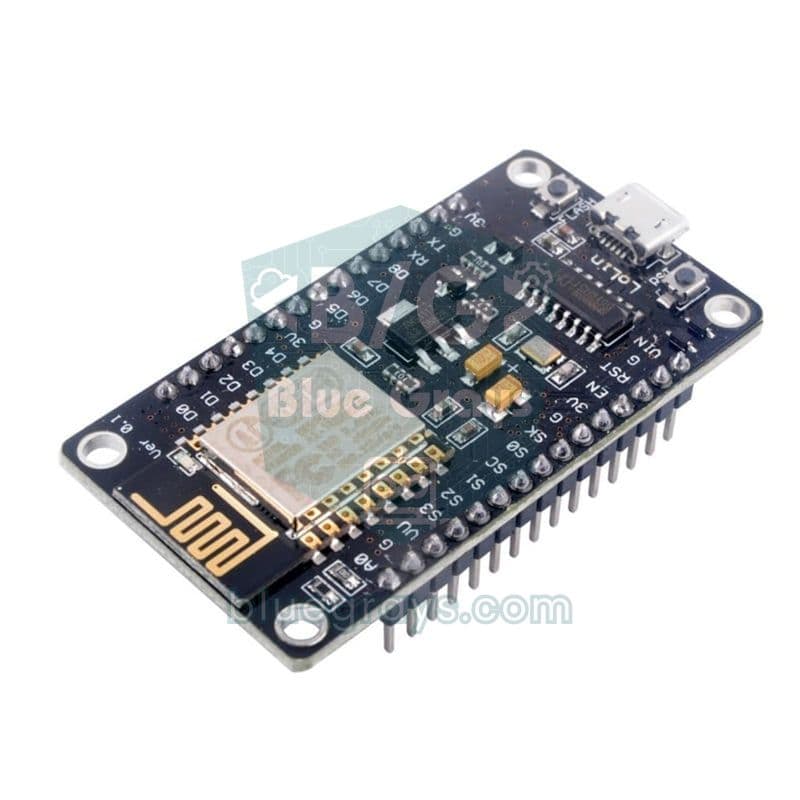
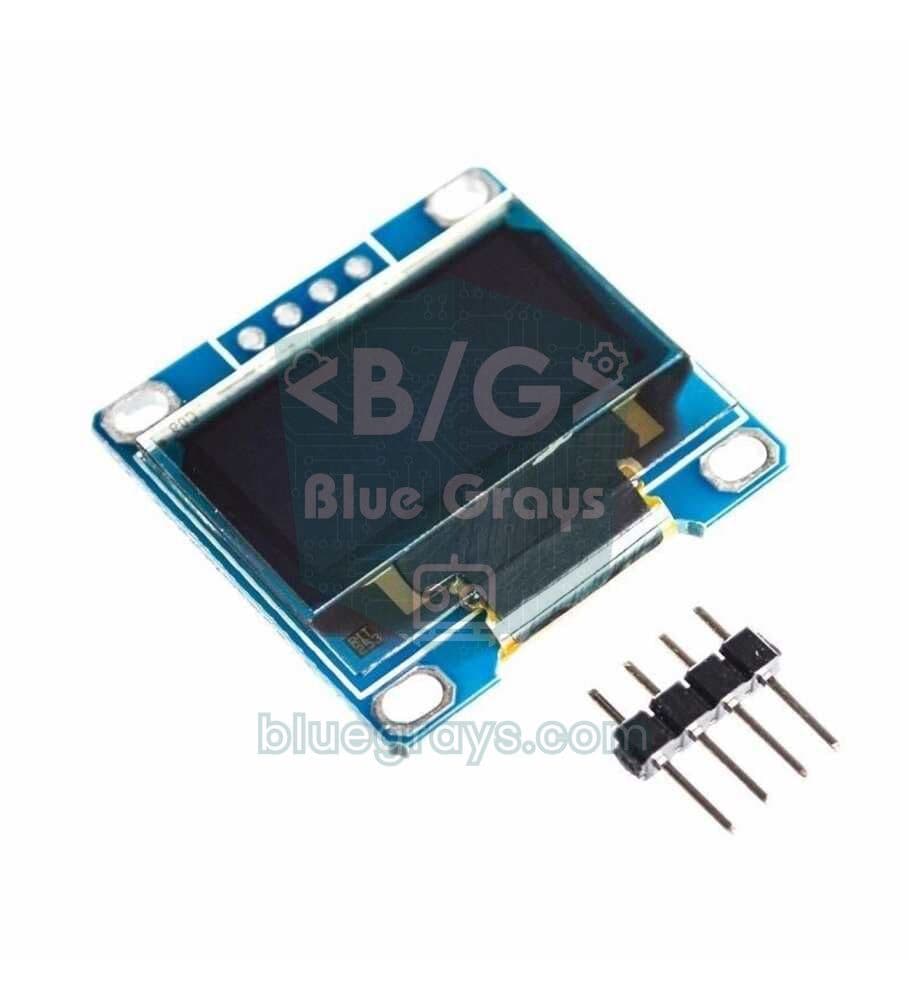
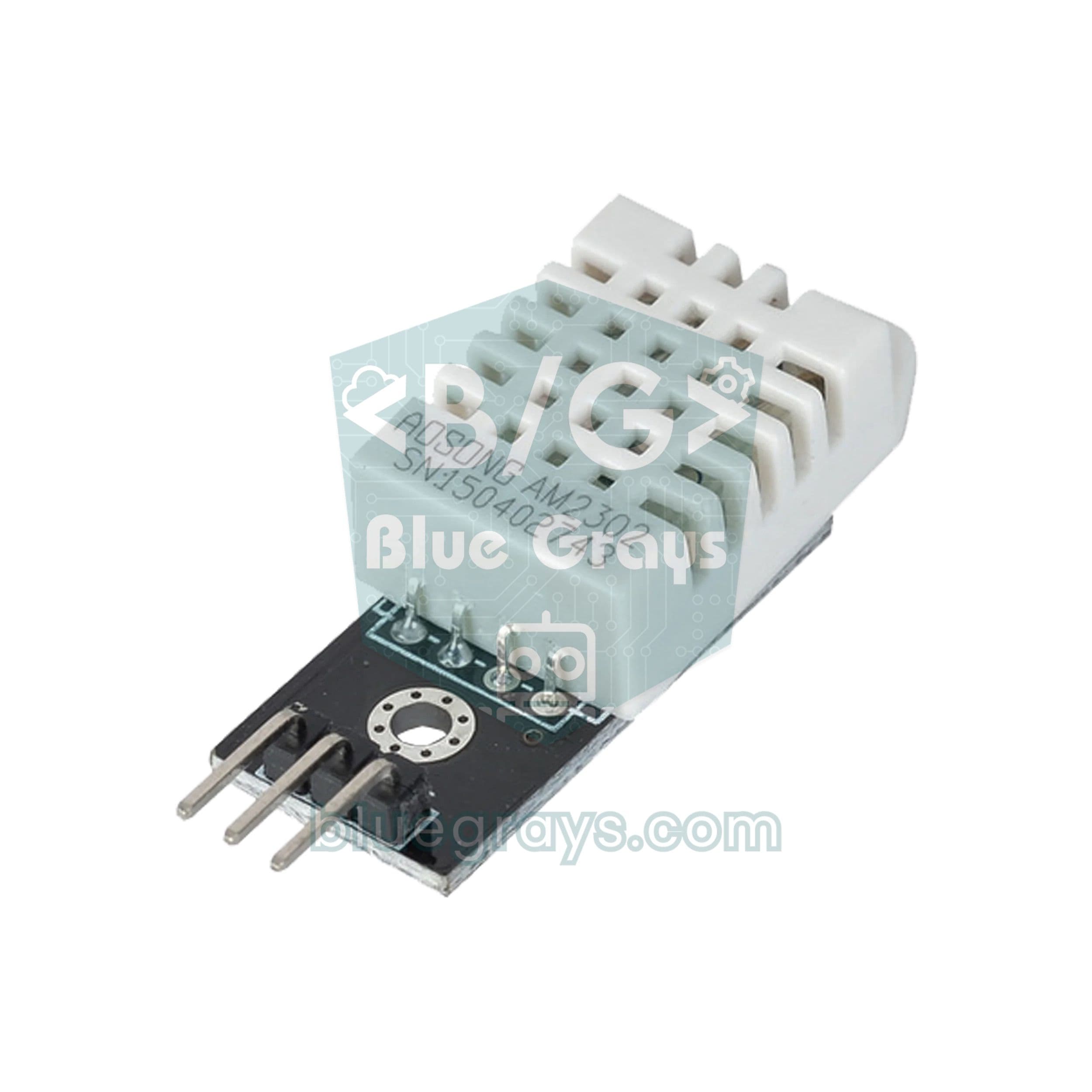
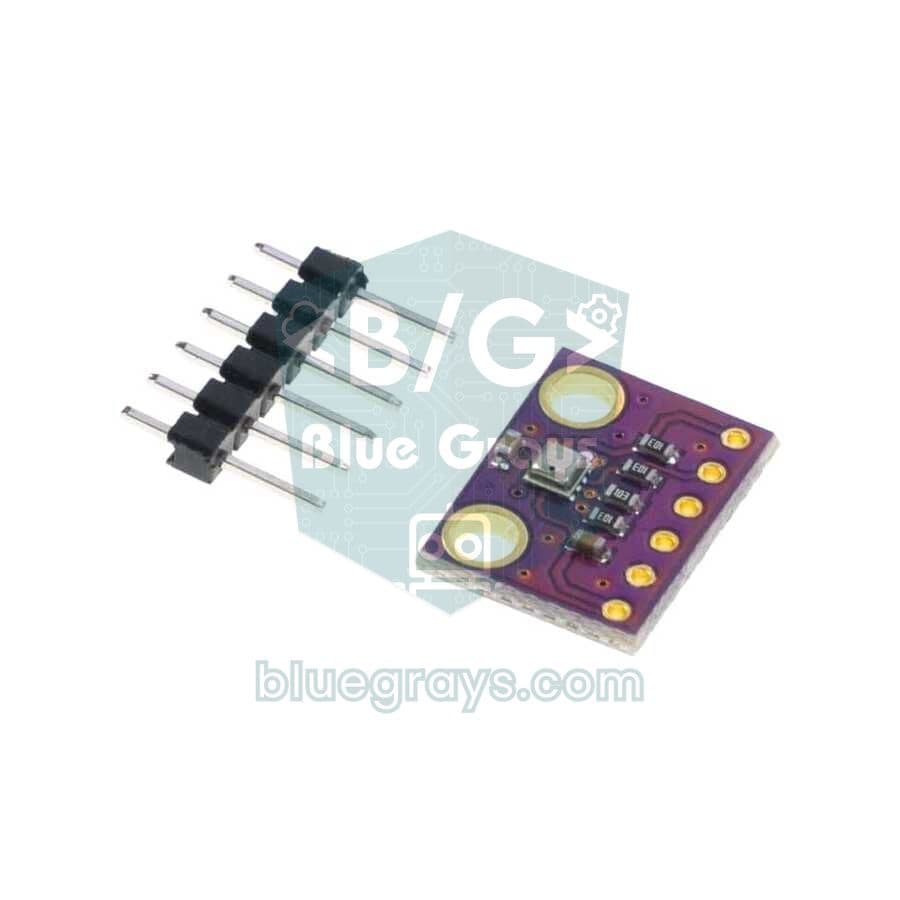
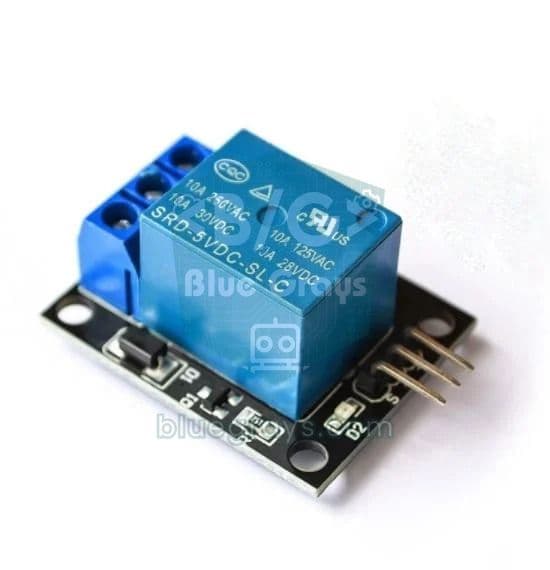
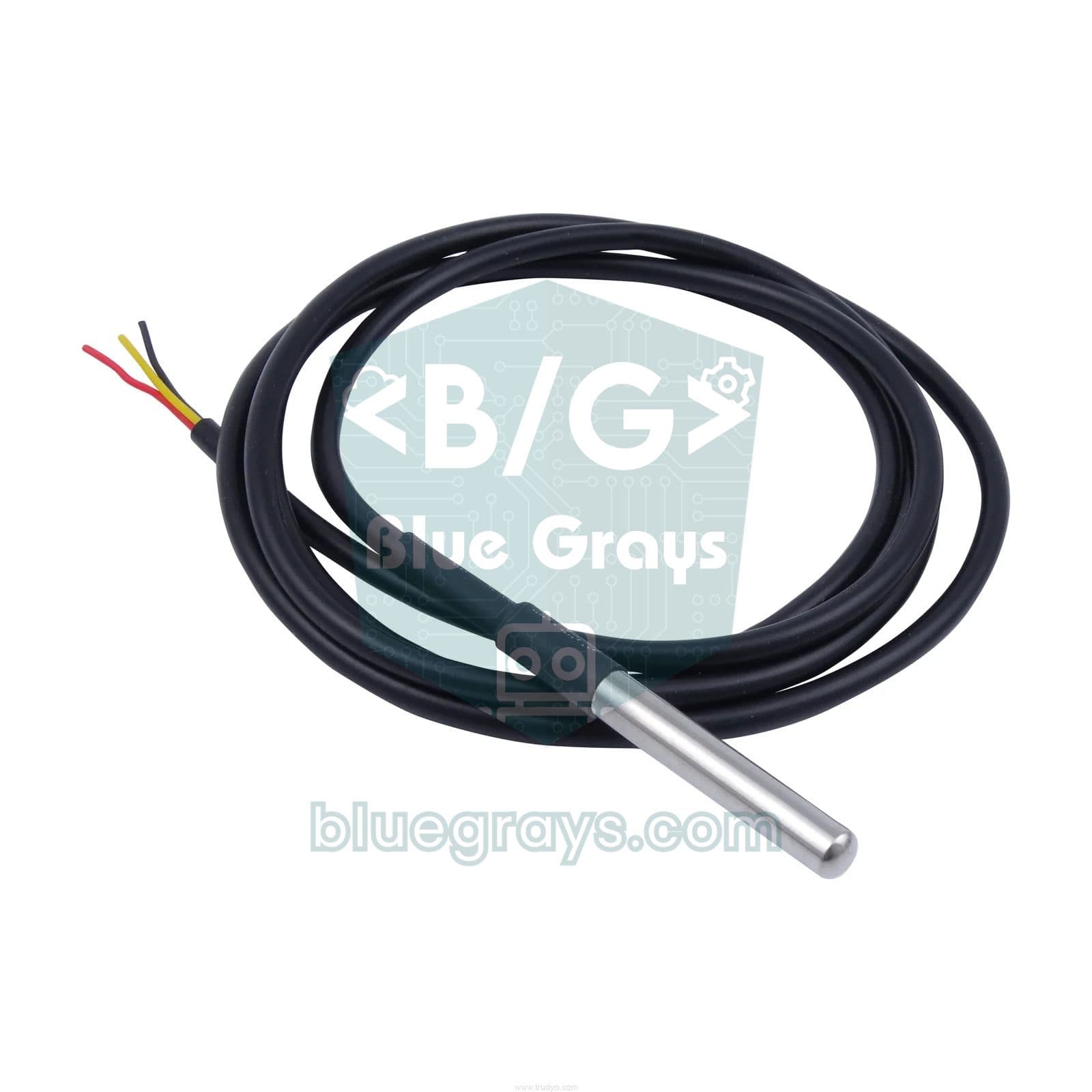
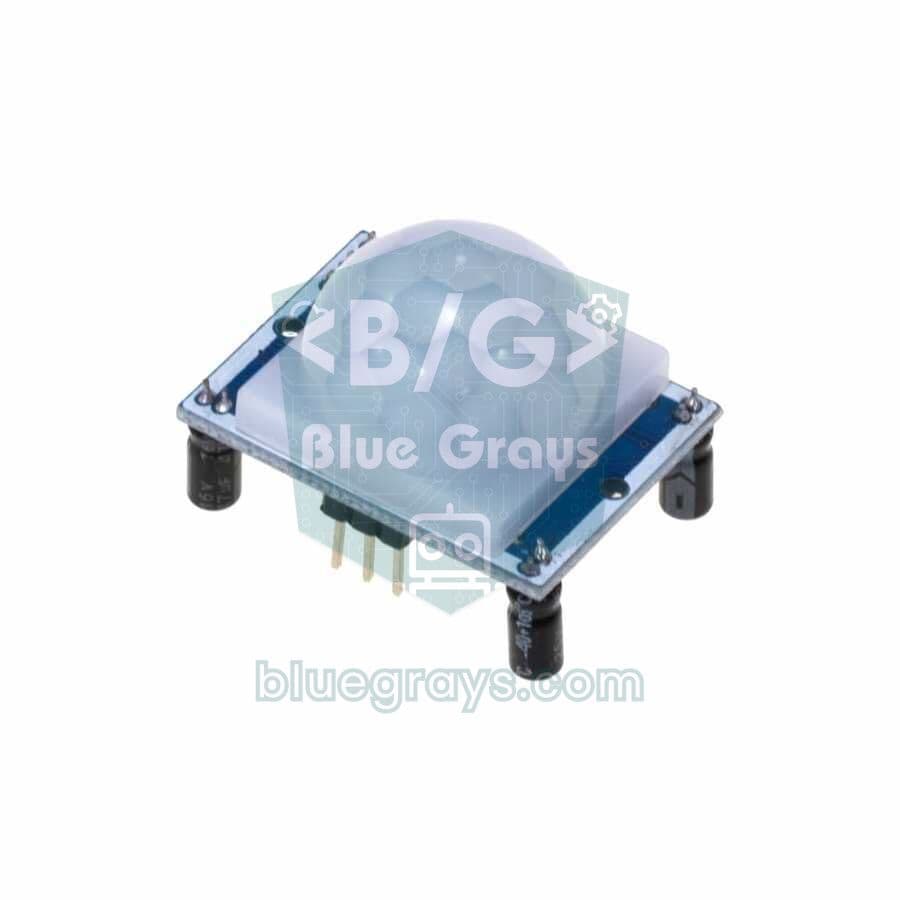
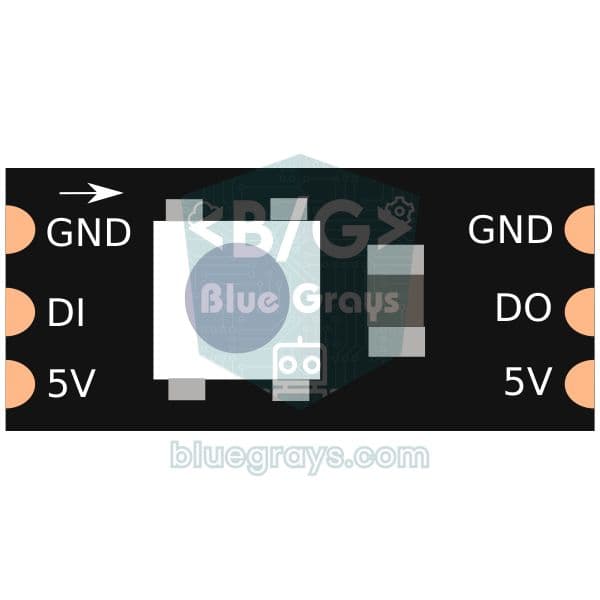
Guides
- NodeMCU ESP8266 Guide: Pinout, Arduino IDE Setup and Web Server
- Arduino vs ESP32: Key Differences and Which One to Choose
- What Is the ESP32? Features, Arduino IDE Setup and Your First Wi-Fi Project
- What Is PWM? A Guide to analogWrite, Duty Cycle and Frequency on Arduino
- How to Connect a Push Button to Arduino: Pull-up, Pull-down and Debounce
- What Is a Potentiometer? Analog Reading and Control with Arduino
Frequently asked questions
What is the difference between the ESP32 and Arduino?
The ESP32 has built-in Wi-Fi and Bluetooth, a dual-core 240 MHz processor and much more memory. The Arduino Uno is a simpler 5 V board that forgives mistakes. The ESP32 is better for connected projects, the Uno for your first steps in electronics.
Can the ESP32 be programmed with the Arduino IDE?
Yes. Add Espressif's board manager URL in the Arduino IDE preferences and install the esp32 package from the Boards Manager. Then select ESP32 Dev Module as the board and upload your code.
Are ESP32 pins 5 V tolerant?
No. ESP32 GPIO pins work at 3.3 V and a 5 V signal can damage them. Use a voltage divider or a logic level shifter with sensors that output 5 V.
Which ESP32 board should I buy?
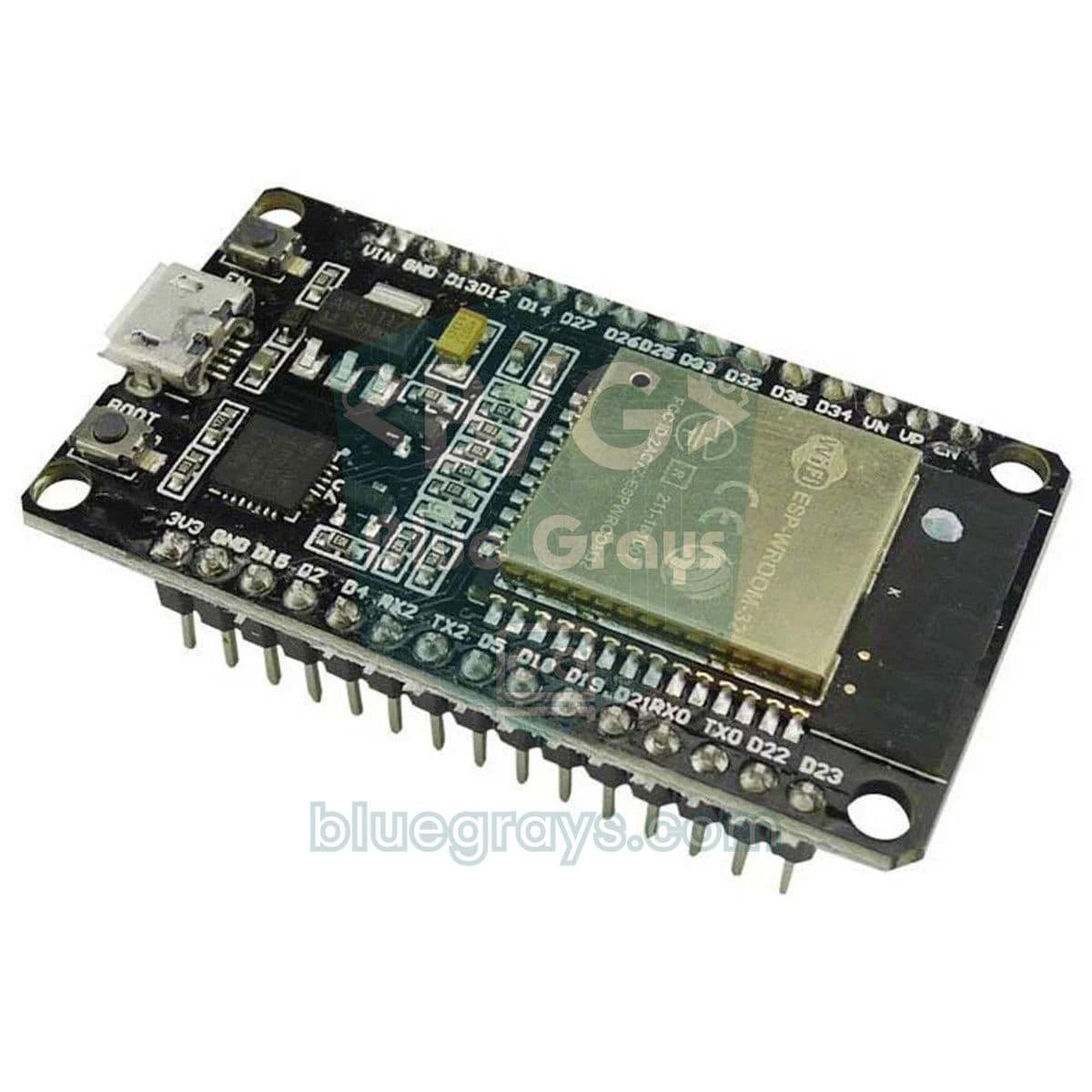
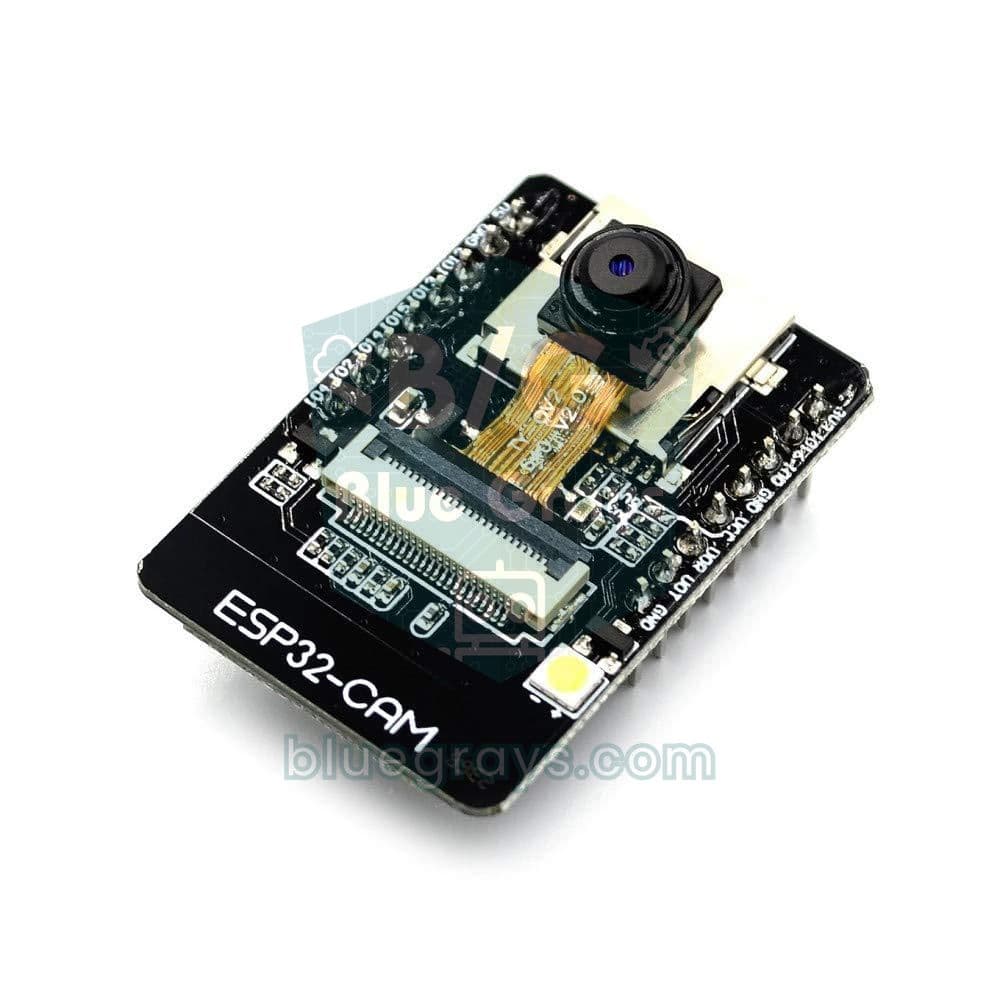
An ESP32 DevKit with the ESP32-WROOM-32 module is the most common board and has the most examples. For camera projects there is the ESP32-CAM, and for simpler Wi-Fi projects an ESP8266-based NodeMCU also works.
What IoT projects can you build with an ESP32?
Popular ESP32 projects include relays and LEDs controlled from a phone, a weather station that shows sensor data on a web page, a motion alarm that sends Telegram alerts, an NTP clock that gets the time from the internet and Bluetooth-controlled devices.
What should I do if code will not upload to my ESP32?
Make sure the USB cable carries data and that the CP2102 or CH340 driver is installed. If the upload hangs at “Connecting...”, hold the BOOT button on the board. The correct port and ESP32 Dev Module must be selected.