
PI-46BeginnerPremium
Raspberry Pi Pico Battery Tester (Voltage Divider + OLED + 3 LEDs)
Which batteries in the drawer are still good? The moment you touch a battery to the two probes, the Raspberry Pi Pico shows the voltage, the charge percent and a filling battery icon on an OLED display, and a green, yellow or red LED gives the verdict. A button switches between AA, NiMH, Li-ion and 9 V. A voltage divider brings even 9 V down to a level the Pico can safely measure, and averaging 32 readings keeps the value steady.
0.0(0)
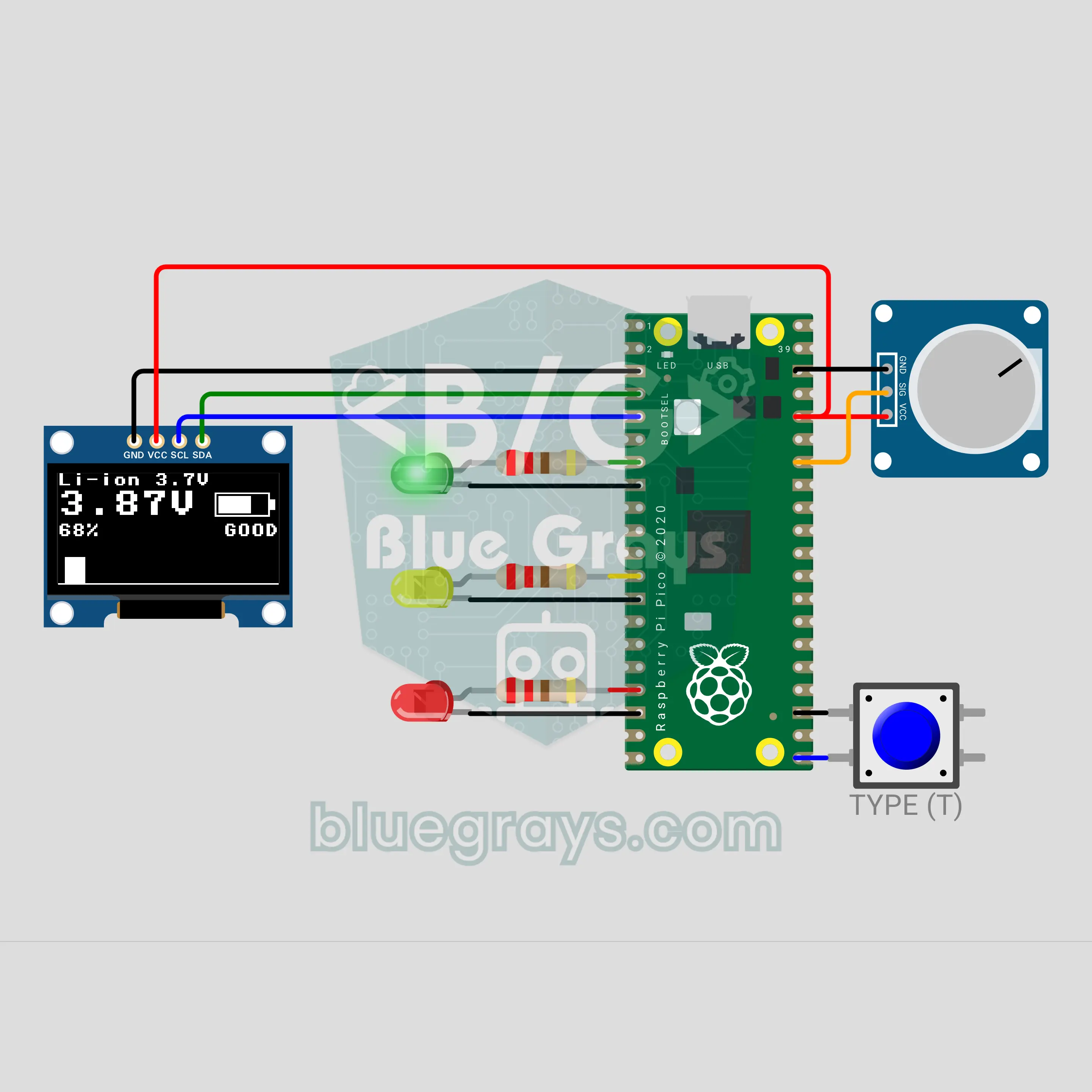
Find out in a second which of the batteries piling up in your drawer are full and which are dead: touch a battery between the two tips and a small screen shows its voltage, how full it is and a battery icon that fills up. A green, yellow or red light gives the verdict, and a button lets you choose between AA cells, rechargeables, lithium cells and 9-volt batteries.
Source Code
Premium Content
The source code, block version and FAQ of this project are open to Premium members.
- All Project Code
- Block version
- Frequently Asked Questions