
Arduino Out of Memory: Fix Sketch Too Big and Low Memory
Arduino out of memory? Flash vs SRAM vs EEPROM, F() and PROGMEM, char arrays instead of String, measuring free RAM and when to move to a Mega or an ESP32.

An Arduino out of memory warning tells you that your program or your variables don't fit in the board's memory, and it usually shows up in one of two ways: the code never uploads because the build stops with Sketch too big, or the code uploads after a Low memory available, stability problems may occur warning and the board then resets at random, prints garbage to the Serial Monitor or freezes. Because the Arduino Uno has only 32 KB of program memory and 2 KB of RAM, this problem is especially common in projects that combine a display, an SD card and a few sensors.
In this guide you'll first see the difference between Flash, SRAM and EEPROM and how to read the two lines at the end of a build. Then, using values we measured with real builds on an Uno, you'll learn which line eats how much memory, how to move constant data out of RAM with the F() macro and PROGMEM, how to use char arrays instead of String, what libraries quietly cost and how to measure free RAM at run time. In the last part you'll find how memory is monitored on the ESP32 and Raspberry Pi Pico and when moving to a Mega or an ESP32 is the right decision.
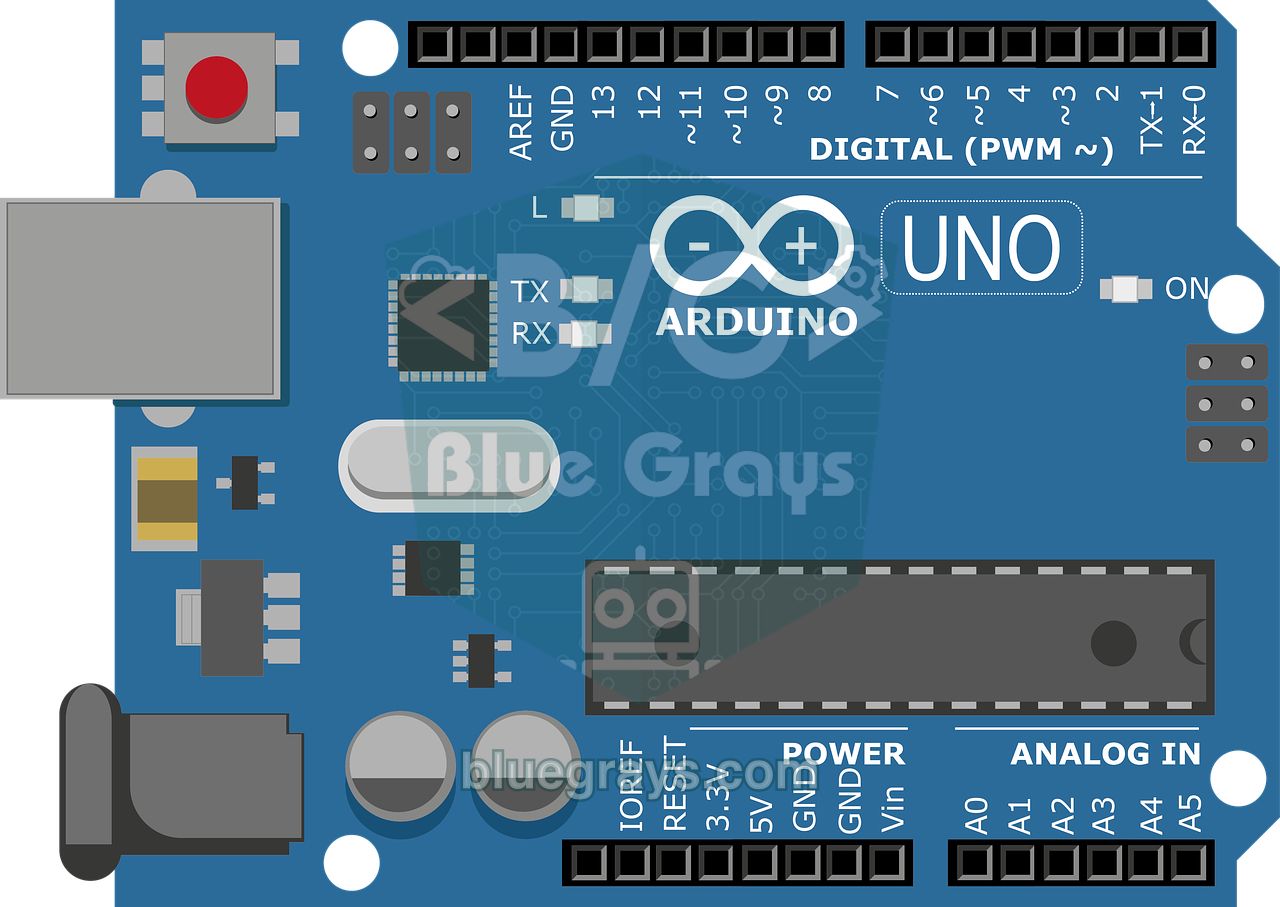
The three memories in an Arduino: Flash, SRAM and EEPROM
The microcontroller on an Arduino contains three memories with completely different jobs. Flash (program memory) stores your compiled code; it survives power loss and is written only when you upload. SRAM (working memory) is where variables, function calls and temporary data live; it is fast but empties when the board powers off. EEPROM is a small area for data that must be kept but changes rarely, such as settings and calibration values. On AVR boards like the Uno these three memories live in separate address spaces (Harvard architecture). This detail explains why the F() and PROGMEM techniques you'll see below are needed.
| Memory | Size on the Uno | What's stored? | On power loss | Write endurance |
|---|---|---|---|---|
| Flash | 32 KB (0.5 KB reserved for the bootloader, 32256 bytes usable) | Program code, PROGMEM data | Kept | About 10,000 erase/write cycles |
| SRAM | 2 KB (2048 bytes) | Variables, arrays, stack and heap | Lost | Unlimited |
| EEPROM | 1 KB (1024 bytes) | Settings, counters, calibration | Kept | About 100,000 writes per cell |
Using EEPROM instead of RAM is not a fix: it is slow and every cell has a limited number of writes. If you write a fast-changing variable to EEPROM on every loop, you can wear that cell out within days. You'll find the right ways to use EEPROM in the Arduino EEPROM tutorial.
Memory sizes by board
| Board | Flash (program) | SRAM | EEPROM |
|---|---|---|---|
| Arduino Uno R3 / Nano (ATmega328P) | 32 KB (Uno 32256, Nano 30720 bytes usable) | 2 KB | 1 KB |
| Arduino Leonardo / Pro Micro (ATmega32U4) | 32 KB (28672 bytes usable) | 2.5 KB | 1 KB |
| Arduino Mega 2560 | 256 KB (253952 bytes usable) | 8 KB | 4 KB |
| Arduino Uno R4 (RA4M1) | 256 KB | 32 KB | 8 KB (data flash) |
| ESP32 (WROOM) | 4 MB flash chip (default app partition 1.25 MB) | 520 KB (about 300 KB of heap left for your program) | None; Preferences stores data in flash |
| Raspberry Pi Pico (RP2040) | 2 MB flash chip | 264 KB | None; emulated in flash |
The gap is huge: the ESP32 has 260 times the Uno's RAM and the Pico about 130 times. That's why memory savings that take real effort on an Uno are often unnecessary on an ESP32. Still, the Uno, Nano and Pro Mini are the most used boards thanks to their low price and simplicity, so learning to live with 2 KB pays off for every Arduino user.
Reading the build output: Sketch uses and Global variables use
At the end of every successful build the Arduino IDE prints two lines. Compile a sketch with an empty setup() and loop() for the Uno and you'll see Sketch uses 444 bytes (1%) of program storage space and Global variables use 9 bytes (0%) of dynamic memory, leaving 2039 bytes for local variables. The first line tells you how much flash the program takes, the second how much RAM global and static variables take. The key point is that the second line only counts variables whose size is known at compile time. Local variables of functions (the stack) and memory allocated at run time with String or malloc (the heap) are not included. The remaining "local variables" space is what they have to share.
| Message | When does it appear? | What does it mean? |
|---|---|---|
| Sketch uses ... bytes (x%) of program storage space | On every build | Space the code takes in flash |
| Global variables use ... bytes (x%) of dynamic memory | On every build | Share of RAM used by global and static variables |
| Low memory available, stability problems may occur. | When global variables pass about 75% of RAM | The code uploads but little room is left for the stack and heap |
| Sketch too big and text section exceeds available space in board | When the program doesn't fit in flash | The code can't be uploaded; you need to shrink flash use |
| Not enough memory and data section exceeds available space in board | When global variables exceed RAM | The code can't be uploaded; you need to reduce RAM use |
Inside SRAM: global variables, heap and stack
The Uno's 2048 bytes of RAM are split into four regions. At the bottom are global variables with an initial value (.data), above them global variables that start at zero (.bss); the compiler shows the sum of these two in the "Global variables use" line. Next comes the heap, which grows upwards: String objects and memory allocated with new and malloc live here. From the very top of RAM the stack grows downwards: every function call puts its return address and local variables here, and registers are saved here when an interrupt fires. If the heap and stack meet in the free space between them, they overwrite each other and the program breaks in unpredictable ways.
| Region | Contents | Growth direction | Shown in the build output? |
|---|---|---|---|
| .data | Initialised global and static variables, strings not wrapped in F() | Fixed | Yes |
| .bss | Uninitialised (zero) global and static variables, library buffers | Fixed | Yes |
| Heap | String, new, malloc, buffers some libraries allocate in begin() | Upwards | No |
| Stack | Local variables, function return addresses, registers saved during interrupts | Downwards | No |
This layout has two important consequences. First, every string not wrapped in F() is copied into .data, because the AVR processor can't read data in flash like an ordinary variable. Second, the heap fragments: as you create and delete Strings of different sizes, small gaps are left behind, and even when total free memory looks sufficient a large block can't be allocated. That's why, in programs that run for a long time on an Uno, keeping away from the heap as much as possible is the safest approach.
Measure first: which line costs how much memory?
The first step in solving a memory problem is to measure, not to guess. Every row in the table below is the real output of a small sketch compiled separately for the Arduino Uno with Arduino AVR core 1.8.6. The values can change by a few bytes with library and core versions, but the proportions always stay the same.
| What's in the sketch? | Flash (bytes) | Global RAM (bytes) |
|---|---|---|
| Empty setup() and loop() | 444 | 9 |
| Serial.begin(9600) | 1438 | 184 |
| + Serial.println("a 44-character text") | 1518 | 232 |
| The same text with F() | 1530 | 188 |
| analogRead + Serial.println(int) | 1892 | 188 |
| float calculation + Serial.println(float) | 3380 | 200 |
| String concatenation: "A0=" + String(analogRead(A0)) | 3316 | 202 |
| The same job with snprintf and a char array | 3232 | 194 |
| A single write with Wire (I2C) | 2476 | 225 |
| SD card: begin, open, println, close | 10496 | 837 |
| int veri[700] array | 1780 | 1588 (77%, Low memory warning) |
| int veri[950] array | 1780 | 2088 (101%, won't compile) |
The lessons are clear. Serial.begin() alone takes 175 bytes of RAM, because the serial port allocates a 64-byte receive buffer and a 64-byte transmit buffer. A single 44-character string costs 44 bytes of RAM; written with F(), that RAM comes back. Using float adds about 1.5 KB of floating-point code to flash. The SD library on its own consumes 10 KB of flash and about 830 bytes of RAM; 40% of the Uno's RAM goes to a single log file. The String example's global RAM looks small, but its real cost appears in the heap at run time and never shows in the build output.
The F() macro: move constant strings out of RAM
On an Uno, every quoted string such as "Temperature: " sits in flash, but it is copied to RAM when the program starts and occupies space there for good. The F() macro prevents this copy: the string stays in flash and functions like Serial.print read it character by character straight from flash. F() works with every object derived from the Print class, including Serial, LiquidCrystal, LiquidCrystal_I2C, Adafruit SSD1306 and SD files. In a project with menus, error messages and help text, simply adding F() can win back a few hundred bytes of RAM. The code below shows the difference and measures free RAM at run time:
1// Boş RAM'i ölçmek ve F() ile RAM kazanmak (Uno, Nano, Mega)
2// Measure free RAM and save RAM with F() (Uno, Nano, Mega)
3extern int __heap_start, *__brkval;   // avr-libc heap sınırları / avr-libc heap limits
4
5int bosRam() {
6  int yerel;                          // stack'in o anki tepesi / current top of the stack
7  return (int)&yerel - (__brkval == 0 ? (int)&__heap_start : (int)__brkval);
8}
9
10void setup() {
11  Serial.begin(9600);
12  Serial.println("Bu metin RAM'e kopyalanir");   // RAM'de 26 bayt / 26 bytes of RAM
13  Serial.println(F("Bu metin flasta kalir"));     // RAM'de 0 bayt / 0 bytes of RAM
14  Serial.print(F("Bos RAM / Free RAM: "));
15  Serial.println(bosRam());
16}
17
18void loop() {
19}
The bosRam() function calculates the distance between the current top of the stack and the end of the heap, in other words how many bytes are left before the heap and stack meet. Call it inside loop() right after a display update or an SD write and you'll catch the worst moment. A practical rule: on an Uno, don't let free RAM drop below 200–300 bytes at run time. F() doesn't work with functions that expect a char* (strcmp, strcpy); for those you use the _P versions and the PSTR() macro shown below.
PROGMEM: keep large tables in flash
F() is only for strings. For large arrays that never change, such as note arrays, display icons (bitmaps), character tables, calibration curves or message lists, you use the PROGMEM keyword. An array declared with PROGMEM is never copied to RAM; to read it you need special functions such as pgm_read_byte and pgm_read_word instead of normal array access. A 100-note melody with frequency and duration tables, for example, takes 400 bytes; that's a fifth of the Uno's RAM, and PROGMEM moves all of it into flash.
1// Mesaj listesi ve nota tablosu flaşta (PROGMEM)
2// Message list and note table kept in flash (PROGMEM)
3const char m0[] PROGMEM = "Sistem hazir";
4const char m1[] PROGMEM = "Sensor hatasi";
5const char m2[] PROGMEM = "Kapi acik";
6const char* const mesajlar[] PROGMEM = { m0, m1, m2 }; // işaretçi tablosu da flaşta / pointer table in flash too
7
8const uint16_t notalar[] PROGMEM = { 262, 294, 330, 349, 392, 440, 494, 523 }; // Do-Re-Mi ... Do (Hz)
9const byte BUZZER_PIN = 8;
10
11void setup() {
12 Serial.begin(9600);
13 char tampon[20]; // RAM'de tek ortak tampon / one shared RAM buffer
14 for (byte i = 0; i < 3; i++) {
15 strcpy_P(tampon, (const char*)pgm_read_ptr(&mesajlar[i])); // flaştan RAM'e kopyala / copy flash -> RAM
16 Serial.println(tampon);
17 }
18 for (byte i = 0; i < 8; i++) {
19 uint16_t frekans = pgm_read_word(¬alar[i]); // 2 baytlık değeri oku / read a 2-byte value
20 tone(BUZZER_PIN, frekans, 200);
21 delay(250);
22 }
23}
24
25void loop() {
26}| Function / macro | What does it do? |
|---|---|
| pgm_read_byte(&array[i]) | Reads 1 byte from flash (byte, char, uint8_t arrays, bitmaps) |
| pgm_read_word(&array[i]) | Reads 2 bytes from flash (int, uint16_t; note and number tables on the Uno) |
| pgm_read_dword / pgm_read_float | Reads 4-byte long and float values |
| pgm_read_ptr(&table[i]) | Reads a pointer stored in flash (string tables) |
| strcpy_P(dest, src) | Copies a string from flash into a RAM buffer |
| strcmp_P(ram_text, PSTR("...")) | Compares a string in RAM with a string in flash |
| strlen_P / memcpy_P | Gets the length of a string in flash, copies a block from flash |
Use char arrays instead of String
Arduino's String class is convenient, but every concatenation (+) asks the heap for a new block and frees the old one. Repeated thousands of times in the Uno's tiny heap, this leaves memory full of holes. The program runs fine for hours and then suddenly freezes, and the bug is very hard to find. The fix is to use char arrays whose size is known up front: the memory is allocated once, never fragments, and the bytes used appear in the build output. The code below reads commands from the Serial Monitor without String and formats the measurement into a single line:
1// String yerine sabit boyutlu char dizileri / fixed-size char arrays instead of String
2char komut[16];          // gelen komut tamponu / incoming command buffer
3byte konum = 0;          // tampondaki karakter sayısı / characters in the buffer
4
5void setup() {
6  Serial.begin(9600);
7  pinMode(13, OUTPUT);
8  Serial.println(F("Komutlar / Commands: LED ON, LED OFF, OLC"));
9}
10
11void olcumGonder() {
12  int ham = analogRead(A0);
13  float volt = ham * 5.0 / 1023.0;          // Uno: 5 V, 10 bit
14  char vMetin[8];
15  dtostrf(volt, 4, 2, vMetin);              // AVR'de snprintf %f desteklemez / AVR snprintf has no %f
16  char satir[40];
17  snprintf(satir, sizeof(satir), "A0=%d ham, %s V", ham, vMetin);   // taşma olmaz / never overflows
18  Serial.println(satir);
19}
20
21void komutIsle(const char* k) {
22  if (strcmp_P(k, PSTR("LED ON")) == 0) digitalWrite(13, HIGH);     // PSTR: metin flaşta / literal in flash
23  else if (strcmp_P(k, PSTR("LED OFF")) == 0) digitalWrite(13, LOW);
24  else if (strcmp_P(k, PSTR("OLC")) == 0) olcumGonder();
25  else Serial.println(F("Bilinmeyen komut / Unknown command"));
26}
27
28void loop() {
29  while (Serial.available()) {
30    char c = Serial.read();
31    if (c == '\n') {                        // satır bitti / line complete
32      komut[konum] = '\0';
33      komutIsle(komut);
34      konum = 0;
35    } else if (c != '\r' && konum < sizeof(komut) - 1) {
36      komut[konum++] = c;                   // taşmadan ekle / append without overflow
37    }
38  }
39}
Three details in the code deserve attention. snprintf knows the buffer size, so it never overflows the array even if the text is long; sprintf doesn't give you that protection. Because AVR's printf family doesn't support the %f format by default, the float value is first turned into text with dtostrf. And the limit on the command buffer (konum < sizeof(komut) - 1) stops a long line from overwriting another part of memory. If you must use String (some libraries return one), at least reserve the space up front in setup() with text.reserve(64) and make the String global; that greatly reduces fragmentation.
The right data type and local variables
| Type | Uno (AVR) | ESP32 / Pico | Value range (Uno) |
|---|---|---|---|
| bool, char, byte | 1 byte | 1 byte | byte: 0–255 |
| int | 2 bytes | 4 bytes | -32768 to 32767 |
| unsigned int, uint16_t | 2 bytes | uint16_t 2, unsigned int 4 bytes | 0–65535 |
| long, unsigned long | 4 bytes | 4 bytes | unsigned long: 0–4,294,967,295 |
| float | 4 bytes | 4 bytes | About 6–7 significant digits |
| double | 4 bytes (same as float) | 8 bytes | No difference from float on the Uno |
- byte for small numbers: Using byte instead of int for pin numbers, counters and percentages between 0 and 255 saves 1 byte per variable and 200 bytes in a 200-element array.
- const for pin numbers: The compiler embeds constants declared as const byte LED_PIN = 13; straight into the code and reserves no RAM for them.
- On/off flags in bits: Eight bool variables take 8 bytes; store the same information in the bits of one byte with bitRead and bitWrite and 1 byte is enough.
- Watch out for large local arrays: A char buffer[300]; declared inside a function doesn't appear in the build output, but it takes 300 bytes of stack every time the function is called. Make large buffers global so their size is visible.
- Avoid recursion: Every function that calls itself opens a new level on the stack; on an Uno even a few dozen levels can use up the RAM.
- Pass large structures by reference: Passing a struct to a function by value puts a copy on the stack; passing it by reference as const Settings& s doesn't copy it.
The hidden memory cost of libraries
When a project suddenly runs out of memory, the culprit is often not your code but a library you added. Some libraries reserve RAM at compile time (as a global buffer), others take it from the heap when begin() is called; in the second case the build output looks innocent but memory runs out once the board is running. Some of the values below come from the measurement table above, others from the libraries' buffer sizes:
| Library / feature | RAM cost (Uno) | When is it allocated? | Lighter option |
|---|---|---|---|
| Serial | About 175 bytes (64 + 64-byte buffers) | At compile time (global) | Remove Serial completely if you don't need it |
| Wire (I2C) | About 215 bytes | At compile time (global) | Unavoidable even with a single I2C device; focus on other savings |
| SoftwareSerial | About 120 bytes (64-byte receive buffer) | At compile time (global) | The hardware serial port if possible, or the Mega's extra ports |
| SD | About 830 bytes, plus about 10 KB of flash | At compile time (global) | Leave logging to an ESP32 or a Mega |
| Adafruit SSD1306 128x64 | 1024-byte frame buffer | From the heap inside begin() | U8g2 page mode (128 bytes) or U8x8 for text only |
| Adafruit NeoPixel / FastLED | 3 bytes per LED (60 LEDs = 180 bytes) | At start-up | Limit the LED count to the real strip length |
This table explains why using an OLED display, an SD card and a Wi-Fi module at the same time on an Uno is almost impossible: the SSD1306 buffer and the SD library alone add up to 1.8 KB, leaving hardly anything of the 2 KB of RAM for your program. The SSD1306 allocation failed error you get with OLED displays is exactly this heap allocation failing; you'll also find fixes in the SSD1306 OLED display article.
Sketch too big: ways to shrink flash use
- Turn off debug output: Serial.print lines added during development cost both flash and RAM. With the DEBUG macro below you can drop them all from the build by changing a single line.
- Avoid float and sprintf: As the measurements show, float adds about 1.5 KB and snprintf more than 1 KB of code. Multiplying the temperature by 10 and storing it as an int (235 instead of 23.5 °C) is enough in most projects.
- Turn repeated code into functions and arrays: Keeping pin numbers in an array and processing them in a loop instead of writing a ten-line block for each LED shortens the code noticeably.
- Pick a smaller library: If you don't need graphics, U8x8 or LiquidCrystal_I2C take far less space than Adafruit GFX-based libraries. Instead of pulling in a whole library for a single function, consider writing that part yourself.
- Check the board setting: The Arduino IDE calculates the limit from the board you select: 32256 bytes for the Uno, 30720 for the Nano (old or new bootloader) and 28672 for the Leonardo. If the wrong board is selected, both the limit and the pin definitions are wrong.
- Move to a bigger board: If it still doesn't fit after all this, a Mega (256 KB) or an ESP32 (1.25 MB and more) runs the same code with small changes.
1// DEBUG makrosu: hata ayıklama çıktısını tek satırla aç/kapat
2// DEBUG macro: switch debug output on/off with one line
3#define DEBUG 1          // yayında 0 yap / set to 0 for release
4
5#if DEBUG
6  #define DBG(x)   Serial.print(x)
7  #define DBGLN(x) Serial.println(x)
8#else
9  #define DBG(x)
10  #define DBGLN(x)
11#endif
12
13void setup() {
14#if DEBUG
15  Serial.begin(9600);
16#endif
17  pinMode(13, OUTPUT);
18  DBGLN(F("Basladi / Started"));
19}
20
21void loop() {
22  int deger = analogRead(A0);
23  digitalWrite(13, deger > 512 ? HIGH : LOW);   // asıl iş / the real job
24  DBG(F("A0: "));
25  DBGLN(deger);
26  delay(500);
27}
With DEBUG 1 this sketch uses 2292 bytes of flash and 188 bytes of RAM on an Uno; set DEBUG 0 and the Serial code is removed from the build completely, dropping the figures to 934 bytes of flash and 9 bytes of RAM. The 1.3 KB of flash and 179 bytes of RAM in between are often enough to add a new feature to a finished project.
Measuring memory on the ESP32
The ESP32 has plenty of memory, but not unlimited memory. Turning on Wi-Fi allocates tens of KB of RAM, and with Bluetooth on top this can approach 100 KB; web servers, JSON documents and image buffers also fill memory quickly. Some modules, such as the ESP32-CAM, have extra PSRAM (usually 4 MB) where large buffers go. On the flash side, if your application doesn't fit in the default 1.25 MB partition, you can go up to 3 MB with the "Huge APP" option in the Partition Scheme setting of the Tools menu. For the ESP32's general features, see What is the ESP32?.
1// ESP32 bellek raporu / ESP32 memory report
2void setup() {
3  Serial.begin(115200);
4  delay(500);
5  Serial.printf("Bos heap / Free heap: %u bayt\n", ESP.getFreeHeap());
6  Serial.printf("En dusuk heap / Minimum free heap: %u bayt\n", ESP.getMinFreeHeap());
7  Serial.printf("En buyuk blok / Largest free block: %u bayt\n", ESP.getMaxAllocHeap());
8  Serial.printf("PSRAM: %u bayt\n", ESP.getPsramSize());
9  Serial.printf("Program / Sketch: %u, bos alan / free: %u bayt\n", ESP.getSketchSize(), ESP.getFreeSketchSpace());
10}
11
12void loop() {
13  // loop görevinin hiç kullanılmamış stack'i / never-used stack of the loop task
14  Serial.printf("loop stack bos / free: %u bayt\n", (unsigned)uxTaskGetStackHighWaterMark(NULL));
15  Serial.printf("Bos heap / Free heap: %u bayt\n", ESP.getFreeHeap());
16  delay(5000);
17}
The two most valuable numbers here are getMinFreeHeap and getMaxAllocHeap. The first gives the lowest free heap since the program started, the second the largest block that can be allocated in one piece. If free heap shows 100 KB but the largest block is under 10 KB, the heap is fragmented and a large String or JSON document may not be allocatable. On the ESP32, loop() runs in its own task with an 8 KB stack; uxTaskGetStackHighWaterMark shows the part of that stack that has never been touched, and if it drops below a few hundred bytes you may hit a "Stack canary watchpoint triggered" error.
Memory on the Raspberry Pi Pico and in MicroPython
The Pico's 264 KB of RAM is huge compared to the Uno, but the MicroPython interpreter uses part of it itself; your program is usually left with around 190 KB of heap. In MicroPython, memory is managed by a garbage collector: objects no longer in use are cleaned up when gc.collect() is called or when memory is about to run out. When memory really runs out you get MemoryError: memory allocation failed. Concatenating strings in a loop, building large lists and one very long code file are the most common causes of this error.
1import gc
2import micropython
3
4gc.collect()                                   # önce çöpleri topla / collect garbage first
5print("Bos RAM / Free RAM:", gc.mem_free(), "bayt")
6print("Kullanilan / Used:", gc.mem_alloc(), "bayt")
7micropython.mem_info()                         # ayrıntılı rapor / detailed report
8
9# Kötü: her turda yeni metin nesnesi / bad: a new string object every loop
10# satir = ""
11# for i in range(100): satir += str(i) + ","
12
13# İyi: tek seferlik bytearray tamponu / good: one preallocated bytearray buffer
14tampon = bytearray(64)
15for i in range(10):
16    tampon[i] = 48 + i                         # ASCII '0'..'9'
17print(bytes(tampon[:10]))
To protect memory in MicroPython, allocate buffers up front with bytearray and reuse them in the loop, define constant numbers with const(), turn large modules into precompiled .mpy files with mpy-cross and call gc.collect() before long jobs. You'll find MicroPython's basic commands on the Pico in MicroPython basics, and the board's general features in What is the Raspberry Pi Pico?.
When should you move to a Mega or an ESP32?
| Situation | Recommendation |
|---|---|
| After F(), PROGMEM and char arrays, free RAM stays above 300 bytes | Stay on the Uno; the problem is solved |
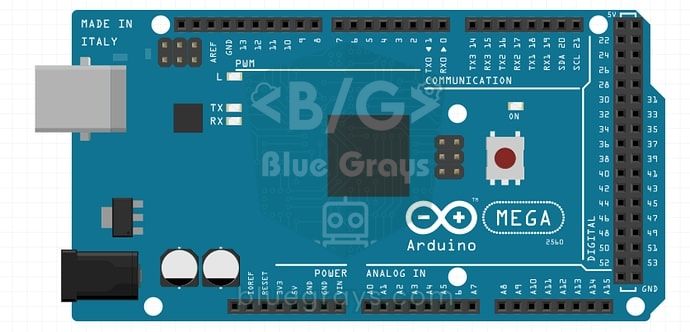
| Several sensors and a menu with an OLED or SD card, and RAM still isn't enough | Arduino Mega 2560: 4 times the RAM, the same 5 V pins and libraries |
| The program exceeds 32 KB but RAM is enough | Mega or Uno R4: 256 KB of flash |
| You need Wi-Fi, a web server, large buffers or image processing | ESP32: 520 KB of RAM, 4 MB of flash, Wi-Fi and Bluetooth |
| You want to work in MicroPython | Raspberry Pi Pico or Pico W |
| A small sensor node that must run on batteries for months | Optimise on the Uno or use a Pro Mini; a bigger board draws more current |
When you move to a Mega, most of your code stays the same; just remember that the I2C pins are 20 (SDA) and 21 (SCL) and the SPI pins are 50–53. Moving to an ESP32 brings differences such as the 3.3 V logic level, different pin numbers and analogRead's 12-bit (0–4095) result. To decide which board suits you, read the Arduino vs ESP32 comparison, and for a 5 V-friendly option with far more memory, the Arduino Uno R4 article.
Common mistakes and how to fix them
| Symptom | Likely cause | Fix |
|---|---|---|
| Sketch too big, code won't upload | The program doesn't fit in flash | Turn off debug output, reduce float and sprintf, pick smaller libraries, move to a Mega if needed |
| Code uploads but freezes after a few minutes | String concatenations fragment the heap | Use char arrays and snprintf instead of String; measure free RAM |
| Garbage in the Serial Monitor, variables change by themselves | The stack is overwriting the heap | Bring global RAM below 75%, remove large local arrays |
| SSD1306 allocation failed | begin() can't allocate the 1 KB buffer | Wrap strings in F(), switch to U8g2 page mode |
| The board resets at random although memory looks fine | It may be a power problem rather than memory | Power motors and relays separately, add a capacitor |
| Array elements show nonsense values | Writing past the end of the array | Check the index; derive loop limits from sizeof |
| Stack canary watchpoint triggered on the ESP32 | A task's stack overflowed | Make large local arrays global or increase the task stack |
Running out of memory on an Arduino can usually be solved without changing the board: moving constant strings to flash with F(), moving large tables to PROGMEM, using char arrays instead of String and dropping unnecessary libraries gives 2 KB of RAM a surprising amount of breathing room. In the BlueGrays app you can explore memory-hungry projects such as OLED games, buzzer melodies and LED matrix animations, with step-by-step circuit diagrams and code written with these techniques.
Frequently asked questions
What does Low memory available mean on Arduino?
It means global variables fill about 75% of RAM and little room is left for the stack and heap. The code uploads, but random resets, freezes and corrupted variables may appear while it runs. Wrapping constant strings in F() and moving large arrays to PROGMEM usually makes the warning go away.
How do I fix the Sketch too big error?
This error means the program doesn't fit in flash memory. Turn off Serial output added for debugging, reduce float and sprintf, turn repeated code into functions and choose smaller libraries. If it still doesn't fit, move to a board with more flash such as the Arduino Mega or an ESP32.
How much memory does the Arduino Uno have?
The ATmega328P on the Arduino Uno has 32 KB of flash (0.5 KB reserved for the bootloader), 2 KB of SRAM and 1 KB of EEPROM. The program goes into flash, variables into SRAM and permanent settings into EEPROM. Most problems happen in that 2 KB of SRAM.
What does the F() macro do?
F() stops constant strings passed to functions such as Serial.print from being copied to RAM and keeps them in flash. On an Uno every character saves one byte of RAM, which adds up to hundreds of bytes in projects with many messages. It also compiles on the ESP32 and Pico, but has no effect there.
How do I measure free RAM on Arduino?
On the Uno, Nano and Mega you use a small function that calculates the distance between the stack and the heap with the __heap_start and __brkval variables. On the ESP32, ESP.getFreeHeap() and ESP.getMinFreeHeap() give the same information, and in MicroPython gc.mem_free(). It's important to measure at the moment memory use peaks.
Why is using String on Arduino a problem?
String objects ask the heap for new memory on every concatenation and release the old block, so the Uno's small heap fragments over time. Even if total free memory looks sufficient, a new block can't be allocated and the program freezes. Fixed-size char arrays and snprintf remove this problem completely.
Projects to build after reading this
See all projects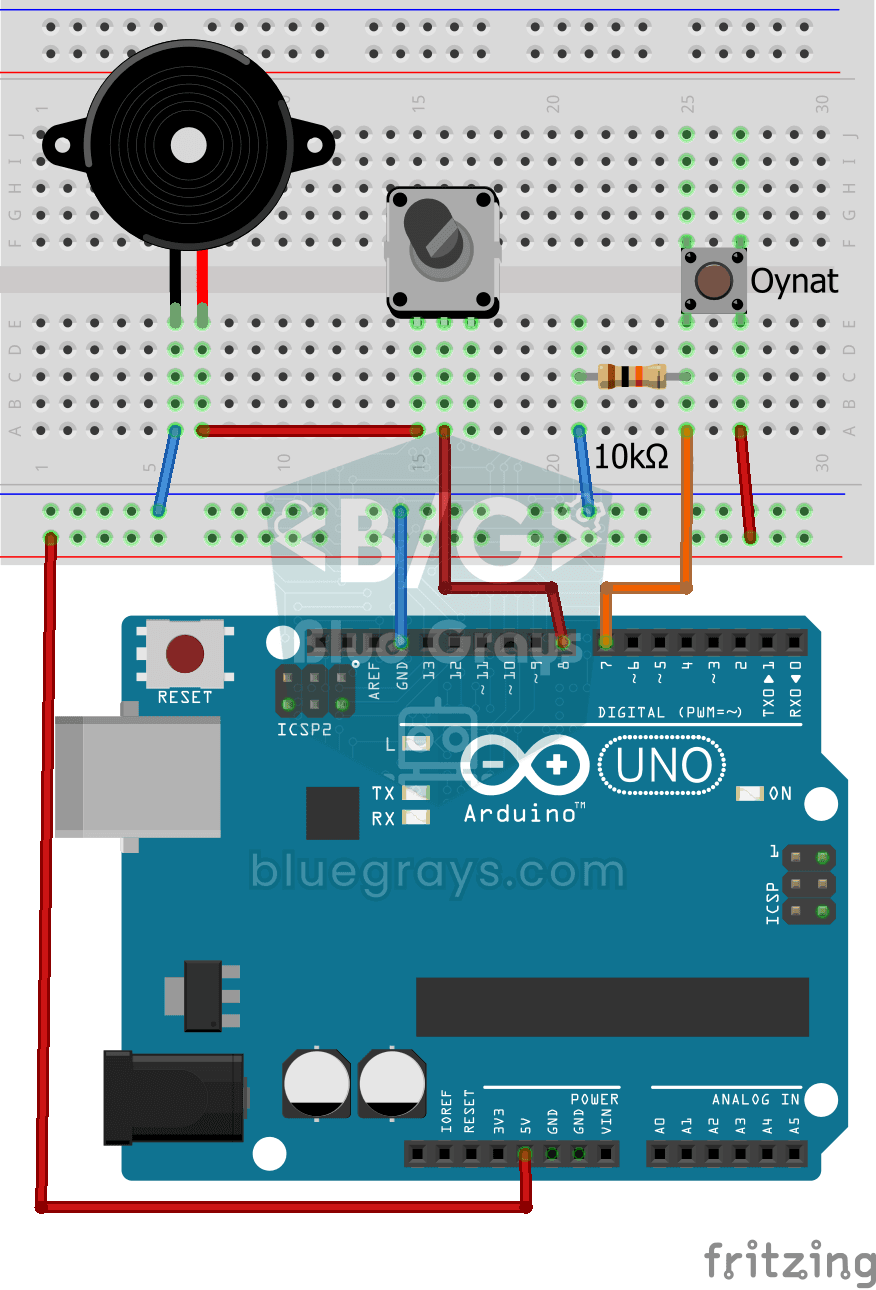
Turkish National Anthem with Buzzer
Press the button and a small buzzer starts playing the Turkish National Anthem, note by note.
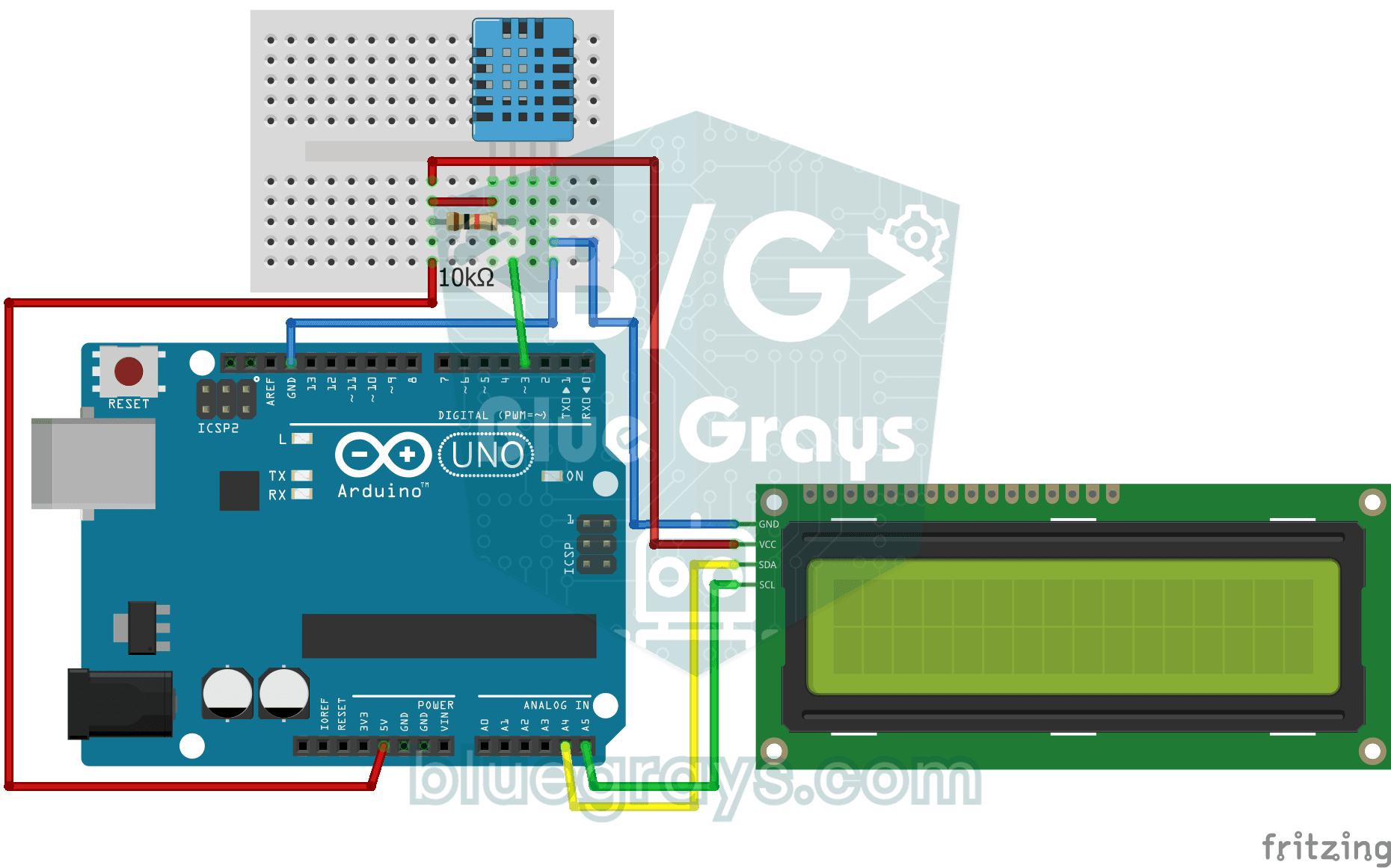
Temperature and Humidity with DHT11
How warm is your room, and is the air humid or dry? The DHT11 sensor measures temperature and humidity, and the Arduino writes the values on a two-line LCD screen, refreshing every couple of seconds.

Paddle Ball Game - SSD1306
A ball, two paddles and you: you play table tennis, one of the very first video games, on a small OLED screen.

OLED T-Rex Run: Arduino Dinosaur Game
The dinosaur game that pops up when your internet goes down, now on your desk: the dinosaur runs across the small OLED screen, cacti come at you, and you jump with a single button.

Pixel Snake 8x8 Matrix
Build the classic snake game with your own hands and play it. On a colorful 8x8 light matrix, you steer a green snake with a joystick and eat red apples; with every apple the snake grows, speeds up a…

Arduino Memory Game (4 LEDs + 4 Buttons + Buzzer)
Do you trust your memory? Four colored LEDs light up in a sequence, each playing its own note, and you repeat the same order by pressing the buttons.
Password Lock with 4x4 Keypad and LCD
A small electronic door lock that keeps out anyone who doesn't know the code. You press the hash key and type the code on the keypad; if it is right, the screen says access granted, the green LED…