
Arduino Solar Tracker: Dual-Axis Build with 4 LDRs and Servos
Build an Arduino solar tracker: single vs dual axis, 4 LDRs to find the light, servo control, a dead band against jitter and a test against a fixed solar panel.
An Arduino solar tracker is an automatic mechanism that keeps a solar panel pointed at the sun all day long: sensors measure where the light is coming from and a motor turns the panel toward it. A typical Arduino build uses four LDRs (light dependent resistors) and two servo motors. The LDRs tell the board which side is brighter, and the servos rotate the panel toward that side. A fixed panel sees the sun from the side in the morning and evening and misses a large share of the available energy, while a tracking panel catches the light close to a right angle at every hour of the day.
In this guide you'll learn step by step the difference between single-axis and dual-axis tracking, how the light difference is calculated with 4 LDRs, the dead band (tolerance) logic that stops the servo from jittering for nothing, and the mechanical structure that carries the panel. Besides ready-to-compile code for Arduino Uno, ESP32 and Raspberry Pi Pico, you'll also find an experiment that really measures the energy gain by comparing the tracking panel with a fixed one, a parts list and tips for presenting the project at a science fair.
What is a solar tracker and why does it increase output?
The power a panel produces depends on the angle at which light hits its surface. When light arrives perpendicular to the surface, the panel catches the most light; as the light comes in at a slant, the same beam spreads over a larger area and the intensity the panel sees drops by the cosine of the angle of incidence. That's why light arriving 60° off the perpendicular produces only half the power of light hitting the panel head-on. The table below shows this loss. Look at it closely and you'll also notice that small errors cost almost nothing: a panel that misses the sun by 5° loses only 0.4% of its power. You'll need this fact later when choosing the dead band.
| Angle of incidence (off perpendicular) | cos(angle) | Power received by the panel |
|---|---|---|
| 0° | 1.000 | 100% |
| 5° | 0.996 | 99.6% |
| 10° | 0.985 | 98.5% |
| 20° | 0.940 | 94% |
| 30° | 0.866 | 87% |
| 45° | 0.707 | 71% |
| 60° | 0.500 | 50% |
| 75° | 0.259 | 26% |
The sun's position in the sky is described by two angles: the azimuth, which tells you in which direction along the horizon it is, and the elevation (altitude), which tells you how high it is above the horizon. Because the Earth turns 15° per hour, the sun moves on average about 1° across the sky every 4 minutes, while its elevation changes a lot with the seasons. At about 39° north (roughly the latitude of Washington D.C., Lisbon or central Turkey) the values look like this:
| Date | Noon elevation | Sunrise direction | Sunset direction | Day length |
|---|---|---|---|---|
| June 21 | About 74° | About 59° (northeast) | About 301° (northwest) | About 15 hours |
| March 21 and September 23 | About 51° | 90° (due east) | 270° (due west) | About 12 hours |
| December 21 | About 28° | About 121° (southeast) | About 239° (southwest) | About 9.5 hours |
Azimuth is measured clockwise from north. Two important conclusions follow from the table. In summer the sun rises in the northeast and sets in the northwest, so it travels about 240° during the day; a servo that turns 180° can't fully face the sun in the first and last hours of daylight, but the loss is small because the sun is low and weak at those times. In winter the sun stays low even at noon, so a fixed south-facing panel needs a different tilt for each season. A tracker solves both problems on its own.
Single axis or dual axis?
| Feature | Single axis | Dual axis |
|---|---|---|
| Movement | East–west only | East–west plus tilt (up–down) |
| Number of LDRs | 2 | 4 |
| Number of servos | 1 | 2 |
| Gain over a fixed panel (large systems) | About 15–35% | About 30–45% |
| Mechanics | Simple and sturdy | Pan-tilt bracket, more parts |
| Code | One difference, one decision | Two differences, two axes together |
| Best suited for | A first build, middle school | High school, science fairs, efficiency comparison |
A single-axis tracker follows only the sun's east-to-west movement; its tilt is fixed and set to an angle that suits the season. This axis delivers most of the gain, because the sun's largest daily movement is from east to west. Single-axis tracking is also the most common type in large solar power plants; dual-axis systems collect a little more energy but cost more and need more maintenance. For a school project, though, dual axis makes a more impressive demo and is a great problem that teaches you to control two axes at once.
Measuring the light difference: 4 LDRs and a shadow wall
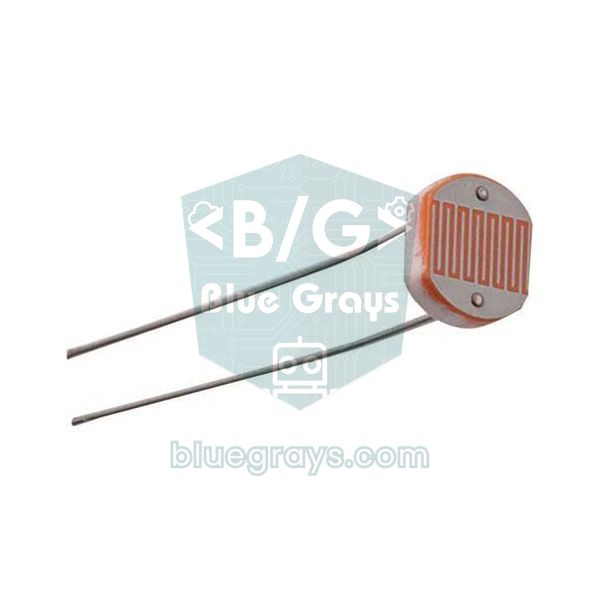
A single LDR only tells you how bright the surroundings are; to find a direction you have to compare at least two LDRs. In a dual-axis tracker the four LDRs are placed in a 2×2 square, with an opaque cross-shaped (+) divider between them, the shadow wall. When the sensor points straight at the sun, the wall casts no shadow on any LDR and all four see the same light. When the sun moves to one side, the wall shades the LDRs on the opposite side and their readings drop. The height of the wall sets the sensitivity: a 3 cm wall casts a shadow about 2.6 mm wide at a 5° offset (3 cm × tan 5°), enough to cover half of a 5 mm LDR. A tall wall gives a more sensitive but narrower sensor, a short wall a coarser but wider one. To see how an LDR works in detail, read LDR Light Sensor.
- Top average: (top left + top right) / 2
- Bottom average: (bottom left + bottom right) / 2
- Left average: (top left + bottom left) / 2
- Right average: (top right + bottom right) / 2
- Vertical difference (dV): top − bottom. If positive the panel should tilt up, if negative down.
- Horizontal difference (dH): left − right. If positive the panel should turn left, if negative right.
Tracking with sensors or with a clock?
LDR tracking isn't the only method. Since the sun's position can be calculated in advance from the date, time and location, some systems use no light sensor at all. Let's compare the three approaches:
| Method | How does it work? | Pros | Cons |
|---|---|---|---|
| Sensor-based (LDR, closed loop) | Measures the light difference and turns toward the brighter side | Simple; no location or time needed; corrects mechanical errors by itself | Unstable under clouds; affected by reflections and dirty sensors |
| Clock-based (astronomical, open loop) | Calculates the sun's position from date, time and location | Points the right way even under clouds; movement is planned in advance | Time, location and mounting direction must be set precisely; it can't notice mechanical errors |
| Hybrid | Gets close by calculation, fine-tunes with the LDRs | Combines the strengths of both methods | More complex code and an extra RTC module |
In this guide we build the sensor-based version, because it needs no location or time data, is easy to set up and corrects mechanical errors by itself. If you want to take the project further, adding clock-based tracking with an RTC module later and comparing the two methods makes a very strong extra experiment in front of the judges.
Parts list
| Part | Qty | Note |
|---|---|---|
| Arduino Uno (or Nano) | 1 | An ESP32 or Raspberry Pi Pico also works |
| LDR (GL5528, 5 mm) | 4 | 2 for single axis |
| 10 kΩ resistor | 6 | 4 for the LDR dividers, 2 for the panel dividers; outdoors 1–2.2 kΩ for the LDRs |
| 22 kΩ resistor | 2 | Panel voltage divider |
| 33 Ω, 5 W ceramic (cement) resistor | 2 | One load resistor per panel |
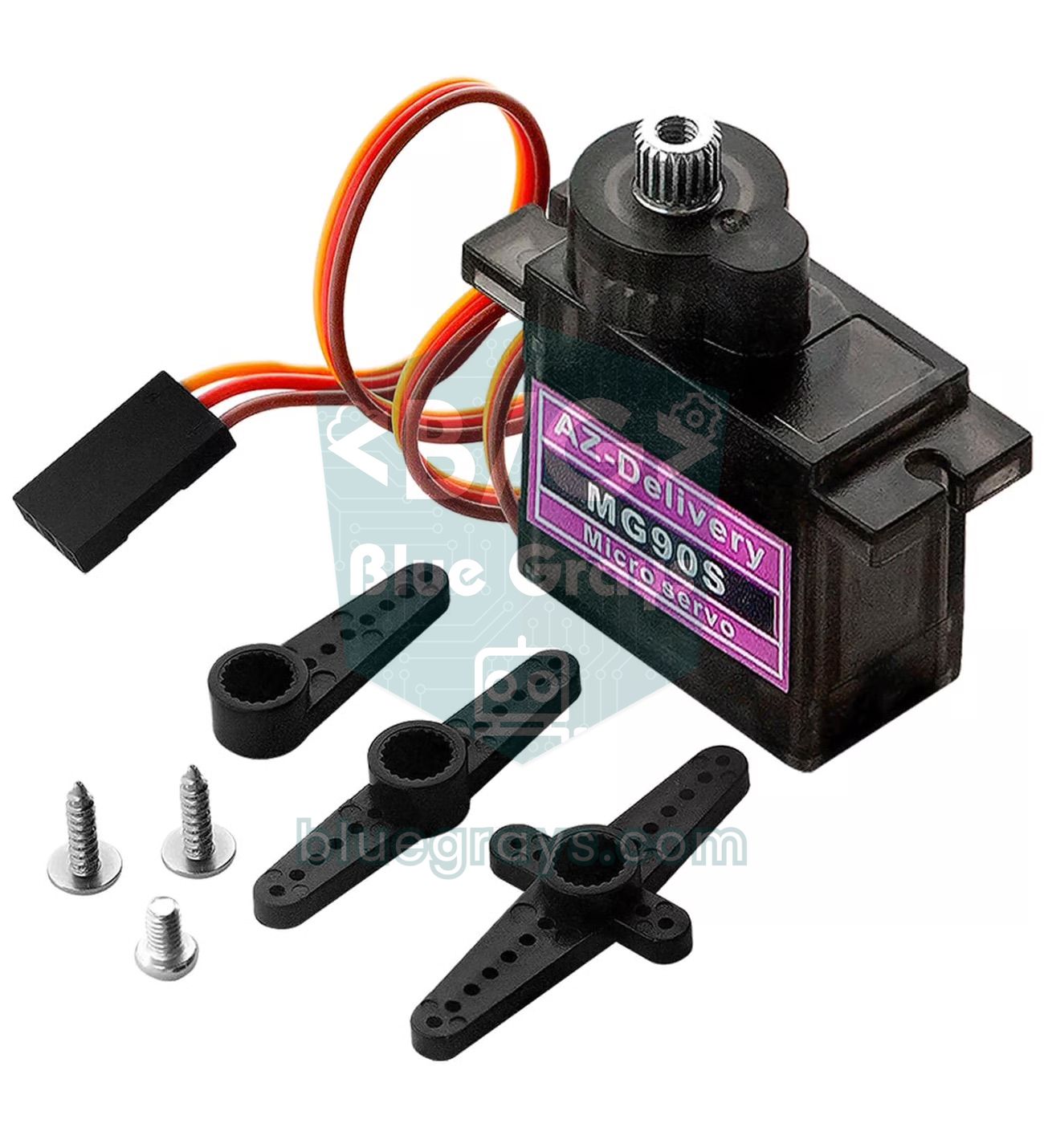
| SG90 or MG90S servo | 2 | 1 for single axis; MG90S in windy places |
| Pan-tilt servo bracket | 1 | Ready-made plastic kit or 3D print |
| Mini solar panel 6 V 1 W (110×60 mm) | 2 | One tracks, one is the fixed reference |
| 470 µF 16 V capacitor | 1 | In parallel with the servo supply |
| 5 V 2 A adapter or 4×AA rechargeable (NiMH) batteries | 1 | External supply for the servos |
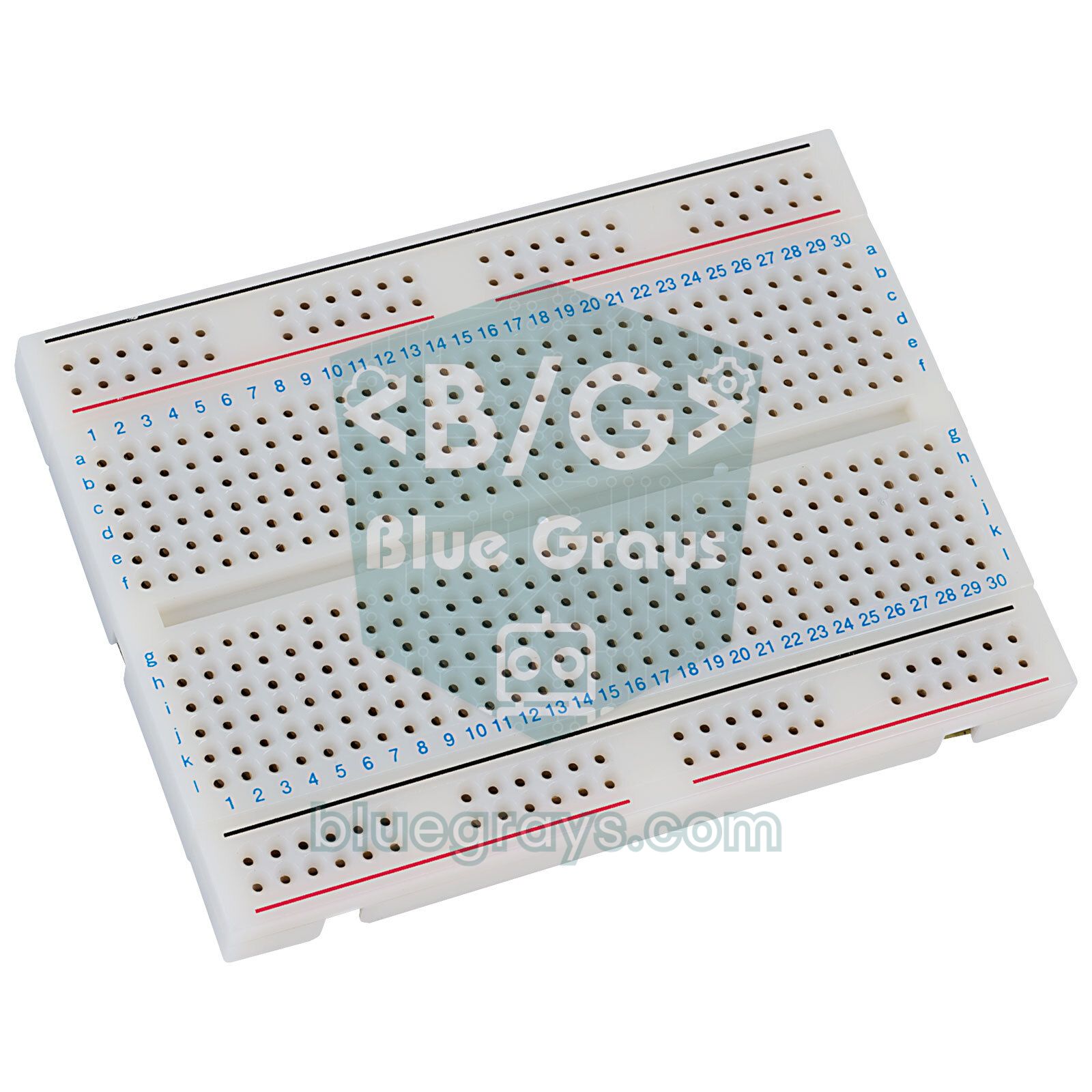
| Breadboard and jumper wires | 1 set | Perfboard for a permanent build |
| Cardboard, black tape or a 3D-printed divider | 1 | Cross-shaped shadow wall |
Wiring: Arduino Uno, ESP32 and Pico
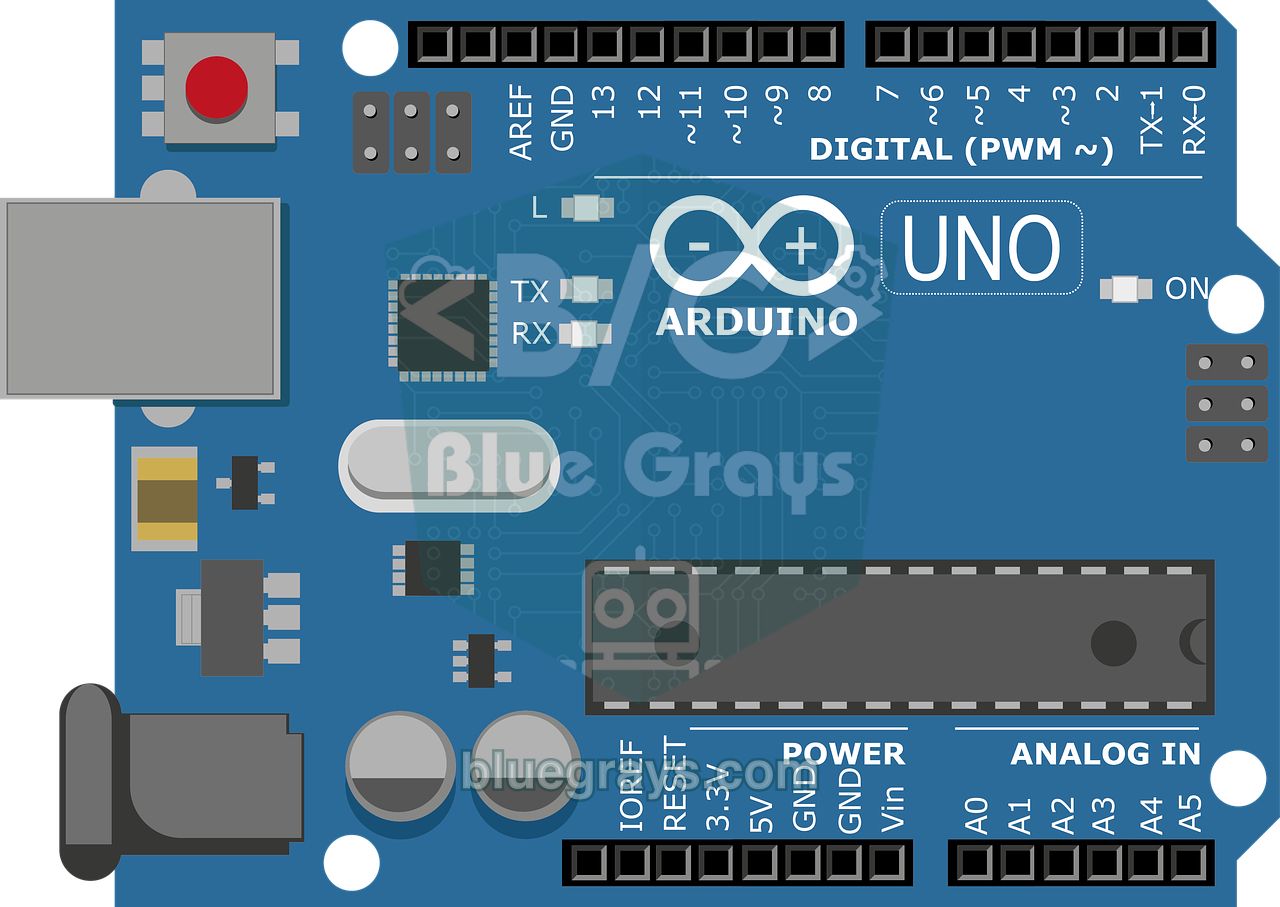
One leg of each LDR goes to the supply (5V on the Uno, 3V3 on the ESP32 and Pico) and the other leg to an analog pin; a fixed resistor runs from the same analog pin to GND. That way the reading rises as the light increases. On the panel side, a load resistor (33 Ω) is connected across the two terminals of each panel. The panel voltage is divided by 3.2 with a 22 kΩ and 10 kΩ divider before it reaches the analog pin: 22 kΩ from the panel's positive terminal to the analog pin, 10 kΩ from the analog pin to GND. The panel's negative terminal must also go to the board's GND; without a common ground the measurement is meaningless.
| Connection | Arduino Uno | ESP32 | Raspberry Pi Pico |
|---|---|---|---|
| LDR top left | A0 | GPIO 32 | GP26 (east LDR in single axis) |
| LDR top right | A1 | GPIO 33 | GP27 (west LDR in single axis) |
| LDR bottom left | A2 | GPIO 34 | None (needs an external ADC) |
| LDR bottom right | A3 | GPIO 35 | None (needs an external ADC) |
| Tracking panel (divider midpoint) | A4 | GPIO 36 (VP) | GP28 |
| Fixed panel (divider midpoint) | A5 | GPIO 39 (VN) | None |
| Horizontal servo signal | D9 | GPIO 18 | GP15 |
| Vertical servo signal | D10 | GPIO 19 | None (single axis) |
| LDR divider supply | 5V | 3V3 | 3V3 |
| Servo supply | External 5 V | External 5 V | External 5 V |
| All GNDs (including panel negatives) | GND | GND | GND |
Mechanics: pan-tilt bracket and panel balance
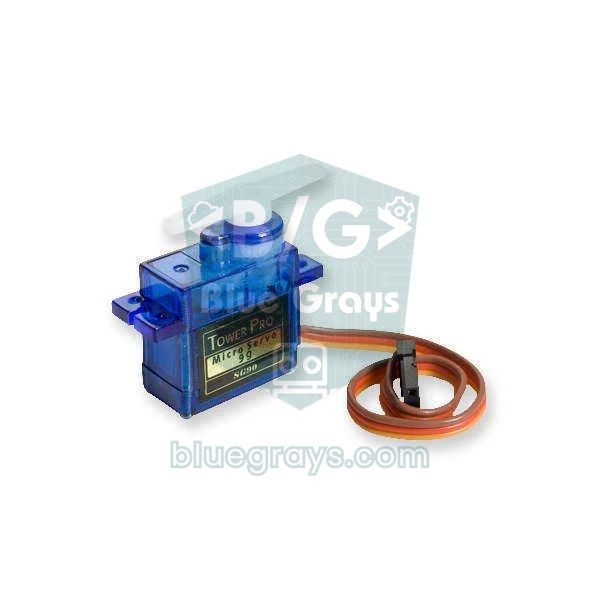
The easiest mechanical solution is a ready-made pan-tilt bracket that stacks two SG90 servos: the bottom servo turns the panel horizontally (east–west), the top servo tilts it vertically. Mount the sensor block on the edge of the panel so that its face is exactly parallel to the panel surface. If the sensor points in a different direction from the panel, the system will track the sun perfectly while the panel always looks a few degrees off. A 110×60 mm 6 V 1 W mini panel weighs about 22 g; at 3 cm from the axis that means roughly 0.07 kg·cm of torque, far below the SG90's 1.8 kg·cm. The real load is wind: if you test outdoors, center the panel on the servo axis, use the metal-gear MG90S, and for bigger panels move to a strong servo like the MG996R. Leave a loose loop in the cables for rotation; a tight cable strains the servo and pulls connections apart. For servo basics, read What Is a Servo Motor?.
Step-by-step assembly
- Solder the four LDRs to a piece of perfboard in a 2×2 square and glue a cross-shaped cardboard or 3D-printed divider, 2–3 cm high, between them; paint it matte black or cover it with black tape.
- Build the divider for each LDR: LDR from the supply to the analog pin, fixed resistor from the analog pin to GND.
- Fit the servos into the pan-tilt bracket, set both to 90° and screw the horns on in the middle position.
- Fix the panel and the sensor block on the top bracket with their faces parallel.
- Build the panel measuring circuit: load resistor across the panel's terminals, divider between the panel's positive terminal and GND, midpoint to A4.
- Power the servos from the external 5 V supply, join all GNDs and connect the 470 µF capacitor in parallel with the servo supply.
- Upload the calibration code first, then the tracking code, and test the system with a flashlight.
Step 1: Test and calibrate the LDRs
Even LDRs from the same bag give noticeably different readings in the same light; the GL5528 datasheet specifies a range as wide as 10–20 kΩ at 10 lux. An uncalibrated sensor thinks one side is brighter even when it points straight at the sun, and turns the panel a few degrees the wrong way. Upload the code below, open the Serial Plotter from the Tools menu and light the sensor block evenly; for example, a sheet of white paper stretched in front of a lamp diffuses and evens out the light.
1// 4 LDR'yi okuyup Seri Çizici'ye yazar / reads 4 LDRs for the Serial Plotter
2const int LDR[4] = {A0, A1, A2, A3};   // sol üst, sağ üst, sol alt, sağ alt / TL, TR, BL, BR
3
4void setup() {
5  Serial.begin(9600);
6}
7
8void loop() {
9  for (int i = 0; i < 4; i++) {
10    Serial.print(analogRead(LDR[i]));
11    Serial.print(i < 3 ? '\t' : '\n');  // sekmeyle ayır / separate with tabs
12  }
13  delay(100);
14}
The four lines should sit at the same level in the same light. Let's say the readings are 612, 640, 598 and 625; the average is 619. Each LDR's correction is the average minus its own value: +7, −21, +21 and −6. You enter these numbers in the OFFSET array in the code of step 3. Because an LDR's resistance does not change linearly with light, calibrating at a light level close to where the system will actually work gives the most accurate result. The Serial Plotter also shows you the noise: note how many counts the readings wander while you touch nothing, because you'll need that number when choosing the dead band.
Step 2: Single-axis solar tracker code
Let's look at the logic on a single axis first. Two LDRs, separated by a vertical shadow wall, face the east and west sides: A0 is the east LDR and A1 the west LDR. The code subtracts one reading from the other; if the difference is larger than the dead band, the servo turns 1° toward the brighter side, otherwise it stays put. This short sketch is a complete single-axis system. If the panel runs away from the light, swap the angle++ and angle-- in the two conditions.
1#include <Servo.h>
2
3Servo servo;
4const int LDR_EAST = A0;   // doğu tarafındaki LDR / east-side LDR
5const int LDR_WEST = A1;   // batı tarafındaki LDR / west-side LDR
6const int TOL = 30;        // ölü bölge (ADC birimi) / dead band (ADC counts)
7int angle = 90;            // başlangıç: tam güney / start: due south
8
9void setup() {
10  servo.attach(9);
11  servo.write(angle);
12}
13
14void loop() {
15  int diff = analogRead(LDR_EAST) - analogRead(LDR_WEST);
16  if (diff > TOL && angle < 180) angle++;   // doğu daha aydınlık / east is brighter
17  if (diff < -TOL && angle > 0) angle--;    // batı daha aydınlık / west is brighter
18  servo.write(angle);
19  delay(30);                                // servo yetişsin / let the servo settle
20}
With delay(30) the servo turns at most 1° every 30 ms, which is about 33° per second, so the panel easily follows a flashlight during a demo. The sun moves much more slowly, so in real use a correction every few seconds is enough.
Step 3: Dual-axis code, dead band and data logging
The full version calculates two differences from the four LDRs, corrects each axis separately, parks the panel ready for the morning when night falls, and once a minute writes the voltage, power and collected energy of both panels to the Serial Monitor as CSV. The code uses millis() instead of delay(), so tracking and logging run without waiting for each other. The details of this technique are in millis and delay.
1#include <Servo.h>
2
3// Pinler / Pins
4const int LDR[4] = {A0, A1, A2, A3};   // sol üst, sağ üst, sol alt, sağ alt / TL, TR, BL, BR
5const int PANEL_TRACK = A4;            // takip eden panelin bölücüsü / tracking panel divider
6const int PANEL_FIXED = A5;            // sabit panelin bölücüsü / fixed panel divider
7
8// Ayarlar / Settings
9const int OFFSET[4] = {0, 0, 0, 0};    // Adım 1'deki düzeltmeler / corrections from step 1
10const int TOL_START = 40;              // fark bunu aşınca dön / start turning above this
11const int TOL_STOP = 15;               // fark bunun altına inince dur / stop below this
12const int DIR_H = 1, DIR_V = 1;        // ters dönüyorsa -1 yap / set to -1 if it turns away
13const int H_MIN = 0, H_MAX = 180;      // yatay sınırlar / horizontal limits
14const int V_MIN = 10, V_MAX = 90;      // dikey sınırlar / vertical limits
15const int H_PARK = 180, V_PARK = 45;   // gece konumu: doğu (batıda bekliyorsa H_PARK = 0) / night position: east (0 if it waits facing west)
16const int NIGHT = 60;                  // ortalama bunun altındaysa gece / below this average = night
17const float DIVIDER = 3.2;             // (22k + 10k) / 10k
18const float LOAD_OHM = 33.0;           // yük direnci / load resistor
19const unsigned long LOG_MS = 60000;    // kayıt aralığı: 1 dk / log interval: 1 min
20
21Servo servoH, servoV;                  // yatay ve dikey eksen / horizontal and vertical axis
22int angleH = 90, angleV = 45;
23bool movingH = false, movingV = false;
24unsigned long lastStep = 0, lastLog = 0, darkSince = 0;
25float mWhTrack = 0, mWhFixed = 0;      // toplanan enerji / collected energy
26
27int readAvg(int pin) {                 // 8 okumanın ortalaması / average of 8 readings
28  long sum = 0;
29  for (int i = 0; i < 8; i++) sum += analogRead(pin);
30  return sum / 8;
31}
32
33// Ölü bölge + histerezis / dead band + hysteresis
34int correct(int diff, bool &moving, int angle, int dir, int lo, int hi) {
35  if (abs(diff) > TOL_START) moving = true;
36  if (abs(diff) < TOL_STOP) moving = false;
37  if (moving) angle += (diff > 0 ? 1 : -1) * dir;
38  return constrain(angle, lo, hi);
39}
40
41float panelVolts(int pin) {            // bölücüden panel gerilimi / panel voltage from divider
42  return readAvg(pin) * 5.0 / 1023.0 * DIVIDER;
43}
44
45void setup() {
46  Serial.begin(9600);
47  servoH.attach(9);
48  servoV.attach(10);
49  servoH.write(angleH);
50  servoV.write(angleV);
51  Serial.println("dk,V_takip,V_sabit,mW_takip,mW_sabit,mWh_takip,mWh_sabit");
52}
53
54void loop() {
55  unsigned long now = millis();
56
57  if (now - lastStep >= 40) {          // saniyede 25 düzeltme / 25 corrections per second
58    lastStep = now;
59    int v[4];
60    for (int i = 0; i < 4; i++) v[i] = readAvg(LDR[i]) + OFFSET[i];
61    int avg = (v[0] + v[1] + v[2] + v[3]) / 4;
62    int dV = (v[0] + v[1]) / 2 - (v[2] + v[3]) / 2;   // üst - alt / top - bottom
63    int dH = (v[0] + v[2]) / 2 - (v[1] + v[3]) / 2;   // sol - sağ / left - right
64
65    if (avg > NIGHT) {
66      darkSince = now;
67      angleV = correct(dV, movingV, angleV, DIR_V, V_MIN, V_MAX);
68      angleH = correct(dH, movingH, angleH, DIR_H, H_MIN, H_MAX);
69    } else if (now - darkSince > 600000UL) {           // 10 dk karanlık / 10 min of darkness
70      angleH = H_PARK;
71      angleV = V_PARK;
72    }
73    servoH.write(angleH);
74    servoV.write(angleV);
75  }
76
77  if (now - lastLog >= LOG_MS) {       // dakikada bir CSV satırı / one CSV line per minute
78    lastLog = now;
79    float vt = panelVolts(PANEL_TRACK), vf = panelVolts(PANEL_FIXED);
80    float pt = vt * vt / LOAD_OHM * 1000.0;    // P = V² / R (mW)
81    float pf = vf * vf / LOAD_OHM * 1000.0;
82    mWhTrack += pt * LOG_MS / 3600000.0;       // enerji = güç × süre / energy = power × time
83    mWhFixed += pf * LOG_MS / 3600000.0;
84    Serial.print(now / 60000); Serial.print(',');
85    Serial.print(vt, 2); Serial.print(',');
86    Serial.print(vf, 2); Serial.print(',');
87    Serial.print(pt, 1); Serial.print(',');
88    Serial.print(pf, 1); Serial.print(',');
89    Serial.print(mWhTrack, 1); Serial.print(',');
90    Serial.println(mWhFixed, 1);
91  }
92}| Setting | Value | What it does |
|---|---|---|
| OFFSET | Corrections from step 1 | Cancels the manufacturing differences between the LDRs |
| TOL_START / TOL_STOP | 40 / 15 | Dead band with hysteresis: turns when the difference exceeds 40, stops when it falls below 15 |
| DIR_H / DIR_V | 1 or -1 | Reverses the direction of rotation to match your mounting |
| V_MIN / V_MAX | 10 / 90 | Limits of the vertical servo; keep the panel from hitting the bracket |
| NIGHT | 60 | If the average of the four LDRs is below this, it's considered night |
| H_PARK / V_PARK | 180 / 45 | East-facing position the panel waits in after 10 minutes of darkness; if it waits facing west, set H_PARK to 0 |
| DIVIDER / LOAD_OHM | 3.2 / 33 | To calculate the panel voltage and the power with P = V² / R |
| LOG_MS | 60000 | Logging interval: one line per minute |
Preventing jitter with a dead band (tolerance)
Without a dead band the system never rests. Even when it points straight at the sun, the LDR readings wander by a few counts because of noise, the difference flips between plus and minus, and the servo keeps stepping 1° right, 1° left. This jitter wears out the servo's gears and wastes energy. The fix is to ignore small differences: if the difference is below a certain limit, nothing happens. Use the noise you saw during calibration to choose the limit and make the dead band at least 3–4 times the noise. On the Uno, if the noise is around ±5 counts, 20–40 is a good starting point.
The method in the code goes one step further: hysteresis. The servo starts moving when the difference exceeds 40, but doesn't stop until it falls below 15. With a single-limit dead band, the panel stops right at the edge of the limit and a small cloud or gust sets it moving again; the two-limit system brings the panel well onto the sun each time and then calms down. The dead band's effect on energy is negligible too: as the cosine table showed, an error of a few degrees means a loss below 1%. For more filtering techniques, see filtering sensor data.
Efficiency experiment: tracking panel vs fixed panel
The only way to prove that the tracker works is to measure it. The common mistake here is measuring only the panel's open-circuit voltage. A panel's no-load voltage barely changes with light: when the light halves, the current roughly halves too, but the open-circuit voltage drops only 3–5%. So both panels show around 7 V and the difference vanishes. The right method is to connect the same load resistor to each panel and measure the voltage across it. Power is found with P = V² / R, and energy by adding up the power over time. Choose the load resistor for the panel's maximum power point: a 6 V 1 W panel delivers about 1 / 6 = 0.17 A, so the matching resistor is 6 / 0.17 ≈ 36 Ω; a standard 33 Ω is a good choice. Because the resistor dissipates close to 1 W as heat, use at least a 2 W, preferably a 5 W ceramic resistor. You can check the numbers with the Ohm's law calculator.
- Use two identical panels: the same model, ideally from the same batch. Connect a 33 Ω load resistor and a 22 kΩ / 10 kΩ divider to both; the tracking panel goes to A4, the fixed one to A5.
- Run a pre-test: mount both panels side by side at the same direction and tilt and measure for 30–60 minutes. Note the difference (for example 2%) and correct your results with it. Even better, swap the panels on the second day.
- Point the fixed panel due south and set its tilt for that day's noon sun (see the warning below).
- Place the two panels far enough apart that neither shades the other or the sensor, in a spot with no tree or wall shadows.
- Measure the panel voltage once with a multimeter and compare it with the Arduino's reading; if they differ, correct the DIVIDER value (how to use a multimeter).
- Log once a minute from sunrise to sunset and write down the weather (clear, partly cloudy, overcast).
- Repeat the experiment on at least three clear days, log one overcast day separately and compare the average daily energy.
| Column | Meaning |
|---|---|
| dk | Minutes since the Arduino started |
| V_takip / V_sabit | Voltage across the load resistor of the tracking / fixed panel (V) |
| mW_takip / mW_sabit | Instant power: V² / R × 1000 |
| mWh_takip / mWh_sabit | Energy collected since logging started |
| Gain (%) | (mWh_takip − mWh_sabit) / mWh_sabit × 100; you calculate it in the spreadsheet |
You can copy the data from the Serial Monitor and save it as a CSV file or stream it straight into Excel (sending Arduino data to Excel); if you don't want to sit next to a computer, add an SD card module. On the graph of a clear day, the tracking panel's line stays clearly above in the morning and evening, while around noon the two lines almost overlap. For large systems, energy gains of about 15–35% with single-axis and 30–45% with dual-axis tracking are reported; with a mini setup the result depends heavily on the weather, the season and how well the fixed panel is oriented. State clearly in your report that what you measured is not the panel's own efficiency but the increase in energy collected by the same panel. Add one limitation too: with a fixed load resistor, power changes with the square of the current, so as the light weakens the panel's power drops faster than the light does; that's why the percentage gain you measure can come out higher than in a real system with a charge controller. If you also add up and compare the two panels' currents (V / R), you'll also see how big the difference in the light reaching them really is.
Energy budget: can the system power itself?
This is the judges' favorite question. A tracker gains energy, but it also uses some. For a mini model the rough numbers look like this:
| Item | Approximate value | Daily energy |
|---|---|---|
| Arduino Uno (always on) | 45–50 mA, about 0.25 W at 5 V | About 6 Wh (24 hours) |
| 2 × SG90 (idle) | A few mA to 10 mA per servo | About 1–2.5 Wh (24 hours) |
| SG90 (moving) | 100–250 mA, briefly | Depends on how often it corrects, usually small |
| ESP32 (Wi-Fi on) | 80–150 mA on average | About 10–18 Wh (24 hours) |
| 6 V 1 W mini panel (clear day) | 1 W at most | About 3–5 Wh produced |
The table makes it clear: a mini model can't produce enough energy to run its own electronics. The extra 1–1.5 Wh or so gained by tracking is small next to the roughly 6 Wh the Uno uses per day. That isn't a failure; it's an honest and valuable result. As the scale grows the picture flips: the consumption of the motor and controller turning kilowatt-sized panels becomes a small fraction of the output. To cut consumption on a mini system, correct once a minute, release the servos with detach() when they're not moving, and choose a Pro Mini that goes to sleep or an ESP32 using deep sleep instead of the Uno. To estimate battery runtime, use the battery life calculator and the mAh and Wh guide.
Solar tracking with the ESP32 and monitoring from your phone
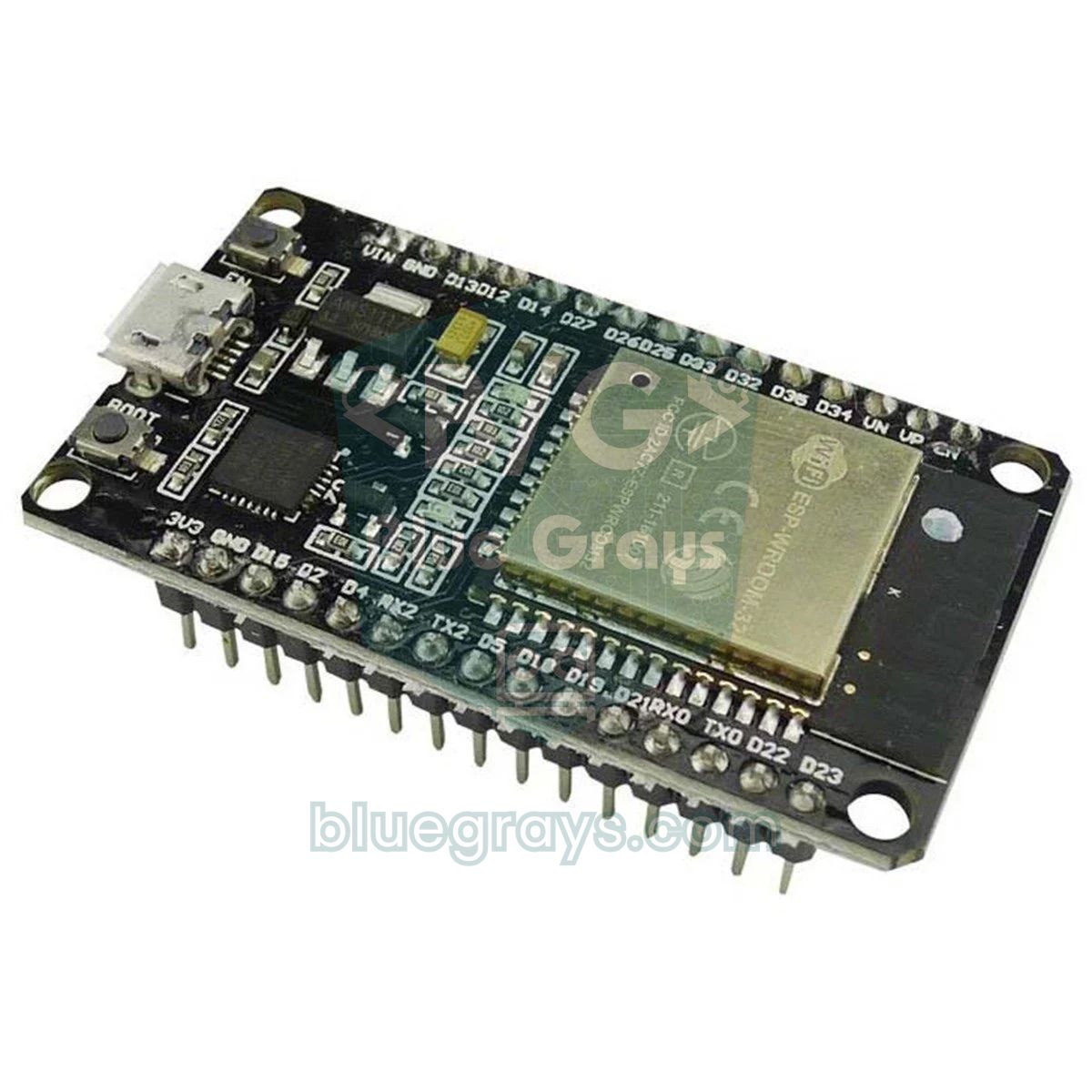
The ESP32 runs the same logic with a finer ADC and Wi-Fi. There are a few differences to watch. Analog readings range from 0 to 4095, so the dead band is about 4 times the Uno's. With Wi-Fi on, only the ADC1 pins (GPIO 32–39) work reliably, because the ADC2 pins are used by the Wi-Fi driver. For the servos, install the ESP32Servo library from the Library Manager. The analogReadMilliVolts() function used to measure the panel voltage corrects the ESP32 ADC's non-linear behavior with the factory calibration. Always power the LDR dividers from 3V3. After uploading, open the IP address shown in the Serial Monitor on a phone connected to the same network and you'll see both panels' live voltage, the collected energy and the gain. If you're new to the ESP32, start with What Is the ESP32?.
1#include <WiFi.h>
2#include <WebServer.h>
3#include <ESP32Servo.h>
4
5const char* ssid = "AgAdi";            // Wi-Fi adın / your Wi-Fi name
6const char* password = "Sifre123";     // Wi-Fi şifren / your Wi-Fi password
7
8const int LDR[4] = {32, 33, 34, 35};   // sol üst, sağ üst, sol alt, sağ alt (ADC1) / TL, TR, BL, BR (ADC1)
9const int PANEL_TRACK = 36;            // VP: takip eden panel / tracking panel
10const int PANEL_FIXED = 39;            // VN: sabit panel / fixed panel
11const int TOL_START = 160, TOL_STOP = 60;  // 12 bit ölçek: Uno'nun 4 katı / 12-bit scale: 4x the Uno
12const int DIR_H = 1, DIR_V = 1;        // ters dönüyorsa -1 yap / set to -1 if it turns away
13const int NIGHT = 240;                 // gece eşiği / night threshold
14const float DIVIDER = 3.2, LOAD_OHM = 33.0;
15
16Servo servoH, servoV;
17WebServer server(80);
18int angleH = 90, angleV = 45;
19bool movingH = false, movingV = false;
20unsigned long lastStep = 0, lastLog = 0;
21float vt = 0, vf = 0, mWhTrack = 0, mWhFixed = 0;
22
23int readAvg(int pin) {
24  long sum = 0;
25  for (int i = 0; i < 8; i++) sum += analogRead(pin);
26  return sum / 8;
27}
28
29float panelVolts(int pin) {            // kalibre edilmiş mV okuması / calibrated mV reading
30  long mv = 0;
31  for (int i = 0; i < 8; i++) mv += analogReadMilliVolts(pin);
32  return mv / 8 / 1000.0 * DIVIDER;
33}
34
35int correct(int diff, bool &moving, int angle, int dir, int lo, int hi) {
36  if (abs(diff) > TOL_START) moving = true;
37  if (abs(diff) < TOL_STOP) moving = false;
38  if (moving) angle += (diff > 0 ? 1 : -1) * dir;
39  return constrain(angle, lo, hi);
40}
41
42void handleRoot() {                    // telefondan izleme sayfası / page for your phone
43  float gain = mWhFixed > 0 ? (mWhTrack - mWhFixed) / mWhFixed * 100.0 : 0;
44  String s = "Takip / tracking: " + String(vt, 2) + " V, " + String(mWhTrack, 1) + " mWh\n";
45  s += "Sabit / fixed: " + String(vf, 2) + " V, " + String(mWhFixed, 1) + " mWh\n";
46  s += "Kazanc / gain: %" + String(gain, 1) + "\n";
47  s += "Aci / angle: H " + String(angleH) + ", V " + String(angleV) + "\n";
48  server.send(200, "text/plain", s);
49}
50
51void setup() {
52  Serial.begin(115200);
53  servoH.setPeriodHertz(50);           // standart servo: 50 Hz / standard servo: 50 Hz
54  servoV.setPeriodHertz(50);
55  servoH.attach(18, 500, 2400);        // 500–2400 µs darbe / pulse
56  servoV.attach(19, 500, 2400);
57  servoH.write(angleH);
58  servoV.write(angleV);
59  WiFi.begin(ssid, password);
60  for (int i = 0; i < 40 && WiFi.status() != WL_CONNECTED; i++) delay(500);  // en fazla 20 s bekle; Wi-Fi yoksa da takip eder / wait up to 20 s; tracks even without Wi-Fi
61  Serial.println(WiFi.localIP());      // bu adresi telefonda aç / open this address on your phone
62  server.on("/", handleRoot);
63  server.begin();
64}
65
66void loop() {
67  server.handleClient();
68  unsigned long now = millis();
69
70  if (now - lastStep >= 40) {
71    lastStep = now;
72    int v[4];
73    for (int i = 0; i < 4; i++) v[i] = readAvg(LDR[i]);
74    int avg = (v[0] + v[1] + v[2] + v[3]) / 4;
75    int dV = (v[0] + v[1]) / 2 - (v[2] + v[3]) / 2;   // üst - alt / top - bottom
76    int dH = (v[0] + v[2]) / 2 - (v[1] + v[3]) / 2;   // sol - sağ / left - right
77    if (avg > NIGHT) {                 // gece hareket etme / do not move at night
78      angleV = correct(dV, movingV, angleV, DIR_V, 10, 90);
79      angleH = correct(dH, movingH, angleH, DIR_H, 0, 180);
80      servoV.write(angleV);
81      servoH.write(angleH);
82    }
83  }
84
85  if (now - lastLog >= 60000) {        // dakikada bir ölç / measure once a minute
86    lastLog = now;
87    vt = panelVolts(PANEL_TRACK);
88    vf = panelVolts(PANEL_FIXED);
89    mWhTrack += vt * vt / LOAD_OHM * 1000.0 / 60.0;   // 1 dakikalık enerji (mWh) / energy of one minute
90    mWhFixed += vf * vf / LOAD_OHM * 1000.0 / 60.0;
91    Serial.printf("%.2f,%.2f,%.1f,%.1f\n", vt, vf, mWhTrack, mWhFixed);
92  }
93}
If you want to keep the measurements for days, you can send the same values to an online spreadsheet; see logging ESP32 data to Google Sheets. More on ADC resolution and reference voltage is in ADC and analog-to-digital conversion.
Single-axis tracking with Raspberry Pi Pico and MicroPython
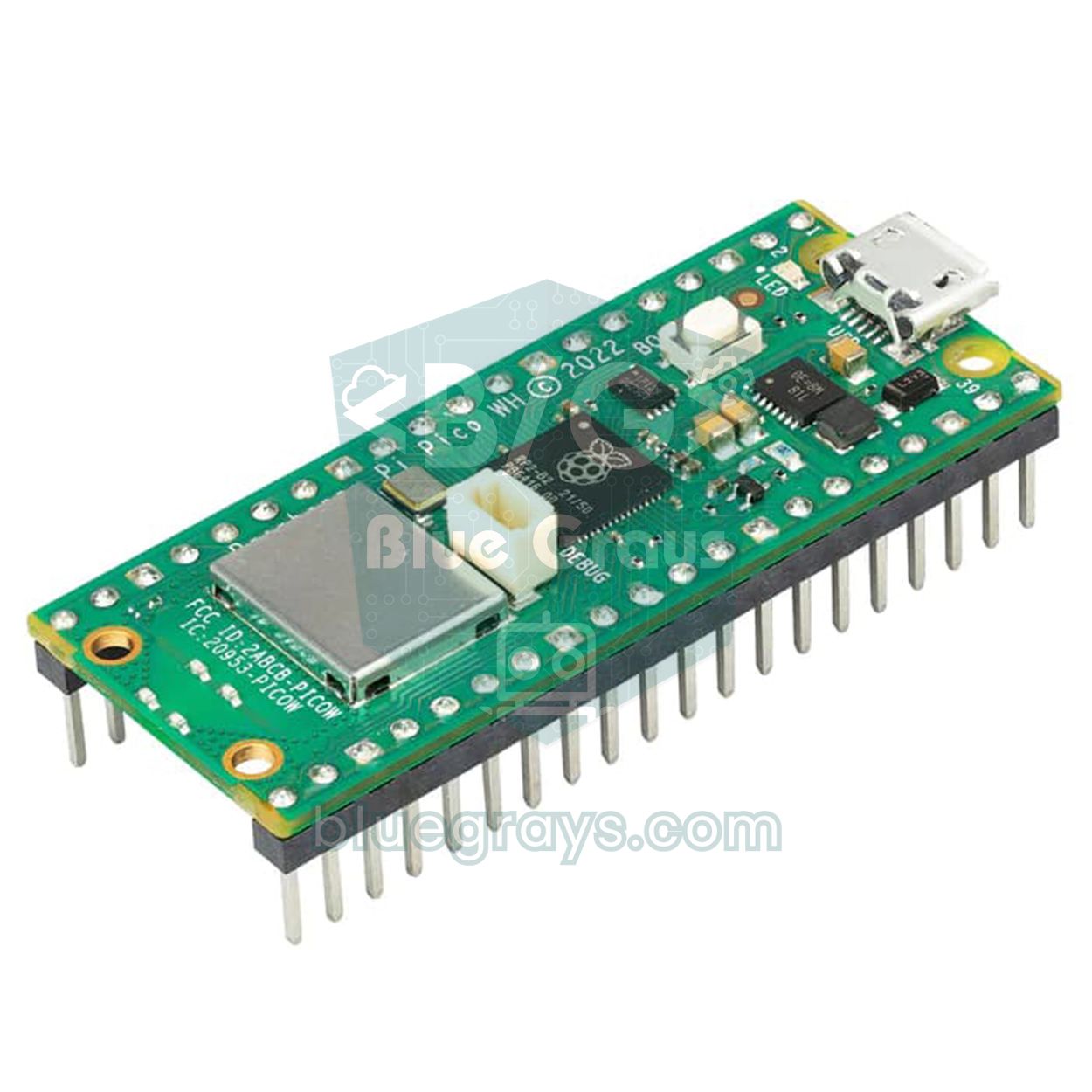
The Pico exposes only three analog inputs (GP26, GP27, GP28), which isn't enough for four LDRs and two panels. That's why the cleanest Pico solution is a single-axis tracker: two LDRs find the direction and the third analog input measures the panel voltage. For dual axis you can add an external I2C ADC such as the 4-channel ADS1115. The servo is driven directly with 50 Hz PWM: a 500 µs pulse means 0°, a 2400 µs pulse 180°. Because read_u16() returns values on a 0–65535 scale, the dead band is a large number like 2000. You'll find how to install MicroPython on the Pico in What Is the Raspberry Pi Pico?.
1from machine import Pin, PWM, ADC
2import time
3
4east = ADC(26)                 # GP26: doğu LDR'si / east LDR
5west = ADC(27)                 # GP27: batı LDR'si / west LDR
6panel = ADC(28)                # GP28: panel bölücüsü / panel divider
7
8servo = PWM(Pin(15))           # GP15: servo sinyali / servo signal
9servo.freq(50)                 # 50 Hz = 20 ms periyot / period
10
11TOL = 2000                     # ölü bölge (0–65535 ölçeği) / dead band (0–65535 scale)
12DIVIDER = 3.2                  # (22k + 10k) / 10k
13LOAD = 33.0                    # yük direnci (ohm) / load resistor (ohm)
14
15def set_angle(a):
16    # 0° = 500 µs, 180° = 2400 µs darbe / pulse
17    servo.duty_ns(int((500 + a * 1900 / 180) * 1000))
18
19def read(adc, n=8):
20    return sum(adc.read_u16() for _ in range(n)) // n
21
22angle = 90
23set_angle(angle)
24energy = 0.0                   # mWh
25last_log = time.ticks_ms()
26
27while True:
28    diff = read(east) - read(west)
29    if diff > TOL and angle < 180:
30        angle += 1             # doğuya dön / turn east
31    elif diff < -TOL and angle > 0:
32        angle -= 1             # batıya dön / turn west
33    set_angle(angle)
34
35    if time.ticks_diff(time.ticks_ms(), last_log) >= 60000:
36        last_log = time.ticks_ms()
37        v = read(panel) * 3.3 / 65535 * DIVIDER
38        p = v * v / LOAD * 1000            # mW
39        energy += p / 60                   # 1 dakikalık enerji / energy of one minute
40        with open("log.csv", "a") as f:    # Pico'nun kendi belleğine yaz / write to Pico's flash
41            f.write("{},{:.2f},{:.1f},{:.1f}\n".format(angle, v, p, energy))
42    time.sleep_ms(30)
The code appends the measurements to a log.csv file in the Pico's own flash memory. One line per minute adds up to 30–40 KB per day, so the Pico's roughly 1.4 MB file system lasts for weeks. If you save the file as main.py, the Pico starts the program by itself as soon as it's powered by a battery or USB adapter, with no computer attached. At the end of the day you can download log.csv to your computer with Thonny and open it in Excel.
Tips for presenting at a science fair
The solar tracker is a common project at science fairs and school competitions; what makes yours stand out is not the model itself but your measured data and how you interpret it. For project ideas and report structure, also check Arduino science fair project ideas.
- Ask a measurable question: How much more energy, in percent, does dual-axis tracking collect on a clear autumn day than an identical panel fixed at the best south-facing angle?
- Write your hypothesis first: For example, predict that the gain will be concentrated in the morning and evening; even if the result doesn't confirm it, discussing why earns points.
- Separate the variables: The independent variable is the tracking method (none, single axis, dual axis), the dependent variable is daily energy (Wh), and the controlled variables are panel model, load resistor, location and date.
- Tell it with graphs: A time–power line chart shows both panels on top of each other; compare daily energy with a bar chart and show the day-to-day spread as your margin of error.
- Discuss net energy: Measure the system's own consumption and put the energy budget table on your poster; it shows the project is honest and scientific.
- There's no sun in the exhibition hall: Do the live demo with a flashlight or spotlight, and bring a time-lapse video of the outdoor experiment and the raw CSV file.
- Structure the poster: Problem, method, circuit diagram, code flowchart, results, limitations and suggestions; short sentences and large graphs in every section.
- State the limitations yourself: Mentioning limits such as the small panel, only a few days of data, wind and LDR differences before the judges ask builds trust.
| Question the judges may ask | Answer to prepare |
|---|---|
| Why did you use LDRs instead of clock-based tracking? | Explain that clock-based tracking works under clouds too but needs location and time settings, while LDR tracking is easy to set up and corrects its own errors but is unstable under clouds. |
| Does the system cover the energy it uses? | Answer with your energy budget table: not in a mini system, but as the scale grows, consumption becomes a small fraction of the output. |
| How did you orient the fixed panel? | Due south, with the best tilt for that day's noon sun; show that you also measured the difference between the two panels in a pre-test. |
| What happens on a cloudy day? | Because the light is diffuse, the gain drops to almost zero; the dead band keeps the panel from moving for nothing. Show your overcast-day data. |
| Are trackers used in real power plants? | Yes; single-axis tracking is common in large solar plants. Dual-axis systems cost more and need more maintenance. |
| How did you reduce measurement error? | Describe averaging eight readings, calibrating with a multimeter, swapping the panels and repeating the experiment over several days. |
Common mistakes and fixes
| Problem | Likely cause | Fix |
|---|---|---|
| The panel turns away from the light | Servo direction is reversed for your mounting | Set DIR_H or DIR_V to -1 |
| The servo jitters left and right | Dead band too narrow, noisy readings | Increase TOL_START and TOL_STOP, average more readings |
| The panel stops slightly off the sun | LDRs not calibrated or sensor not parallel to the panel | Calibrate and align the sensor block with the panel surface |
| The Arduino resets when the servo moves | The servos are powered from the board's 5V pin | Use an external 5 V supply, a common GND and a 470 µF capacitor |
| In the sun all four readings are near 1000, no difference | Fixed resistor too large, readings saturate | Use 1–2.2 kΩ outdoors and make the shadow wall taller |
| Both panels show 7 V, no visible difference | No load resistor, you're measuring open-circuit voltage | Connect a 33 Ω load resistor to each panel |
| On the ESP32, analog readings break when Wi-Fi starts | The LDRs are on ADC2 pins | Use the ADC1 pins between GPIO 32 and 39 |
| The panel stays west in the evening and turns late in the morning | The night position doesn't match your mounting, or NIGHT is too low | Set H_PARK to the east end of your mounting (180 or 0); if the night-time average is above NIGHT, raise the threshold |
| On cloudy days the panel wanders randomly | In diffuse light the difference is small and unstable | Widen the dead band and stop moving in low light by raising the NIGHT threshold |
Ideas to take the project further
- Solar charging station: Connect the tracking panel to a TP4056 charging module and an 18650 cell and compare the charging time with the fixed panel.
- Hybrid tracking: Calculate the sun's position with an RTC clock module and use the LDRs only for fine-tuning; the panel points the right way even on cloudy days.
- Wi-Fi data logging: Send the measurements from the ESP32 to Google Sheets and watch the graph live on your phone.
- Solar-powered greenhouse: Use the tracking panel to power the fan and watering of a smart greenhouse model.
- Light scanner: Build a version that sweeps a single LDR from 0 to 180° with a servo and finds the brightest direction; the logic is very similar to the Arduino radar project.
- More precise power measurement: Next to the load resistor, use an I2C power sensor such as the INA219 that measures current and voltage together, and plot the panel's power curve.
A solar tracker combines reading sensors, making decisions, controlling motors and scientific measurement in a single project, which makes it a great choice both for learning and for showing at a competition. Start with a single axis, tune the dead band, then add the second axis and the fixed-panel experiment. In the BlueGrays app you'll find projects that let you try every part of this system on its own, such as measuring light with an LDR, a night light, servo angle control and a digital voltmeter, each with circuit diagrams and code.
Frequently asked questions
How much does a solar tracker increase output?
In large systems, single-axis tracking collects about 15–35% more energy than a fixed panel and dual-axis tracking about 30–45% more. The gain is highest on clear days and in the morning and evening when the sun is low, and close to zero around noon. To know the real value for your own setup, measure it against an identical fixed panel on the same day.
How many LDRs does a solar tracker need?
Two LDRs are enough for a single-axis tracker and four for a dual-axis one. A shadow wall sits between them; when the sun moves to one side, the wall shades the LDRs on the opposite side and the Arduino turns the panel based on the difference. Using more LDRs doesn't noticeably improve accuracy.
Should I build a single-axis or dual-axis solar tracker?
If it's your first project, start with a single axis: one servo and two LDRs give you most of the gain with simple mechanics. Dual axis collects a bit more energy and is more impressive at science fairs, but it needs a pan-tilt bracket and tuning two axes together.
Which servo should I use for a solar tracker?
An SG90 is enough for light mini panels such as a 6 V 1 W model; outdoors in wind, the metal-gear MG90S is more durable. Larger panels of 5 W and up need a high-torque servo like the MG996R or a geared motor. Always power the servos from an external 5 V supply and connect the grounds together.
Why does the servo jitter in my solar tracker?
LDR readings constantly wander by a few counts because of noise; without a dead band (tolerance) in the code, the servo moves back and forth at every tiny difference. A dead band that ignores differences below a limit, or even two separate limits for starting and stopping (hysteresis), ends the jitter. A weak servo power supply can also cause it.
Can a solar tracker power itself?
Not as a mini model: an Arduino Uno uses about 6 Wh per day, while a 6 V 1 W panel produces 3–5 Wh on a clear day. In large systems, however, the motor and controller use only a small fraction of the output. Showing this calculation in your report makes the project scientifically stronger.
Projects to build after reading this
See all projects
Measuring Light Intensity with an LDR
Want to see how bright your room is as a number? The LDR, a small part that reacts to light, measures the light around it, and the Arduino writes the value to your computer screen every half second. C

Night Light with Ldr
A little night light that turns on by itself when it gets dark and goes off when morning comes. A light sensor measures how bright the room is, and the Arduino switches the LED on when it is dark enou

Reading Light Intensity with the ESP32 LDR Module
Real-time monitoring of the LDR module's raw ADC value and relative light percentage calculated from dark and light reference values in the Serial Monitor. This percentage is not a lux measurement. Teaches the module’s calibration logic. It is ideal to complete this before Project 10, as it is used to determine the threshold value.
Using a Servo Motor
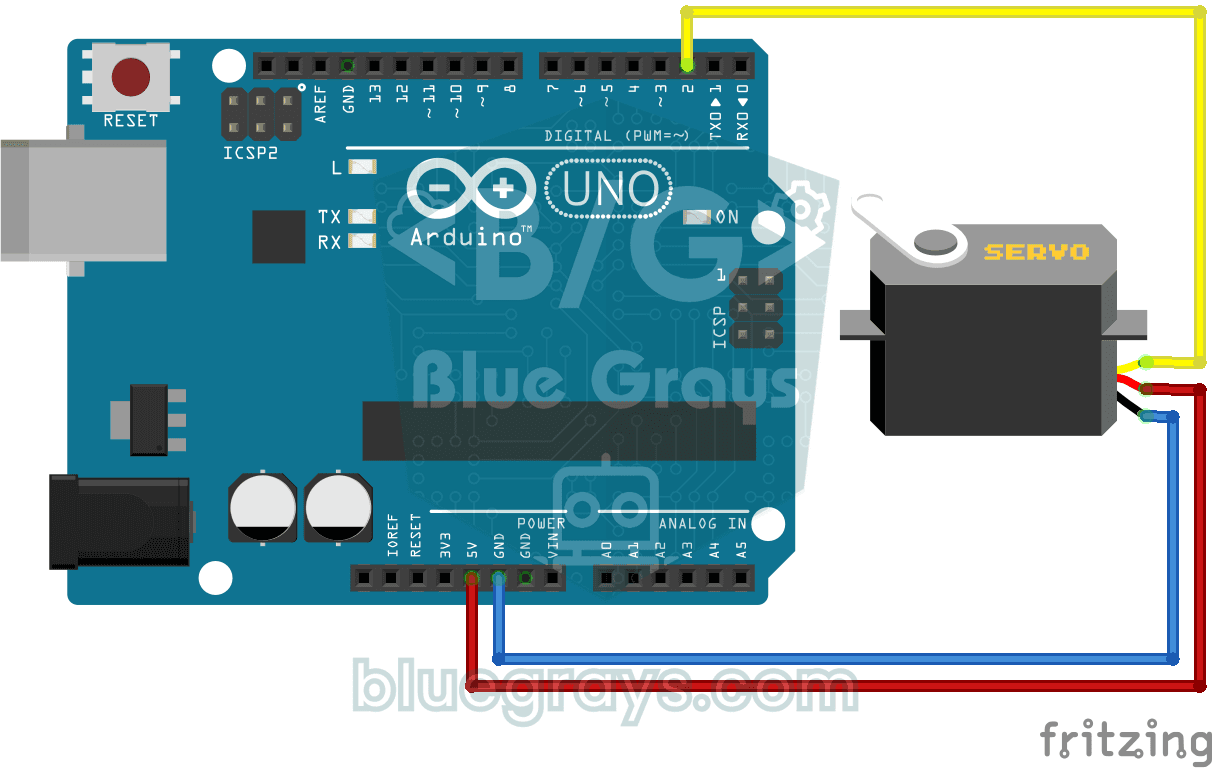
The arm of a small servo motor turns to three positions in turn: all the way to the start, right to the middle and all the way to the end, waiting two seconds at each stop. The Arduino tells the motor

SG90 Servo Angle Control with Pot
Servo Motor (SG90) Control with Potentiometer The main objective of this project is to precisely control the angular position of a servo motor in real time using an analog input unit, the potentiometer. The project is a basic engineering example to grasp the logic of analog-to-digital conversion (ADC) and signal mapping. Operation Logic: Analog Data Reading: When the user turns the potentiometer, the resistance change results in a voltage signal between 0V and 5V on the A0 analog pin of the Ard

ESP32 Servo Motor (Potentiometer Control)
In this project, we control an SG90 servo motor using a potentiometer. We adjust the servo angle by mapping the analog value read from the potentiometer to the 0–180-degree range. The ESP32Servo library generates servo signals on suitable output-capable GPIO pins of the ESP32; this project uses GPIO 18. This is a fundamental control method for robotic arms, camera gimbals, and automatic door mechanisms.
Digital Voltmeter with LCD Display
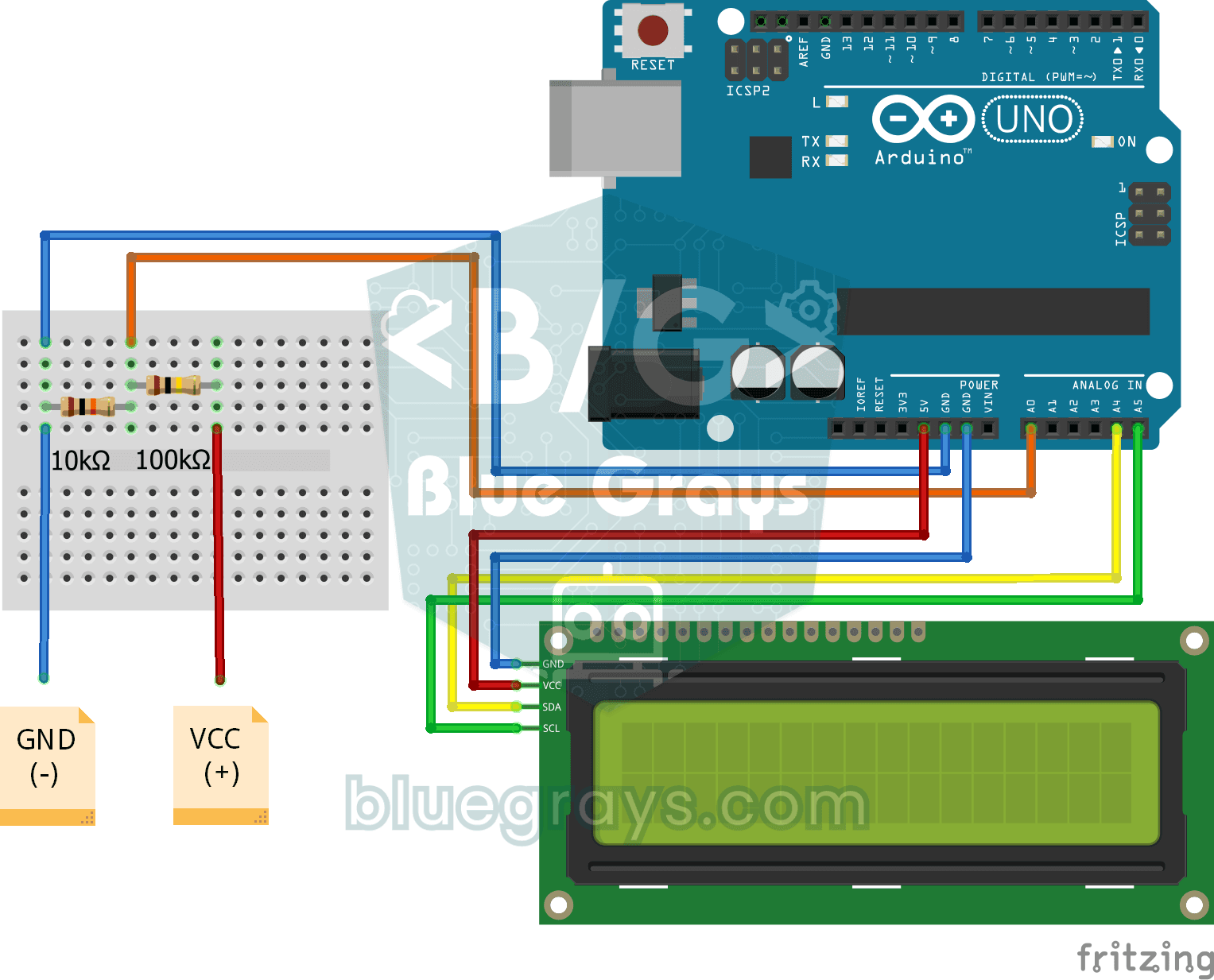
Find out how much voltage a battery or power adapter gives with a meter you built yourself. A divider made of two resistors brings high voltage down to a level the board can read, and the Arduino calc

ESP32 Night Light with LDR
Night light where the LED automatically turns on in the dark and off in the light. The D0 (digital out) pin of the LDR Sensor Module is used - the dark threshold is set with the small potentiometer on the module, the module itself generates the HIGH/LOW output. ESP32 just reads this signal with digitalRead(), the code is very simple.