
Arduino Alarm Clock: DS3231 RTC, LCD, Buzzer and Snooze
Build an Arduino alarm clock: DS3231 or DS1307 RTC, I2C LCD, 3 buttons to set time and alarm, buzzer melody, snooze, EEPROM storage and an ESP32 NTP version.
Building an Arduino alarm clock brings an RTC module, an LCD, buttons and a buzzer together in one project: you learn a lot, and you end up with something you'll genuinely use every morning. In this guide we'll use a DS3231 (or DS1307) RTC module, a 16x2 I2C LCD, three buttons and a passive buzzer to build an alarm clock whose time and alarm are set with buttons, which plays a melody, has a 5-minute snooze feature and doesn't lose the time even when the power goes out.
You'll find step-by-step wiring, a flow table showing how the button menu works, how to play a melody without delay, how to save the alarm time to EEPROM, and the full, compiled code. In the last part we'll run the same clock without an RTC module, using an ESP32 that gets the time from the internet (NTP) and switches to daylight saving time on its own.
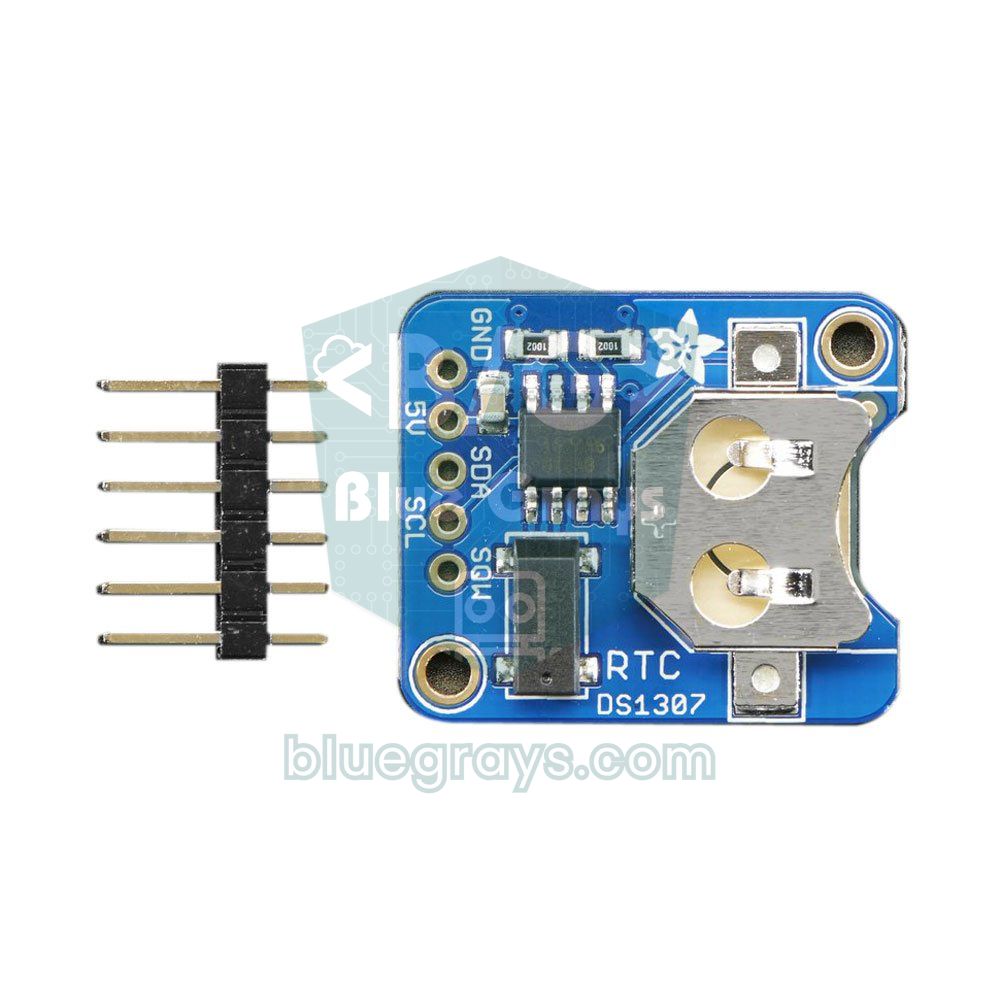
How does an Arduino alarm clock work?
Arduino's own clock (millis) only counts while the board is powered and resets to zero on every restart; on top of that, boards with a ceramic resonator such as the Uno can drift by minutes per day. That's why the time is kept by an RTC (real-time clock) module: this little board with its own crystal and coin cell keeps counting even while the Arduino is off. On every pass through the loop, the Arduino reads the time from the RTC, writes it to the LCD, checks the buttons and, when the time matches the alarm time, starts the buzzer. The whole behaviour is run by a small state machine: show time, set time, set alarm and alarm ringing modes.
| Part | Job | Note |
|---|---|---|
| Arduino Uno or Nano | The brain | The Nano uses the same pins (A4/A5) |
| DS3231 or DS1307 RTC module | Keeps the time | Both are I2C, address 0x68 |
| 16x2 I2C LCD | Shows time, date and alarm | Address is usually 0x27 or 0x3F |
| 3 push buttons | MENU, plus (+) and minus (-) | No resistors needed (INPUT_PULLUP) |
| Passive buzzer | Plays the melody | An active buzzer only gives one tone |
| CR2032 coin cell | Powers the RTC during power cuts | Watch out for the module's charging circuit |
| Breadboard and jumper wires | Connections | Perfboard for a permanent clock |
DS1307 or DS3231?
Both modules use the same I2C address and work with almost the same code thanks to the RTClib library, but their accuracy is very different. The DS1307 relies on an external 32.768 kHz crystal and drifts as the room temperature changes; on cheap modules a drift of a few minutes per month is normal. The DS3231 has its crystal inside the chip and corrects it for temperature, so it drifts by about a minute per year. For a clock that will wake you up every morning, the DS3231 is by far the better choice; if you already have a DS1307, the code works with it too.
| Feature | DS1307 | DS3231 |
|---|---|---|
| Accuracy | Depends on the crystal, can drift 1-5 minutes a month | ±2 ppm, about 1 minute a year |
| Temperature compensation | No | Yes (TCXO) |
| Supply | 4.5-5.5 V | 2.3-5.5 V (also works at 3.3 V with an ESP32) |
| Built-in alarm | No | 2 alarms and an INT/SQW output |
| Temperature sensor | No | Yes (±3 °C) |
| I2C address | 0x68 | 0x68 |
| RTClib class | RTC_DS1307 | RTC_DS3231 |
Arduino alarm clock wiring
| Connection | Arduino Uno | ESP32 (NTP version) |
|---|---|---|
| LCD and RTC SDA | A4 | GPIO 21 (LCD only) |
| LCD and RTC SCL | A5 | GPIO 22 (LCD only) |
| LCD VCC | 5V | VIN (5V) |
| RTC VCC | 5V | Not needed |
| MENU button | D2 | - |
| Plus (+) button | D3 | - |
| Minus (-) / snooze button | D4 | GPIO 27 (single button) |
| Passive buzzer (+) | D8 | GPIO 25 |
| All GNDs | GND | GND |
The LCD and the RTC share the same I2C bus: the SDA pins of both modules go to A4 and the SCL pins to A5; because their addresses are different, they don't clash. For the buttons, just connect one leg to the pin and the opposite leg to GND; since the code uses INPUT_PULLUP, no external resistor is needed and the pin reads LOW when pressed (details in how to wire a push button). The buzzer's positive lead goes to D8 and the negative to GND. Because the melody uses the tone() function, you need a passive buzzer; we explain the difference in What Is a Buzzer?.
Button menu: setting the time and alarm with three buttons
To make every setting with just three buttons, each button does a different job depending on the mode. The MENU button moves to the next step, and the plus and minus buttons change whichever value is selected. This structure is called a state machine, and it lets you write each mode in its own case instead of nesting lots of if blocks. The table below shows the whole menu; keep it next to you while reading the code and you'll instantly see what each line does.
| Mode (on screen) | MENU | Plus (+) | Minus (-) |
|---|---|---|---|
| Clock screen | Enter time setting | Turn the alarm on / off | Cancel the snooze |
| SET TIME: hour | Move to minutes | Hour +1 | Hour -1 |
| SET TIME: minute | Write the time to the RTC, move to alarm setting | Minute +1 | Minute -1 |
| SET ALARM: hour | Move to minutes | Alarm hour up | Alarm hour down |
| SET ALARM: minute | Save to EEPROM, turn the alarm on, back to the clock | Minute up | Minute down |
| WAKE UP! (alarm ringing) | Stop | Snooze 5 minutes | Snooze 5 minutes |
Libraries and first setup
- In the Library Manager, install RTClib (by Adafruit) and let it install Adafruit BusIO as a dependency.
- For the LCD, install LiquidCrystal I2C (by Frank de Brabander). The EEPROM and Wire libraries come with Arduino.
- If you're not sure of the LCD's address, run the scanner sketch from the I2C LCD guide and put the address it finds in place of 0x27 in the code.
- If you're using a DS1307, set USE_DS3231 to 0 in the code.
- Upload the code. If the RTC is starting for the first time or its battery has died, the clock is set to the moment the code was compiled and a short battery warning appears on the screen.
- Press MENU to enter time setting, set the exact time, then set the alarm.
Arduino alarm clock code
Here's the complete code. There's no long delay anywhere in the loop: the buttons, the melody and the display are all timed with millis(), so the buttons respond instantly even while the alarm is ringing. The display is only redrawn when the second changes or a button is pressed, which stops the LCD from flickering.
1#include <Wire.h>
2#include <RTClib.h>
3#include <LiquidCrystal_I2C.h>
4#include <EEPROM.h>
5
6#define USE_DS3231 1                   // DS1307 için 0 yap / set to 0 for a DS1307
7#if USE_DS3231
8RTC_DS3231 rtc;
9#else
10RTC_DS1307 rtc;
11#endif
12
13LiquidCrystal_I2C lcd(0x27, 16, 2);    // adres 0x27 ya da 0x3F / address 0x27 or 0x3F
14
15const byte BTN_PINS[3] = {2, 3, 4};    // MENU, UP (+), DOWN (-)
16const byte BUZZER_PIN = 8;             // pasif buzzer / passive buzzer
17const byte SNOOZE_MIN = 5;             // erteleme süresi (dk) / snooze length (min)
18const unsigned long RING_LIMIT_MS = 60000UL;   // 1 dk sonra sus / stop after 1 min
19const byte EE_MAGIC = 0xA5;            // EEPROM geçerlilik işareti / EEPROM validity marker
20
21enum Mode { CLOCK, SET_HOUR, SET_MIN, AL_HOUR, AL_MIN, RINGING };
22Mode mode = CLOCK;
23
24byte alarmHour = 7, alarmMin = 0;
25bool alarmOn = false;
26byte editHour = 0, editMin = 0;
27long lastAlarmKey = -1;                // aynı dakikada iki kez çalmasın / never ring twice in one minute
28uint32_t snoozeAt = 0;                 // 0 = erteleme yok / 0 = no snooze
29unsigned long ringStart = 0;
30bool redraw = true;
31int lastSecond = -1;
32
33// Melodi: frekans (Hz) ve süre (ms), 0 = es / melody: frequency (Hz) and length (ms), 0 = rest
34const int melody[][2] = { {1047, 150}, {0, 50}, {1319, 150}, {0, 50},
35                          {1568, 150}, {0, 50}, {2093, 300}, {0, 600} };
36const byte MELODY_LEN = sizeof(melody) / sizeof(melody[0]);
37byte noteIndex = 0;
38unsigned long noteStart = 0;
39
40// ---------- EEPROM ----------
41void loadAlarm() {
42  if (EEPROM.read(3) == EE_MAGIC && EEPROM.read(0) < 24 && EEPROM.read(1) < 60) {
43    alarmHour = EEPROM.read(0);
44    alarmMin = EEPROM.read(1);
45    alarmOn = EEPROM.read(2) == 1;
46  }
47}
48
49void saveAlarm() {
50  EEPROM.update(0, alarmHour);         // update yalnız değişen baytı yazar / update writes only changed bytes
51  EEPROM.update(1, alarmMin);
52  EEPROM.update(2, alarmOn ? 1 : 0);
53  EEPROM.update(3, EE_MAGIC);
54}
55
56// ---------- Butonlar / buttons ----------
57// Yeni basışta true döner; allowRepeat ise basılı tutunca tekrarlar
58// Returns true on a new press; with allowRepeat it repeats while held
59bool pressed(byte i, bool allowRepeat) {
60  static bool stable[3] = {HIGH, HIGH, HIGH};
61  static unsigned long changedAt[3], repeatAt[3];
62  bool reading = digitalRead(BTN_PINS[i]);
63  unsigned long t = millis();
64  if (reading != stable[i] && t - changedAt[i] > 30) {     // 30 ms sıçrama filtresi / 30 ms debounce
65    stable[i] = reading;
66    changedAt[i] = t;
67    if (reading == LOW) { repeatAt[i] = t + 600; return true; }
68  }
69  if (allowRepeat && stable[i] == LOW && (long)(t - repeatAt[i]) >= 0) {
70    repeatAt[i] = t + 150;                                 // hızlı ilerleme / fast repeat
71    return true;
72  }
73  return false;
74}
75
76// ---------- Buzzer ----------
77void startRinging() {
78  mode = RINGING;
79  ringStart = millis();
80  noteIndex = MELODY_LEN - 1;          // ilk çağrıda baştan başlar / restarts on the first call
81  noteStart = 0;
82  redraw = true;
83}
84
85void stopRinging() {
86  noTone(BUZZER_PIN);
87  mode = CLOCK;
88  redraw = true;
89}
90
91void playMelody() {                    // delay kullanmadan çalar / plays without delay()
92  unsigned long t = millis();
93  if (t - noteStart >= (unsigned long)melody[noteIndex][1]) {
94    noteIndex = (noteIndex + 1) % MELODY_LEN;
95    noteStart = t;
96    if (melody[noteIndex][0] > 0) tone(BUZZER_PIN, melody[noteIndex][0]);
97    else noTone(BUZZER_PIN);
98  }
99}
100
101// ---------- LCD ----------
102void printLine(byte row, const char* text) {
103  lcd.setCursor(0, row);
104  lcd.print(text);
105  for (byte i = strlen(text); i < 16; i++) lcd.print(' ');   // satırın kalanını sil / clear the rest of the row
106}
107
108void draw(const DateTime& now) {
109  if (!redraw && now.second() == lastSecond) return;         // değişiklik yoksa yazma / skip if nothing changed
110  redraw = false;
111  lastSecond = now.second();
112  char l1[17], l2[17];
113
114  if (mode == CLOCK) {
115    snprintf(l1, sizeof(l1), "%02d:%02d:%02d   %02d/%02d",
116             now.hour(), now.minute(), now.second(), now.day(), now.month());
117    if (snoozeAt) snprintf(l2, sizeof(l2), "Snooze %d min", (int)((snoozeAt - now.unixtime() + 59) / 60));
118    else snprintf(l2, sizeof(l2), "Alarm %02d:%02d  %s", alarmHour, alarmMin, alarmOn ? "ON" : "OFF");
119  } else if (mode == SET_HOUR || mode == SET_MIN) {
120    strcpy(l1, "SET TIME");
121    if (mode == SET_HOUR) snprintf(l2, sizeof(l2), ">%02d<:%02d", editHour, editMin);
122    else snprintf(l2, sizeof(l2), " %02d:>%02d<", editHour, editMin);
123  } else if (mode == AL_HOUR || mode == AL_MIN) {
124    strcpy(l1, "SET ALARM");
125    if (mode == AL_HOUR) snprintf(l2, sizeof(l2), ">%02d<:%02d", alarmHour, alarmMin);
126    else snprintf(l2, sizeof(l2), " %02d:>%02d<", alarmHour, alarmMin);
127  } else {
128    strcpy(l1, "   WAKE UP!");
129    strcpy(l2, "+/-:snooze M:off");
130  }
131  printLine(0, l1);
132  printLine(1, l2);
133}
134
135void setup() {
136  for (byte i = 0; i < 3; i++) pinMode(BTN_PINS[i], INPUT_PULLUP);   // basınca LOW / LOW when pressed
137  pinMode(BUZZER_PIN, OUTPUT);
138  lcd.init();
139  lcd.backlight();
140
141  if (!rtc.begin()) {
142    printLine(0, "RTC not found");
143    while (true);
144  }
145#if USE_DS3231
146  bool timeLost = rtc.lostPower();
147#else
148  bool timeLost = !rtc.isrunning();
149#endif
150  if (timeLost) {                      // pil bitmiş ya da ilk açılış / dead battery or first start
151    rtc.adjust(DateTime(F(__DATE__), F(__TIME__)));
152    printLine(0, "Check RTC batt.");
153    delay(2000);
154  }
155  loadAlarm();
156}
157
158void loop() {
159  DateTime now = rtc.now();
160  long key = (long)now.day() * 1440 + now.hour() * 60 + now.minute();   // gün + dakika / day + minute
161
162  bool editing = (mode >= SET_HOUR && mode <= AL_MIN);
163  bool bMenu = pressed(0, false);
164  bool bUp = pressed(1, editing);
165  bool bDown = pressed(2, editing);
166  if (bMenu || bUp || bDown) redraw = true;
167
168  switch (mode) {
169    case CLOCK:
170      if (bMenu) { editHour = now.hour(); editMin = now.minute(); mode = SET_HOUR; }
171      if (bUp) { alarmOn = !alarmOn; snoozeAt = 0; saveAlarm(); }       // alarm aç/kapa / alarm on/off
172      if (bDown) snoozeAt = 0;                                          // ertelemeyi iptal / cancel snooze
173      if (alarmOn && now.hour() == alarmHour && now.minute() == alarmMin && key != lastAlarmKey) {
174        lastAlarmKey = key;
175        startRinging();
176      }
177      if (snoozeAt && now.unixtime() >= snoozeAt) { snoozeAt = 0; startRinging(); }
178      break;
179
180    case SET_HOUR:
181      if (bUp) editHour = (editHour + 1) % 24;
182      if (bDown) editHour = (editHour + 23) % 24;
183      if (bMenu) mode = SET_MIN;
184      break;
185
186    case SET_MIN:
187      if (bUp) editMin = (editMin + 1) % 60;
188      if (bDown) editMin = (editMin + 59) % 60;
189      if (bMenu) {                     // saati RTC'ye yaz, saniye 0 / write the time to the RTC, seconds 0
190        rtc.adjust(DateTime(now.year(), now.month(), now.day(), editHour, editMin, 0));
191        mode = AL_HOUR;
192      }
193      break;
194
195    case AL_HOUR:
196      if (bUp) alarmHour = (alarmHour + 1) % 24;
197      if (bDown) alarmHour = (alarmHour + 23) % 24;
198      if (bMenu) mode = AL_MIN;
199      break;
200
201    case AL_MIN:
202      if (bUp) alarmMin = (alarmMin + 1) % 60;
203      if (bDown) alarmMin = (alarmMin + 59) % 60;
204      if (bMenu) { alarmOn = true; saveAlarm(); mode = CLOCK; }        // kaydet ve çık / save and exit
205      break;
206
207    case RINGING:
208      playMelody();
209      if (bUp || bDown) {                                               // ertele / snooze
210        snoozeAt = now.unixtime() + SNOOZE_MIN * 60UL;
211        stopRinging();
212      } else if (bMenu || millis() - ringStart > RING_LIMIT_MS) {
213        stopRinging();                                                  // sustur / stop
214      }
215      break;
216  }
217  draw(now);
218}
How does the code work?
| Part | What it does |
|---|---|
| pressed() | Reads a button with a 30 ms debounce filter; returns true on a new press and repeats while held in the setting modes. |
| enum Mode and switch | Handle the clock, set time, set alarm and ringing modes separately. |
| key (day × 1440 + minute) | Stops the alarm from ringing twice within the same minute. |
| snoozeAt | Stores the moment the snooze ends as a unixtime; works correctly even across midnight. |
| playMelody() | Plays the notes one after another with millis(), without delay. |
| draw() and printLine() | Write to the display only when needed and clear the end of each line with spaces. |
| loadAlarm() and saveAlarm() | Read and save the alarm time and on/off state in EEPROM. |
| USE_DS3231 | Switches between the DS3231 and DS1307 with a single line. |
To trigger the alarm we look at minutes, not seconds. Trying to catch second 0 is risky: if the loop happens to be busy updating the display during that second, the alarm might never ring. Instead, the alarm starts when the hour and minute match, and we store that minute's identity in lastAlarmKey. So if you stop the alarm within the same minute, it doesn't start again. The snooze time is calculated from the unixtime the RTC provides (seconds since 1970); snooze for 5 minutes at 23:58 and the alarm rings at 00:03 without a hitch. You'll find the logic of timing with millis() in millis vs delay.
Buzzer melody and snooze
The melody lives in a small array of frequency and duration pairs: the notes 1047 Hz (C6), 1319 Hz (E6), 1568 Hz (G6) and 2093 Hz (C7) play with short gaps, then 600 ms of silence follows and the loop starts again. For a more insistent wake-up you can shorten the silence or add your own notes; a frequency of 0 means a rest. If nobody stops the alarm, it goes quiet on its own after 60 seconds, so it won't annoy the neighbours while you're out. Pressing plus or minus snoozes the alarm for 5 minutes and shows the remaining time on the screen; the MENU button silences it completely for that day, and it rings again at the same time the next day.
Saving the alarm in EEPROM
The RTC keeps the time, but the alarm time lives in the Arduino's RAM and is wiped when the power goes out. To prevent that, we write the alarm to the Arduino Uno's 1 KB EEPROM. Because each cell is good for about 100,000 writes, we use EEPROM.update(), which skips the write if the cell already holds the same value. The 0xA5 marker in the fourth byte shows that the EEPROM has already been written by this program; it stops random values being read on the very first start-up and the alarm ending up at a nonsense time like 37:99. For details, see the Arduino EEPROM guide.
| EEPROM address | Contents | Example |
|---|---|---|
| 0 | Alarm hour (0-23) | 7 |
| 1 | Alarm minute (0-59) | 30 |
| 2 | Alarm on? (1 = on, 0 = off) | 1 |
| 3 | Validity marker | 0xA5 |
Why doesn't the clock lose the time in a power cut?
When the power goes out, the RTC chip switches to the CR2032 cell by itself and does nothing but keep counting. In this mode the DS3231 draws a few microamps and the DS1307 even less; on paper a 220 mAh coin cell lasts more than ten years, and in practice its life is set by the cell's own shelf life. When the power comes back, the Arduino starts from scratch, reads the time from the RTC and the alarm from EEPROM, and carries on where it left off. The one gap is that the alarm can't ring during the outage, because the buzzer and the Arduino aren't battery-powered. In a home with frequent outages, running the Arduino from an 18650 cell, a charging module and a boost converter solves that too. If the clock jumps back to the compile time on every reset, the RTC battery is dead or not seated properly.
ESP32 NTP version: internet time without an RTC module
Because the ESP32 can connect to Wi-Fi, it can get the time from internet time servers (NTP) instead of an RTC module. The time zone string you pass to configTzTime() also contains the daylight saving rules, so the clock change in March and October (or March and November in the US) happens automatically. On the ESP32, the Preferences library is used instead of EEPROM; it stores the alarm time in flash as key-value pairs. This version needs only one button: while the alarm is ringing, a short press snoozes for 5 minutes and a press longer than 1.5 seconds stops it. To set the alarm, type a time like 07:30 into the Serial Monitor, and type off to disable it. NTP is covered in detail in ESP32 NTP clock.
1#include <WiFi.h>
2#include <time.h>
3#include <Preferences.h>
4#include <Wire.h>
5#include <LiquidCrystal_I2C.h>
6
7const char* WIFI_SSID = "MiRed";       // Wi-Fi ağ adı / Wi-Fi network name
8const char* WIFI_PASS = "MiClave";     // Wi-Fi şifresi / Wi-Fi password
9// POSIX saat dilimi / POSIX time zone:
10// Türkiye "<+03>-3" | España "CET-1CEST,M3.5.0,M10.5.0/3" | México "CST6"
11// Argentina "<-03>3" | Colombia "<-05>5" | Deutschland "CET-1CEST,M3.5.0,M10.5.0/3"
12const char* TZ_INFO = "<+03>-3";
13
14const int BUZZER_PIN = 25;             // pasif buzzer / passive buzzer
15const int BUTTON_PIN = 27;             // kısa: ertele, uzun: sustur / short: snooze, long: stop
16const int SNOOZE_MIN = 5;
17
18LiquidCrystal_I2C lcd(0x27, 16, 2);
19Preferences prefs;                     // ESP32'de EEPROM yerine / replaces EEPROM on the ESP32
20
21int alarmHour = 7, alarmMin = 0;
22bool alarmOn = false;
23bool ringing = false;
24bool beepOn = false;
25time_t snoozeAt = 0;
26int lastAlarmKey = -1;
27unsigned long ringStart = 0;
28
29void saveAlarm() {
30  prefs.putUChar("h", alarmHour);
31  prefs.putUChar("m", alarmMin);
32  prefs.putBool("on", alarmOn);
33}
34
35void handleSerial() {                  // "07:30" kurar, "off" kapatır / "07:30" sets, "off" disables
36  if (!Serial.available()) return;
37  String s = Serial.readStringUntil('\n');
38  s.trim();
39  int h, m;
40  if (s.equalsIgnoreCase("off")) {
41    alarmOn = false;
42    saveAlarm();
43    Serial.println("Alarm OFF");
44  } else if (sscanf(s.c_str(), "%d:%d", &h, &m) == 2 && h >= 0 && h < 24 && m >= 0 && m < 60) {
45    alarmHour = h;
46    alarmMin = m;
47    alarmOn = true;
48    saveAlarm();
49    Serial.printf("Alarm %02d:%02d ON\n", h, m);
50  }
51}
52
53void setup() {
54  Serial.begin(115200);
55  pinMode(BUTTON_PIN, INPUT_PULLUP);
56  Wire.begin(21, 22);                  // SDA, SCL
57  lcd.init();
58  lcd.backlight();
59
60  prefs.begin("alarm", false);         // kalıcı ayarlar / persistent settings
61  alarmHour = prefs.getUChar("h", 7);
62  alarmMin = prefs.getUChar("m", 0);
63  alarmOn = prefs.getBool("on", false);
64
65  lcd.print("Wi-Fi...");
66  WiFi.begin(WIFI_SSID, WIFI_PASS);
67  while (WiFi.status() != WL_CONNECTED) delay(250);
68  configTzTime(TZ_INFO, "pool.ntp.org", "time.google.com");   // yaz saati otomatik / DST is automatic
69  lcd.clear();
70}
71
72void loop() {
73  handleSerial();
74  struct tm t;
75  if (!getLocalTime(&t, 100)) return;  // NTP saati henüz gelmedi / NTP time not received yet
76  time_t nowEpoch = time(nullptr);
77  int key = t.tm_yday * 1440 + t.tm_hour * 60 + t.tm_min;   // gün + dakika / day + minute
78
79  if (!ringing && alarmOn && t.tm_hour == alarmHour && t.tm_min == alarmMin && key != lastAlarmKey) {
80    lastAlarmKey = key;
81    ringing = true;
82    ringStart = millis();
83  }
84  if (!ringing && snoozeAt && nowEpoch >= snoozeAt) {
85    snoozeAt = 0;
86    ringing = true;
87    ringStart = millis();
88  }
89
90  // Buton: basma süresini ölç / button: measure how long it was held
91  static unsigned long downAt = 0;
92  static bool wasDown = false;
93  bool isDown = digitalRead(BUTTON_PIN) == LOW;
94  if (isDown && !wasDown) downAt = millis();
95  if (!isDown && wasDown && ringing) {
96    unsigned long held = millis() - downAt;
97    if (held > 1500) ringing = false;                 // uzun: sustur / long: stop
98    else if (held > 30) {                             // kısa: ertele / short: snooze
99      ringing = false;
100      snoozeAt = nowEpoch + SNOOZE_MIN * 60;
101    }
102  }
103  wasDown = isDown;
104  if (ringing && millis() - ringStart > 60000) ringing = false;   // 1 dk sonra sus / stop after 1 min
105
106  // 0,5 sn bip, 0,5 sn sessiz / 0.5 s beep, 0.5 s pause
107  bool beep = ringing && (millis() / 500) % 2;
108  if (beep != beepOn) {
109    beepOn = beep;
110    if (beep) tone(BUZZER_PIN, 2000);
111    else noTone(BUZZER_PIN);
112  }
113
114  static int lastSec = -1;
115  if (t.tm_sec != lastSec) {            // saniyede bir yaz / update once per second
116    lastSec = t.tm_sec;
117    char l1[17], l2[17];
118    strftime(l1, sizeof(l1), "%H:%M:%S   %d/%m", &t);
119    if (ringing) snprintf(l2, sizeof(l2), "WAKE UP!        ");
120    else if (snoozeAt) snprintf(l2, sizeof(l2), "Snooze %2d min   ", (int)((snoozeAt - nowEpoch + 59) / 60));
121    else snprintf(l2, sizeof(l2), "Alarm %02d:%02d  %s", alarmHour, alarmMin, alarmOn ? "ON " : "OFF");
122    lcd.setCursor(0, 0); lcd.print(l1);
123    lcd.setCursor(0, 1); lcd.print(l2);
124  }
125}| Region | TZ_INFO string | Daylight saving |
|---|---|---|
| Turkey | <+03>-3 | None |
| Spain, Germany, France, Italy | CET-1CEST,M3.5.0,M10.5.0/3 | Last Sunday of March and October |
| United Kingdom | GMT0BST,M3.5.0/1,M10.5.0 | Last Sunday of March and October |
| Mexico (central) | CST6 | None since 2022 |
| Argentina | <-03>3 | None |
| Colombia | <-05>5 | None |
| US Eastern | EST5EDT,M3.2.0,M11.1.0 | Second Sunday of March, first Sunday of November |
The weak spot of the NTP version is that after a power cut it doesn't know the time until Wi-Fi is back; if your router boots more slowly than the ESP32, the display can stay blank for a few minutes. The most robust solution is to combine both: connect a DS3231 to the ESP32, fetch the time from NTP once a day and write it to the RTC, and read it from the RTC whenever there's no internet. That way daylight saving is handled automatically and you don't lose the time in an outage either.
Ideas to upgrade your alarm clock
- Weekday alarm: use DateTime's dayOfTheWeek() to ring only Monday to Friday; store the days as a 7-bit mask in EEPROM.
- Sunrise alarm: 15 minutes before the alarm, slowly fade a WS2812B LED ring from red to white.
- Wake up to MP3: instead of the buzzer, use a DFPlayer Mini to play your favourite song from an SD card.
- Temperature display: show the DS3231's rtc.getTemperature() reading on the second line of the screen.
- Automatic brightness: use an LDR to switch the LCD backlight off at night and on in the morning.
- Big digits: for reading the time from across the room, use a TM1637 or a 7-segment display instead of the LCD.
Common mistakes and how to fix them
- "'class LiquidCrystal_I2C' has no member named 'init'" error: you have two different LiquidCrystal_I2C libraries installed and the compiler is picking the wrong one. Keep Frank de Brabander's library and remove the other one from your libraries folder.
- The LCD lights up but shows no text: adjust the contrast with the blue trimmer on the back of the module; if that doesn't help, the address is 0x3F, not 0x27.
- It says "RTC not found": SDA and SCL are swapped or the RTC's VCC isn't connected. The I2C scanner should show address 0x68.
- The clock goes back to the compile time on every power-up: the RTC battery is dead, inserted the wrong way round or missing. Replace it and set the time again from the menu.
- The buzzer only clicks or plays a single tone: you're using an active buzzer. Playing melodies with tone() needs a passive one.
- Buttons press themselves: INPUT_PULLUP is missing from pinMode, or the button is wired to 5V instead of GND; a floating pin reads random values.
- The clock drifts by a few minutes: that's normal with a DS1307; switch to a DS3231 or use the ESP32 version to sync the time from NTP every day.
This alarm clock combines Arduino's core topics, RTC, I2C, EEPROM, button reading and buzzers, in one genuinely useful gadget. If you'd like to try similar clock projects step by step, the BlueGrays app has an LCD clock with a DS1302 RTC, an ESP32 digital clock with a DS1307, an ESP32 internet clock with NTP, a 4-digit 7-segment digital clock and buzzer melody projects, each with a circuit diagram and ready-to-use code.
Frequently asked questions
How do you make an alarm clock with Arduino?
An RTC module (DS3231 or DS1307) keeps the time, an I2C LCD displays it, buttons set the time and alarm, and when the alarm time arrives a passive buzzer plays a melody. If you save the alarm time to EEPROM, it survives power cuts too.
Can an Arduino keep time without an RTC module?
It can keep rough time with millis(), but the time resets on every restart or power cut and can drift by minutes per day. For a real clock you need an RTC module or, if you have Wi-Fi, an ESP32 with NTP.
Which is better, the DS1307 or the DS3231?
The DS3231 is far more accurate: thanks to its temperature-compensated internal crystal it drifts by about a minute per year. The DS1307 can drift a few minutes per month and needs 5 V, so choose the DS3231 for an alarm clock.
Does an Arduino clock reset when the power goes out?
Not if the RTC module has a battery: the RTC keeps counting on the cell and the Arduino reads the correct time when it powers up. Because the alarm time is stored in EEPROM, your settings are kept too; the alarm just can't ring during the outage.
What buzzer do I need for an Arduino alarm clock?
To play a melody you need a passive buzzer, which can produce different frequencies with the tone() function. An active buzzer only gives one fixed tone; if a simple beep is enough, you can drive it with digitalWrite.
How do I add snooze to an Arduino alarm?
When a button is pressed while the alarm is ringing, add 300 seconds to the current unixtime and store it in a variable. The main loop restarts the alarm when the time reaches that value; using unixtime keeps it correct even when the snooze crosses midnight.
Projects to build after reading this
See all projects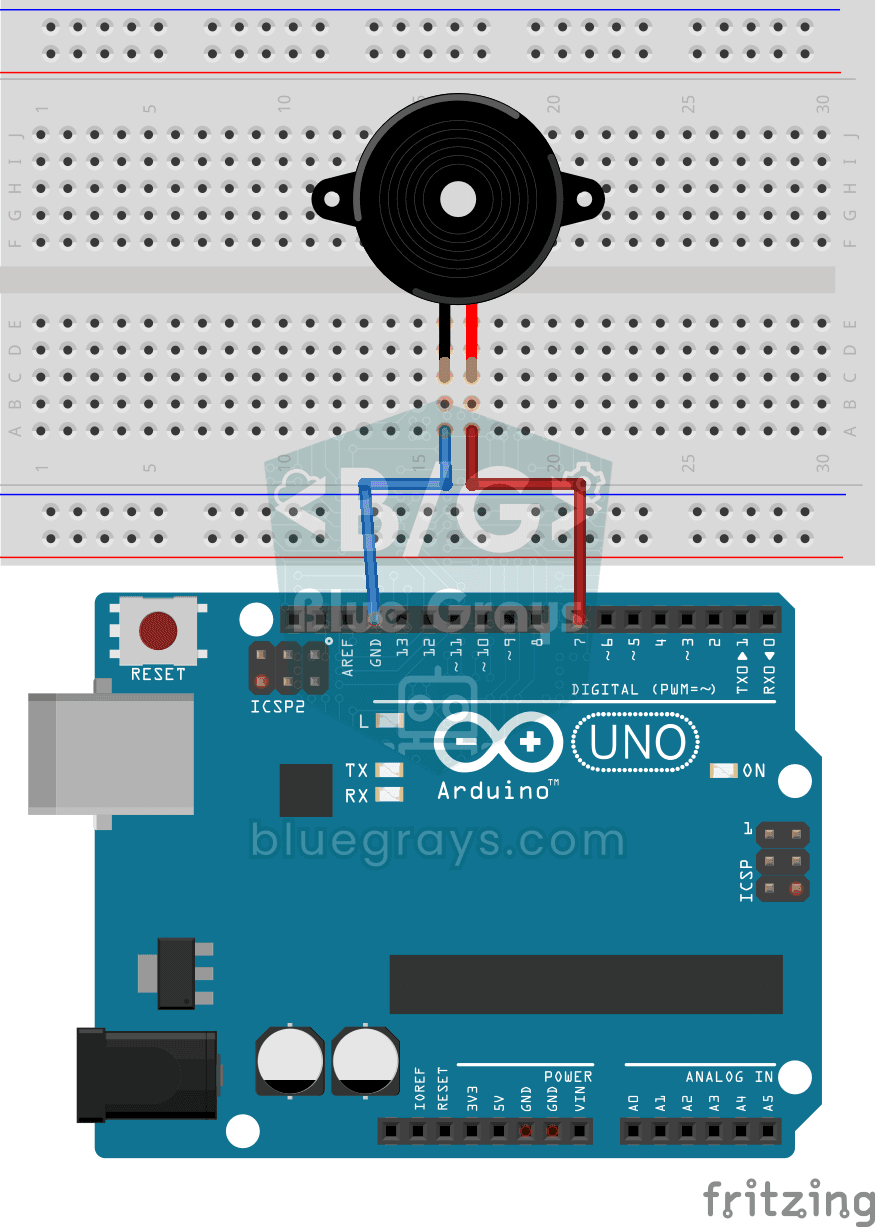
Using a Buzzer
Ever wondered how a doorbell or an alarm makes its sound? The Arduino makes a small buzzer beep at short intervals: beep, pause, beep, pause.
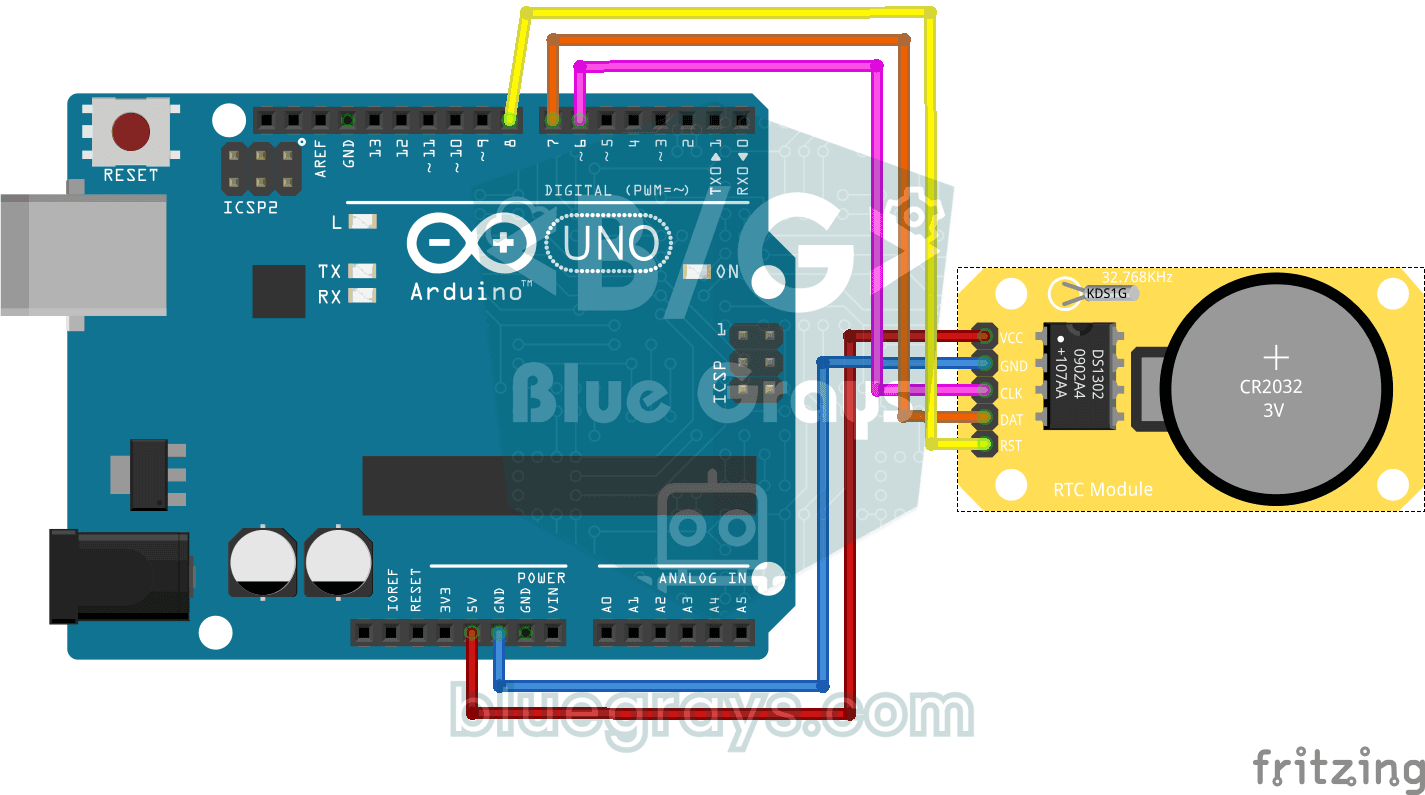
DS1302 RTC Clock Module Setup
You get a small clock module running that never forgets the time, even when the Arduino is switched off.
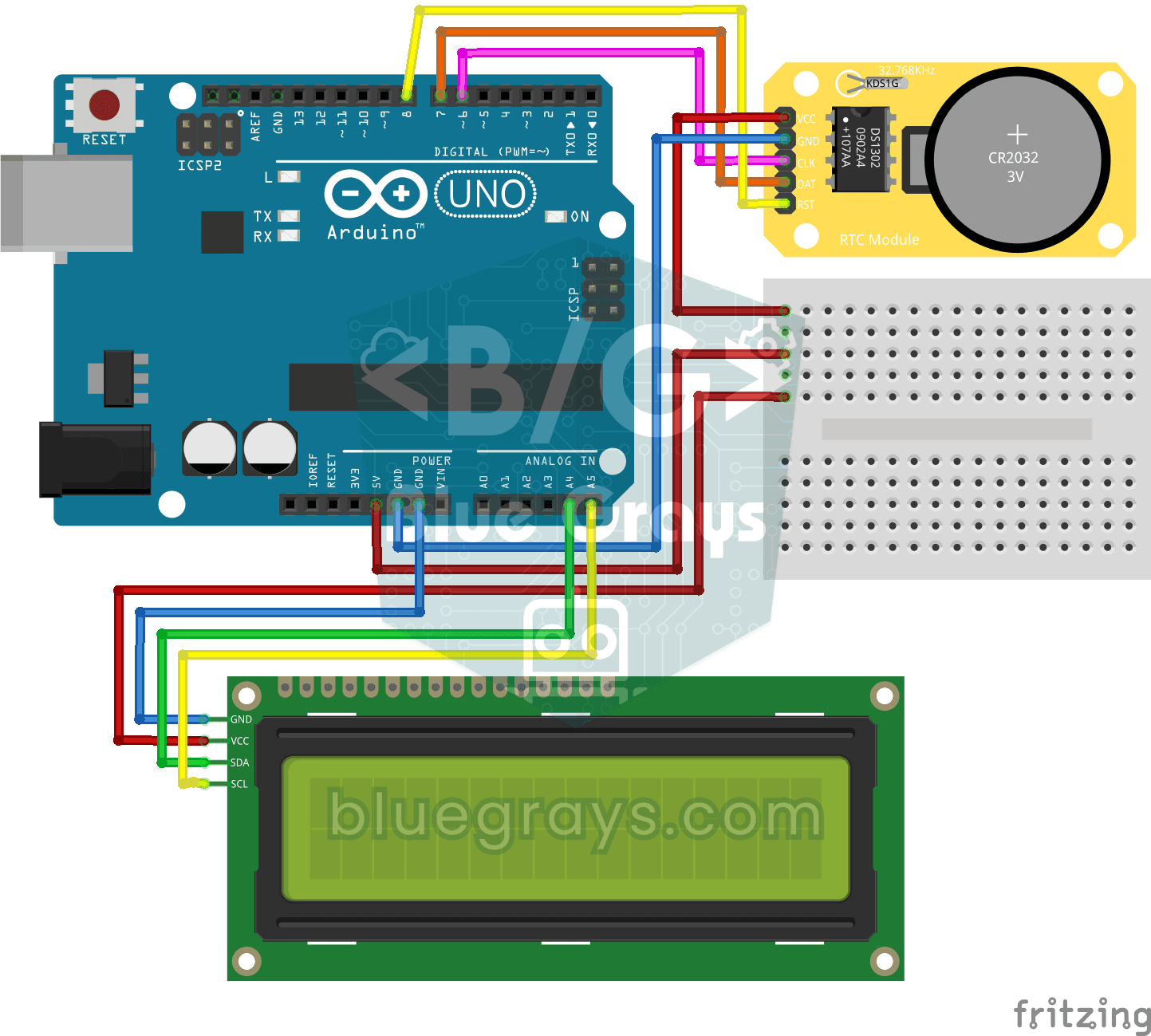
DS1302 RTC Clock with LCD Display
A little desk clock that keeps the time even when the power goes out. The DS1302 clock module keeps time thanks to its own tiny battery; every second the Arduino reads it and writes the time and date…

Digital Clock with ESP32 and DS1307 RTC (I2C + LCD)
In this project, we display the time and date on a 16x2 I2C LCD screen using the DS1307 real-time clock (RTC) module. The DS1307 is a battery-backed RTC that maintains the time even if the ESP32 is powered off. Both modules share the same I2C bus (SDA/SCL), allowing us to learn how to control multiple devices using just two signal wires. Through this project, you will gain practical knowledge of the I2C communication protocol, RTC module operation, and dynamic data display on an LCD screen.

Real-Time Clock from the Internet via ESP32 NTP
The ESP32 connects to Wi-Fi and fetches the real time from NTP (Network Time Protocol) servers with millisecond precision. configTzTime() applies the Turkey time zone (TRT, UTC+3) automatically, and in countries with daylight saving time the DST switch is handled by a POSIX TZ string. The time is printed both to the Serial Monitor and to an optional I2C LCD.
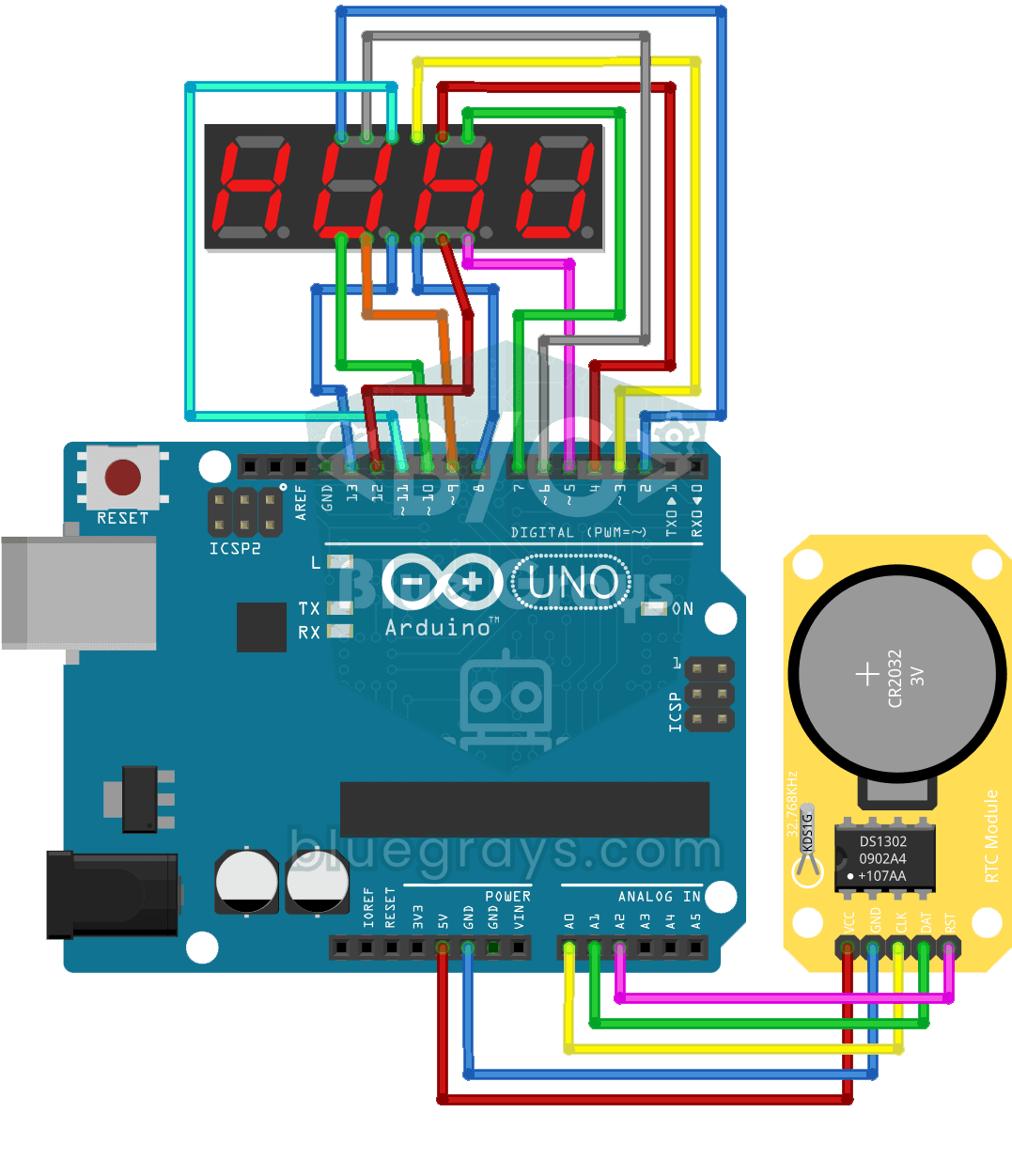
Digital Clock with 4-Digit 7-Segment Display
A four-digit glowing digital clock, much like the one on a kitchen oven. The DS1302 clock module keeps the time, and every second the Arduino reads the hours and minutes and shows them on the…

Dot Matrix Clock and Calendar (MAX7219, DS1307)
A glowing board for your desk or wall that shows the time and date in scrolling text.
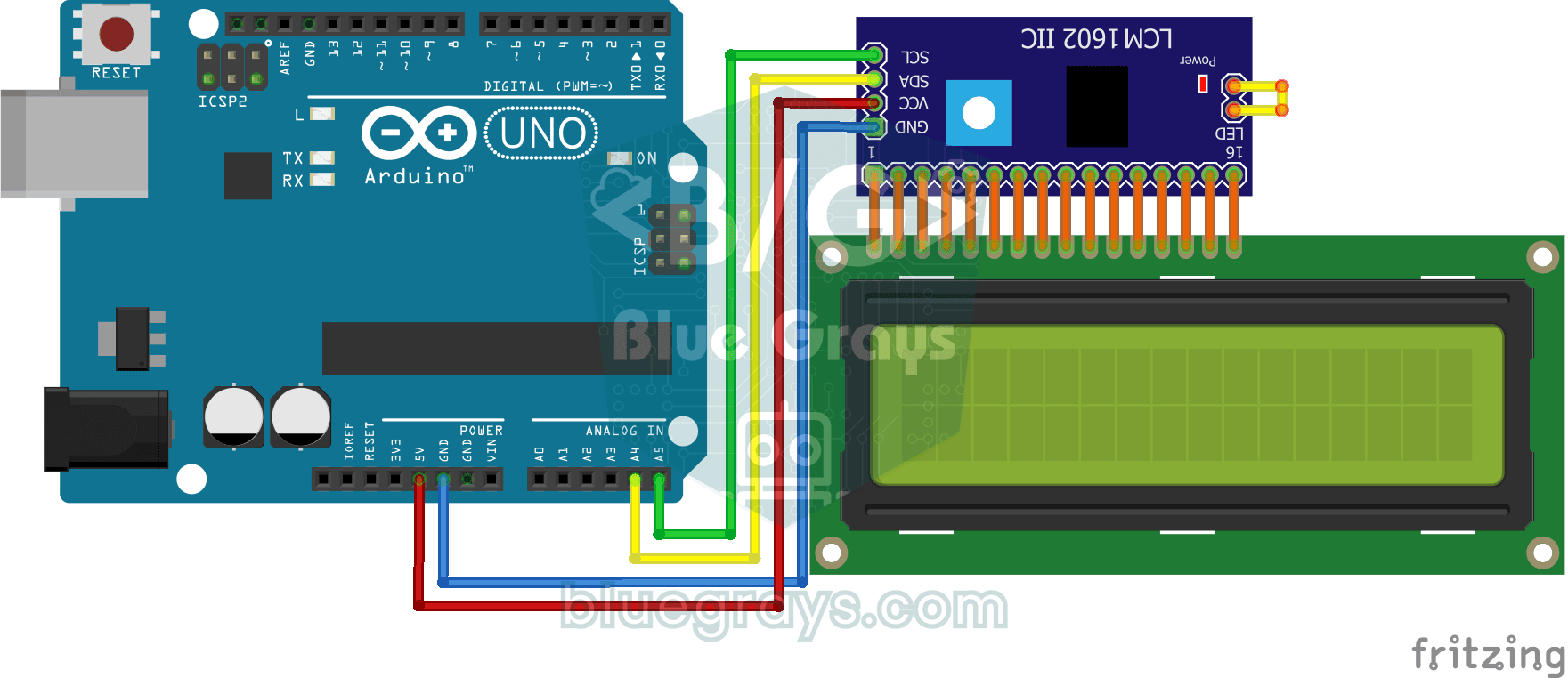
Using LCD Screen with I2C
Give your Arduino its own screen and make it write its first message. The two-line LCD screen hooks up with just a few wires; a greeting appears on the top line, then a second message on the bottom…