
Electronics guides
Get to know the parts, choose the right board and build your projects with confidence.
 Components
How to Use an OLED Display (SSD1306): Text, Shapes and Graphics with Arduino
Learn to connect a small but sharp OLED display to Arduino, draw text and shapes, show sensor readings with a bar graph, add your own icons and make the display last longer.
Read more Components
What Is a Stepper Motor? Precise Rotation with the 28BYJ-48 and ULN2003 on Arduino
Learn how a stepper motor turns step by step, how to connect the 28BYJ-48 to Arduino with a ULN2003, turn it to any angle, add smooth acceleration with AccelStepper and move on to powerful NEMA 17 motors.
Read more Components
DC Motor Control with the L298N: Speed and Direction with Arduino
Learn why a DC motor can't connect straight to Arduino, how an H-bridge works, the L298N's pins and power wiring, speed and direction control with PWM, and a two-motor robot car step by step.
Read more Basics
What Is the Raspberry Pi Pico? MicroPython Setup, Pinout and First Projects
Learn that the Raspberry Pi Pico is a microcontroller, not a computer, the difference between the Pico, Pico W and Pico 2, how to install MicroPython and your first projects with LEDs, buttons, PWM and analog readings.
Read more Basics
What Is the ESP32? Features, Arduino IDE Setup and Your First Wi-Fi Project
Learn how the ESP32 differs from Arduino, which pins are safe to use, how to set it up in the Arduino IDE and build your first Wi-Fi project that lights an LED from your phone.
Read more Components
How to Use the RFID RC522: Reading Cards with Arduino and a Card-Operated Door Lock
Learn how RFID reads battery-free cards, how to connect the RC522 to Arduino safely, read a card's UID and build a servo door lock that opens with an authorised card.
Read more Guides
Failed Uploading: No Upload Port Provided? Arduino Upload Fix
Learn to read the upload error, find the cause with a symptom table and fix cable, driver, port and bootloader problems on Arduino, ESP32 and Raspberry Pi Pico step by step.
Read more Guides
Arduino Starter Kit: What to Buy First and What to Skip
We've gathered everything for your first Arduino shopping trip in one guide: which parts to buy and how many, kit versus loose parts, purchases you can skip, and a parts list for your first 10 projects.
Read more Components
How to Use a 7-Segment Display: Showing Numbers with Arduino, Common Anode vs Cathode
Learn the segments and pinout of a 7-segment display, how to tell common anode from cathode, count 0–9 with Arduino, multiplex a 4-digit display and build a two-wire clock with a TM1637 module.
Read more Components
How to Use a Joystick Module: Reading the X-Y Axes and Button with Arduino
Learn to read the two potentiometers and the button inside a joystick, fix centre drift with a dead zone, detect directions and control a servo motor with a joystick.
Read more Basics
What Is PWM? A Guide to analogWrite, Duty Cycle and Frequency on Arduino
Learn how a digital pin can dim an LED and slow a motor, what duty cycle and frequency mean, how to use analogWrite properly and how PWM works on the ESP32 and Pico.
Read more Components
What Is an LDR Light Sensor? Measuring Light with Arduino and an Automatic Night Light
Learn how an LDR changes its resistance with light, how to connect it to Arduino with a voltage divider, choose the right resistor and build an automatic night light that doesn't flicker.
Read more Components
How to Use an RGB LED: Color Mixing with Arduino, Common Anode vs Cathode
Learn how an RGB LED produces millions of colors from three LEDs in one package, how to tell common anode from cathode, pick the right resistors and blend colors smoothly with Arduino.
Read more Components
PIR Motion Sensor (HC-SR501): Motion Detection with Arduino, ESP32 and Pico
Learn how a PIR sensor detects human movement, how to set up the HC-SR501, connect it to Arduino, build a motion-activated light and prevent false alarms.
Read more Components
What Is a Relay Module in Arduino? How It Works and Wiring
Learn how a relay works, what the NO, NC and COM terminals mean, how to connect the module to Arduino, toggle it with a button and work safely with mains voltage.
Read more Components
How to Use an I2C LCD Display (16x2) with Arduino, ESP32 and Pico
Learn to connect a 16x2 LCD with an I2C module using just 4 wires, find its address, print text and numbers, scroll messages and draw your own symbols.
Read more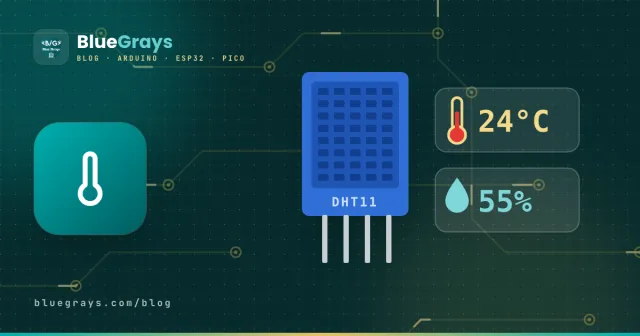 Components
DHT11 Temperature and Humidity Sensor: Arduino, ESP32 and Pico Guide
Learn to wire the DHT11 to Arduino, read temperature, humidity and heat index with the DHT library, use it on the ESP32 and Pico, and know when the DHT22 is the better choice.
Read more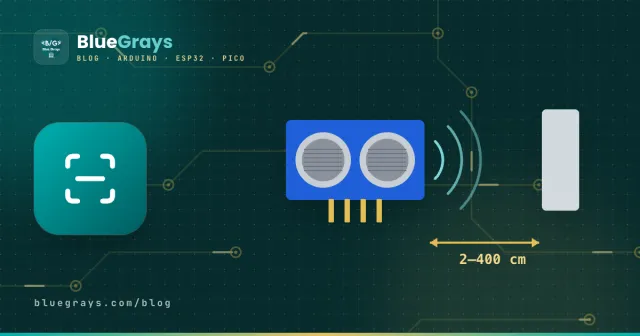 Components
HC-SR04 Distance Sensor: Ultrasonic Distance Measurement with Arduino
Learn how the HC-SR04 measures distance with sound, how to connect it to Arduino, the distance formula and how to make readings stable.
Read more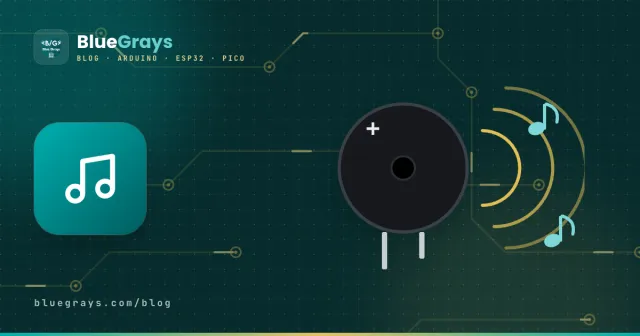 Components
Active vs Passive Buzzer: What Is a Buzzer and How to Use It
Learn to tell active and passive buzzers apart, connect one to Arduino and play notes with tone() to make your own melody.
Read more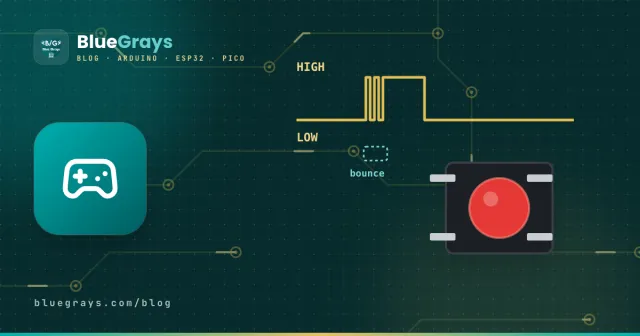 Basics
How to Connect a Push Button to Arduino: Pull-up, Pull-down and Debounce
Learn why a button reads unreliably on its own, what a pull-up resistor does, how to use INPUT_PULLUP and how debounce makes presses count correctly.
Read more Components
What Is a Potentiometer? Analog Reading and Control with Arduino
Learn how a potentiometer changes its value as you turn it, how to connect it to Arduino and how to use the analog value to control an LED, a servo or volume.
Read more Components
What Is a Servo Motor? Controlling Servos with Arduino
Learn how a servo moves to a set angle, what its wires are for, how to control it with Arduino and why it often needs a separate power supply.
Read more Components
What Is an LED? How It Works and How to Connect It to Arduino
We explain with examples how an LED works, how to identify its legs and which resistor to use so it doesn't burn out.
Read more Guides
Which Arduino Should I Buy? Uno vs Nano vs Mega vs Leonardo
Arduino Uno, Nano or Mega? We compare the boards side by side in a table and explain which one to pick for which project.
Read more